

GETTING STARTED
What Is a Laptop Screen Extender and How Does It Work?
Learn how laptop screen extenders add usable display space and when they make sense for mobile work.
Read guideExpand your workspace.
Explore MagHub displays MagHub Quad Max 18.5MOST SCREEN SPACE
 MagHub Quad 16BEST ALL-AROUND
 MagHub Trio Go 16TRAVEL-READY
 MagHub Dual Lite 16PLUG & PLAY
Power & Connect
 MagSafe Charging
Tracking & Travel
 Tracking Card
 Travel Accessories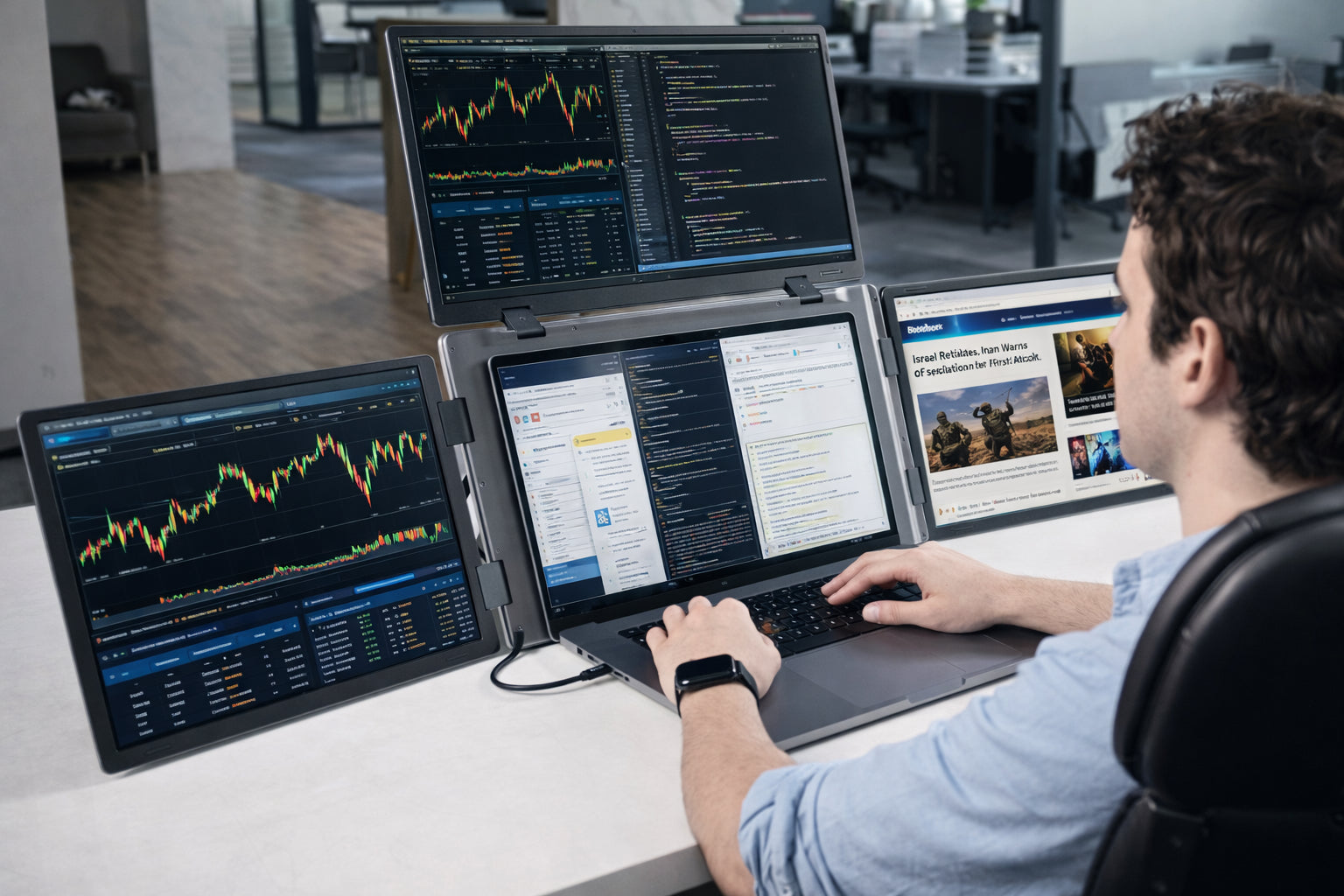
Turn your laptop into a dual, triple, or quad-screen workstation with INVZI laptop screen extenders. Designed for multitasking, trading, coding, remote work, and travel,…
Turn your laptop into a dual, triple, or quad-screen workstation with INVZI laptop screen extenders. Designed for multitasking, trading, coding, remote work, and travel, INVZI portable monitor extenders help you view more windows, compare information side by side, and work with fewer interruptions.
Choose from plug-and-play dual-screen models or advanced triple-screen and quad-screen setups for MacBook and Windows laptops.
On orders over $100
Returns within 14 days
With Shop Pay, for US residents
9 AM–5 PM PST


Engineered for professionals who need more screen space anywhere.
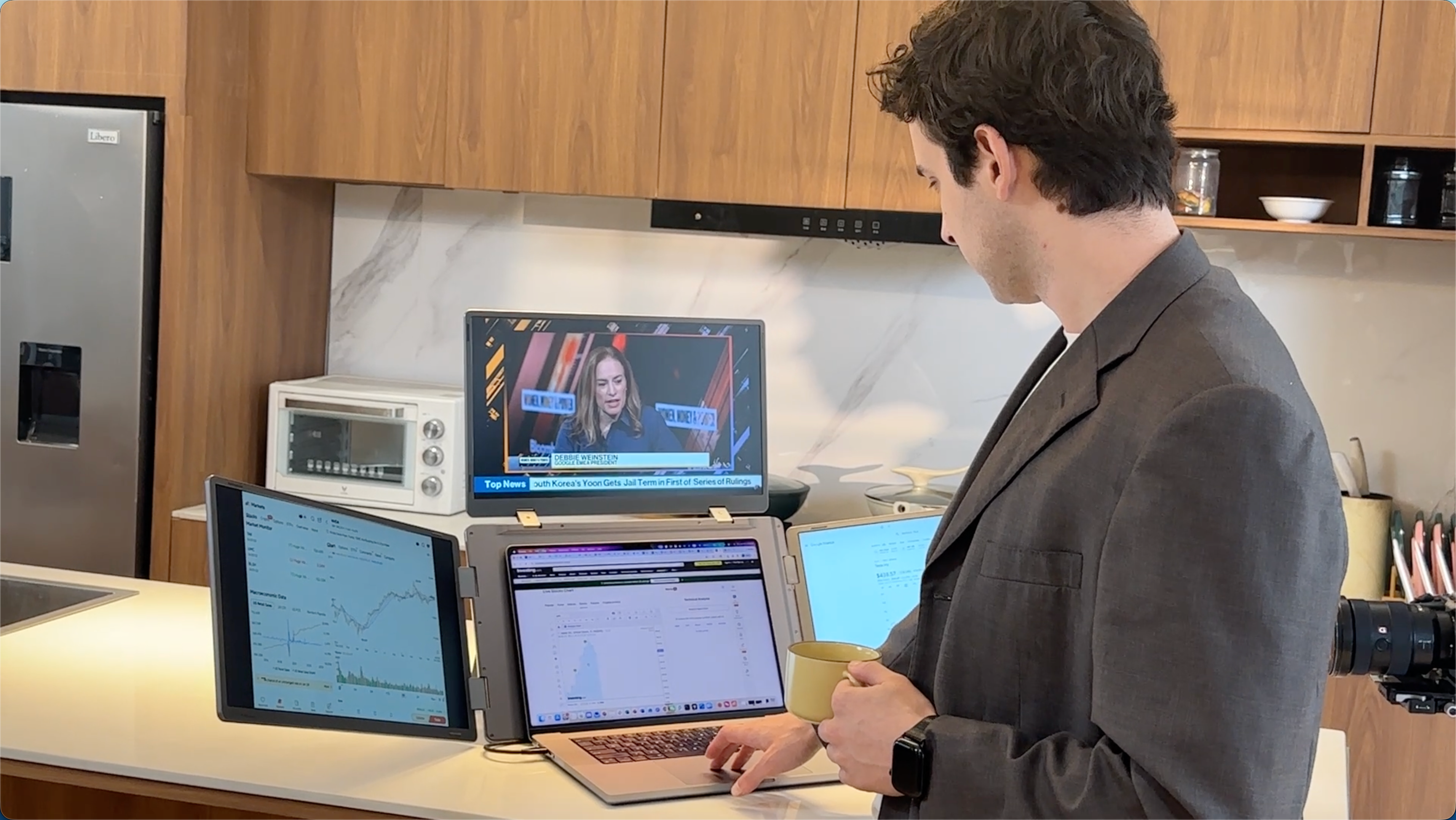
More Screen Space for Everyday Multitasking
A laptop screen extender helps you keep documents, meetings, spreadsheets, browser tabs, and apps visible at the same time. Instead of switching between windows, you can compare information side by side and work more efficiently across multiple screens.
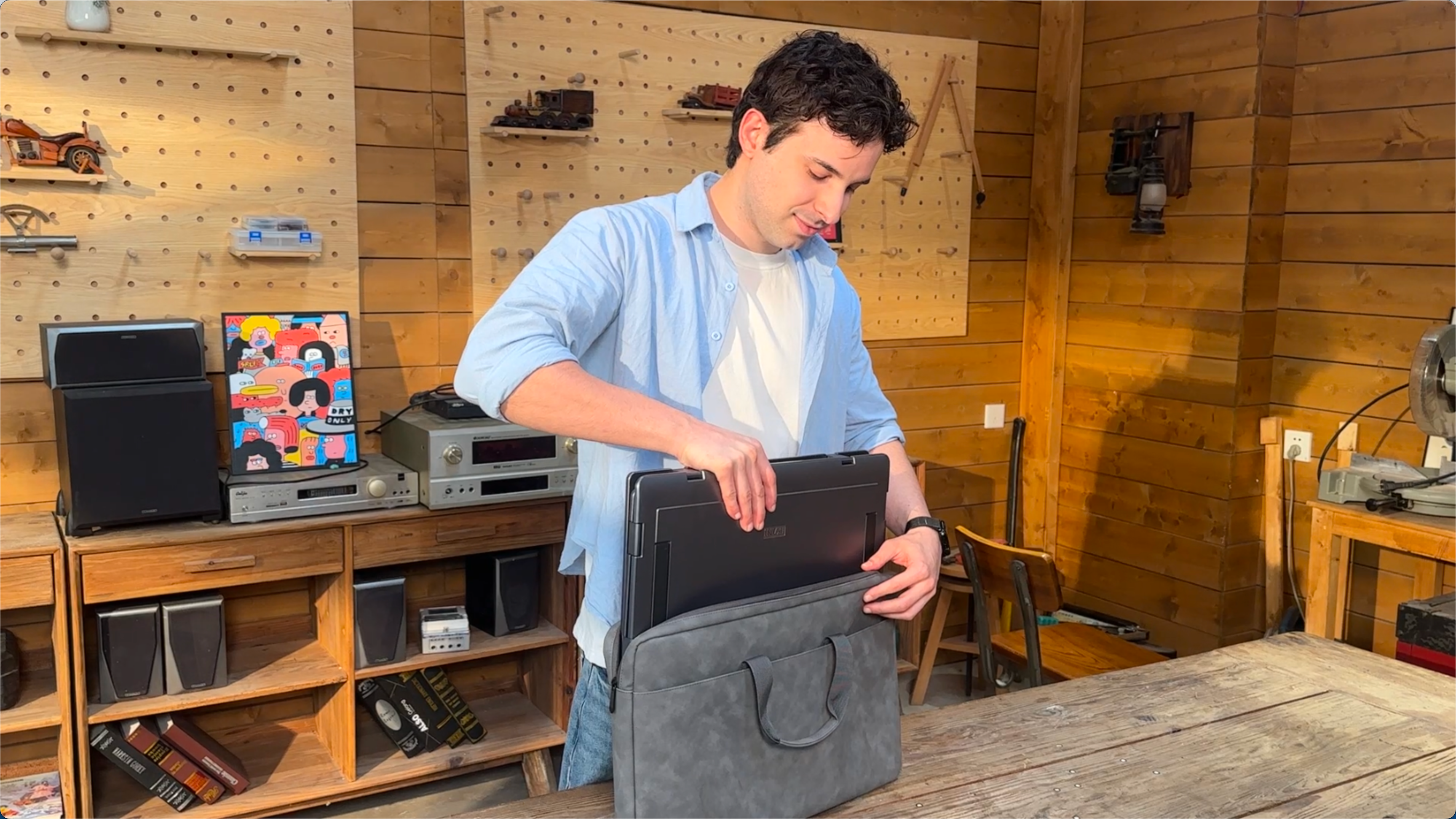
Portable Monitor Extenders for Travel and Remote Work
INVZI portable monitor extenders are designed for flexible work setups at home, in the office, or on the go. They give laptop users a multi-screen workspace without relying on a full desktop monitor setup, making them practical for business trips, shared desks, and temporary workstations.
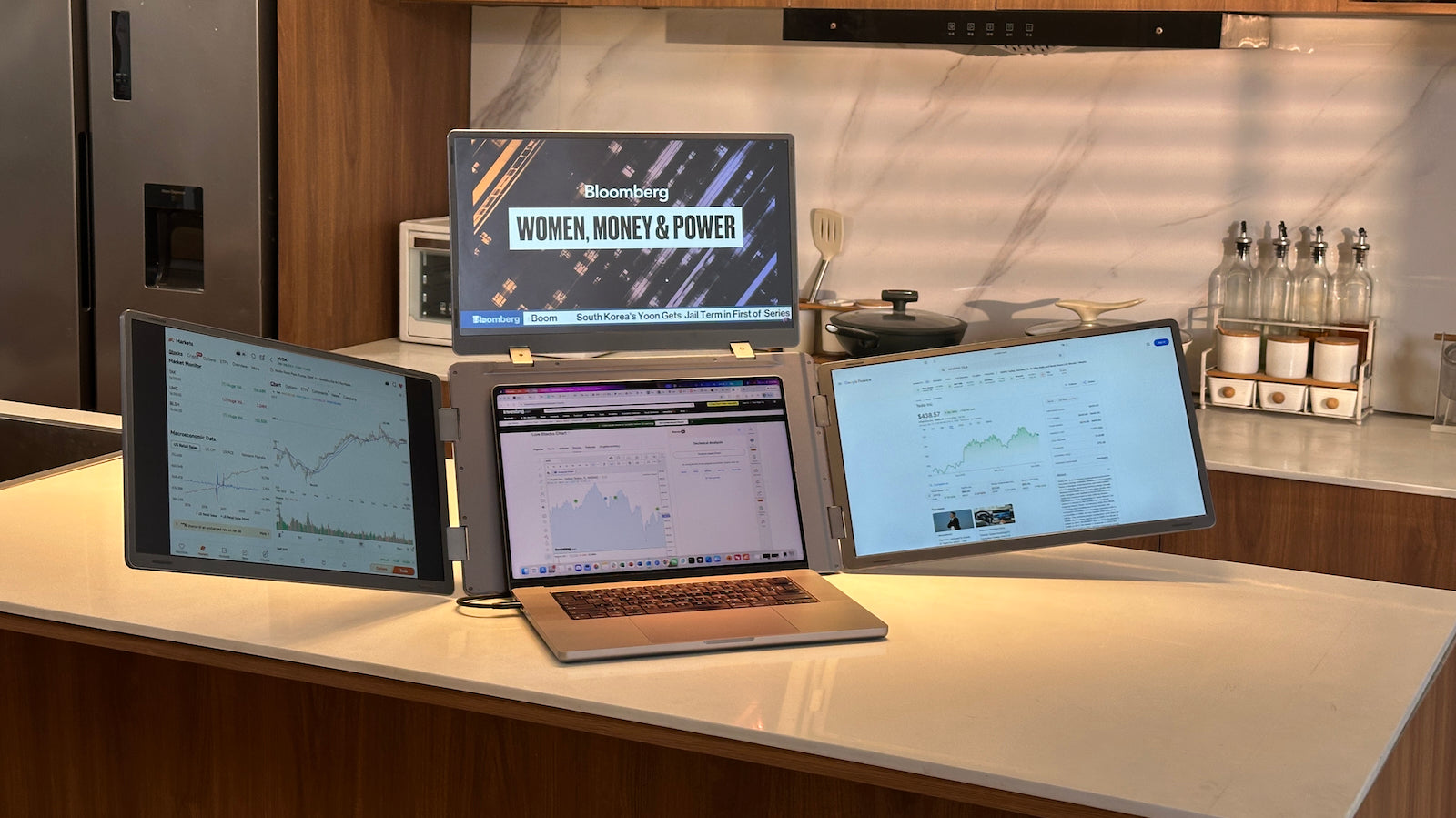
Choose the Right Setup for Your Workflow
From compact dual-screen laptop extenders to larger triple-screen and quad-screen monitor setups, INVZI makes it easier to match your screen space to your daily workflow. Choose a lighter setup for travel or a larger configuration for trading, analysis, coding, and complex multitasking.
Compare the most common laptop monitor extender setups and choose the screen configuration that matches your daily workflow.
A simple and portable laptop screen extender setup for everyday work.
A productivity-focused laptop monitor extender setup for professionals.
A maximum-workspace setup for data-heavy and professional workflows.
INVZI / GUIDES
Understand screen counts, laptop compatibility, and different ways to expand your workspace before choosing a setup.
Learn how laptop screen extenders add usable display space and when they make sense for mobile work.
Read guide
Compare size, weight, ports, and compatibility before choosing a laptop display setup.
Read guide
Understand USB-C, HDMI, and DisplayLink options before connecting an external display.
Read guide
Learn how to build a simple second-screen workspace at home, while traveling, or at a temporary desk.
Read guideA laptop screen extender is an external display solution that adds extra screen space to your laptop. It helps users view multiple apps, documents, tabs, charts, or meetings side by side without relying only on the laptop’s built-in screen.
A laptop monitor extender is another name for a laptop screen extender. Both terms usually refer to portable external displays that attach to or work alongside a laptop to create a larger multi-screen workspace.
The terms laptop screen extender and laptop monitor extender are often used interchangeably. “Screen extender” usually emphasizes expanding your laptop display area, while “monitor extender” emphasizes the external monitor function. In practice, both describe products that add extra screens to your laptop.
A portable laptop screen extender is useful for remote workers, traders, developers, students, consultants, designers, and frequent travelers who need more screen space but do not want a permanent desktop monitor setup.
Yes. A laptop screen extender helps reduce window switching by keeping multiple apps visible at once. You can use one screen for meetings, another for notes, and another for documents, dashboards, spreadsheets, or browser tabs.
Many laptop screen extenders can work with MacBook models, but compatibility depends on the specific extender model, MacBook chip, macOS version, available ports, and whether software is required. Always check the product specifications before purchasing.
Yes. Many laptop monitor extenders are designed for Windows laptops with compatible USB-C, HDMI, or display output support. Before buying, confirm your laptop’s ports and display capabilities.
Choose a dual-screen setup for everyday multitasking and travel, a triple-screen setup for more advanced productivity, and a quad-screen setup if you need maximum visibility for trading, analytics, coding, or complex professional workflows.