MagHub Laptop Screen Extenders

More room for your work.

MagHub is INVZI’s portable multi-screen workspace solution. Add two or three external displays to your laptop and keep your work in view.

MagHub Quad Max with three external displays and a laptop in a four-screen workspace

One family. Your kind of workspace.

Choose your display size and setup. Every screen count below includes your laptop.

Compare every detail

Our largest displays

4-screen workspace
INVZI MagHub Quad Max 18.5-inch screen extender with three displays surrounding a laptop, showing mountain scenery on a white background.

MagHub Quad Max 18.5

For detailed work that deserves more space, from market research to creative production.

Displays
3 × 18.5-inch IPS
Resolution
1920 × 1080 · 16:9
Setup
Driver required · external power

Four screens, 16-inch format

4-screen workspace
MagHub Quad 16" Portable Screen Extender - INVZI

MagHub Quad 16

Keep your main task, references, calls, and supporting tools visible together.

Displays
3 × 16-inch IPS
Resolution
1920 × 1200 · 16:10
Setup
Driver required · external power

A connected three-screen setup

3-screen workspace
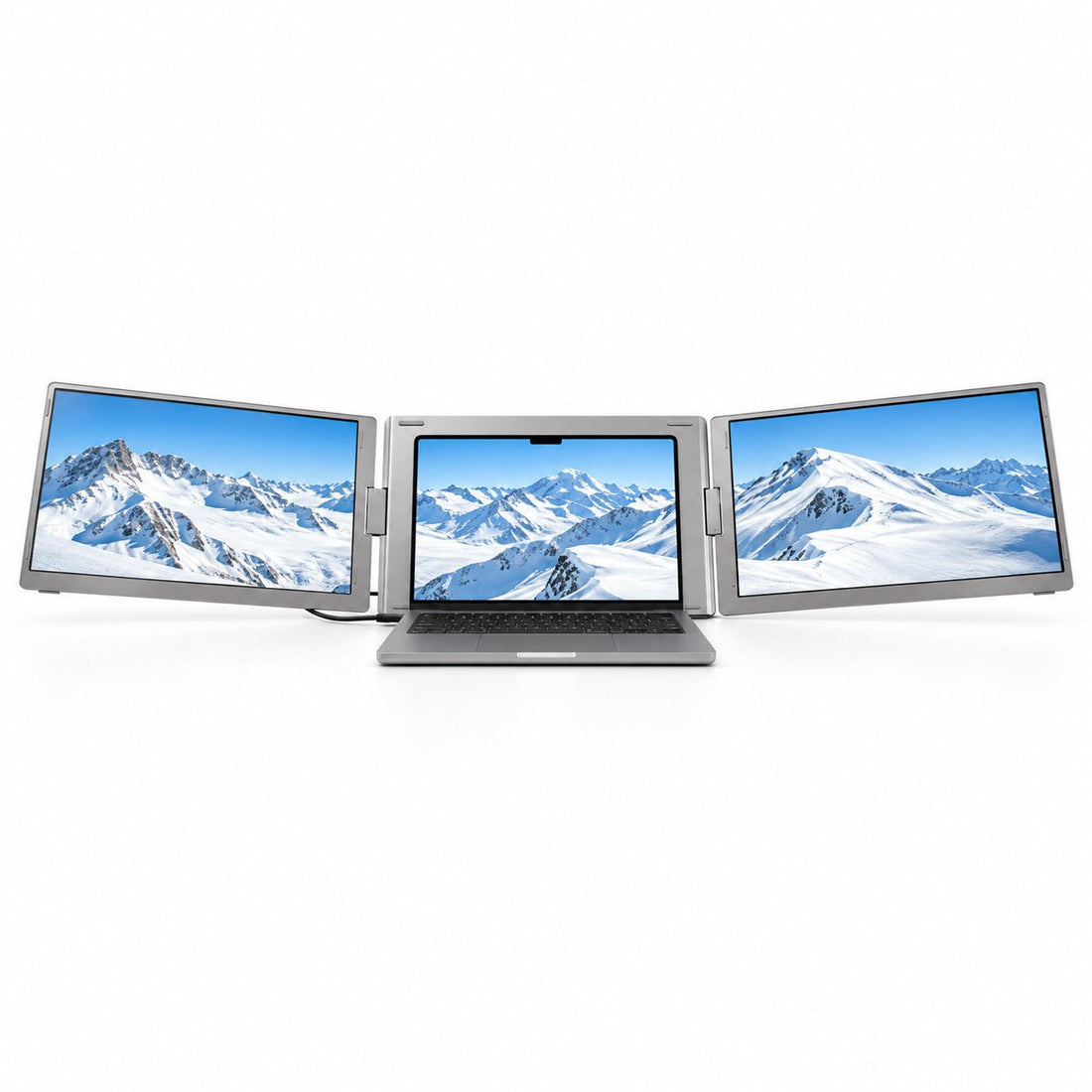
Front view of the MagHub Trio Go 16 laptop screen extender displaying snowy mountains across three screens.

MagHub Trio Go 16

Two side displays for focused multitasking across the places you work.

Displays
2 × 16-inch IPS
Resolution
1920 × 1200 · 16:10
Setup
Driver required · laptop-powered on supported setups

Detachable. Driver-free.

3-screen workspace
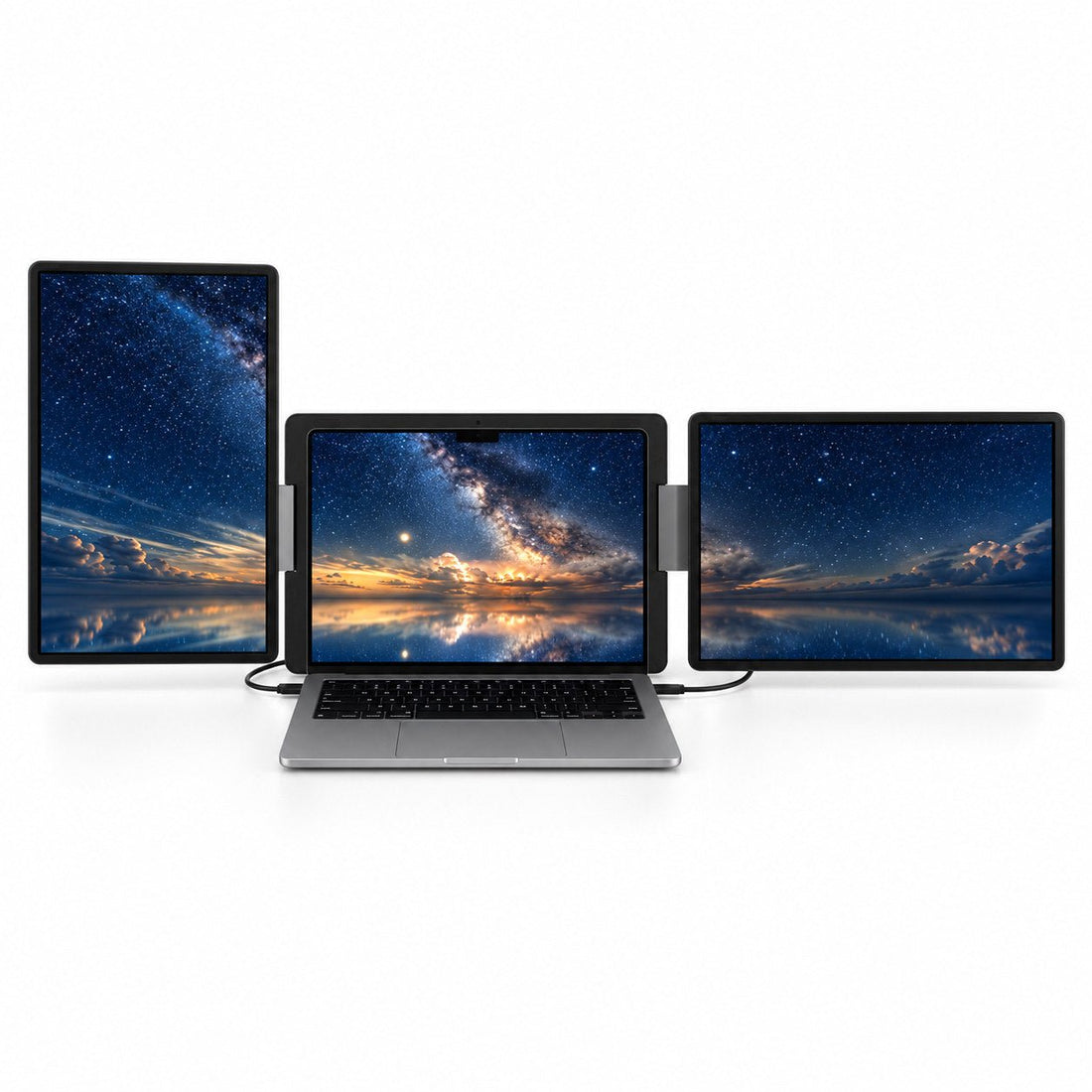
INVZI MagHub Dual Lite 16 screen extender with a portrait display on the left and a landscape display on the right of a laptop, showing a night sky.

MagHub Dual Lite 16

Position two detachable displays around your workflow, with no driver to install.

Displays
2 × 16-inch IPS
Resolution
1920 × 1200 · 16:10
Setup
No driver · two supported video outputs

Connections, compatibility, and power requirements vary by laptop and model. Review the product details before ordering. Shop all MagHub displays

Find the right fit in three steps.

A good workspace starts with the right setup for your laptop.

  1. Choose your screen space.

    Quad models add three external displays for a four-screen workspace. Trio Go and Dual Lite add two for a three-screen workspace. Choose 18.5-inch or 16-inch displays to match your work and travel needs.

  2. Start with your laptop.

    Check your exact laptop model, chip, operating system, and available video ports. A USB-C connector alone does not confirm video support. Dual Lite requires two supported video outputs.

  3. Check driver and power needs.

    Quad Max, Quad, and Trio Go require a driver. Quad models need external power. Dual Lite is driver-free on supported setups. Check installation permissions and the connections your model needs.

Check your laptop & compare models

Keep your whole workflow in view.

Give each part of your work a place: your main task, the information behind it, and the people you work with.

Build & develop

Code, documentation, and a live preview, side by side.

Create & edit

Keep your canvas, references, and feedback in view.

Research & analyze

Compare charts, spreadsheets, and source material.

Meet & present

Make room for your call, notes, and supporting work.

Explore setup tutorials
Professional working with a MagHub multi-screen laptop workspace

Questions, answered.

Get the details you need to choose, connect, and work with MagHub.

Contact INVZI
What is MagHub?

MagHub is INVZI’s portable laptop screen extender family. It adds external displays to the laptop you already use, giving documents, reference material, meetings, and active work their own space.

How many screens does a MagHub setup have?

Quad Max 18.5 and Quad 16 add three external displays, creating a four-screen workspace with your laptop. Trio Go 16 and Dual Lite 16 add two external displays, creating a three-screen workspace. These totals include your laptop’s built-in screen.

Which MagHub model should I choose?

Choose Quad Max 18.5 for the largest displays, Quad 16 for a four-screen setup in a smaller format, Trio Go 16 for two connected side displays, or Dual Lite 16 for detachable displays and driver-free connections. Use Find Your MagHub to check your device and compare the options.

Does MagHub work with MacBook and Windows laptops?

Compatibility depends on the MagHub model, your exact laptop, operating system, video outputs, and power. Standard M1, M2, and M3 MacBooks do not support two independent external displays with Dual Lite 16 in the supported open-laptop setup. Check the model’s compatibility details before ordering.

Do I need a driver or external power?

Quad Max, Quad, and Trio Go require the INVZI display driver. Quad models also require external power. Trio Go typically receives power through the included connection cable on supported laptops. Dual Lite needs no driver on supported setups, but requires the correct video connections and sufficient power for both displays. Review the setup tutorials and drivers for your model.

What should I check before buying?

Check your exact laptop model and chip, operating system, available video ports, driver installation permissions, and power requirements. Also consider display size, laptop fit, and how often you carry your setup. If anything is unclear, contact INVZI with your laptop model and port details before ordering.

Your laptop. A bigger workspace.

Find the MagHub that fits your laptop, your workflow, and the way you move.