



Presale | MagHub Trio Lite 15.6" Portable Screen Extender
Early Bird Price
Presale preview — ordering is not open yet.
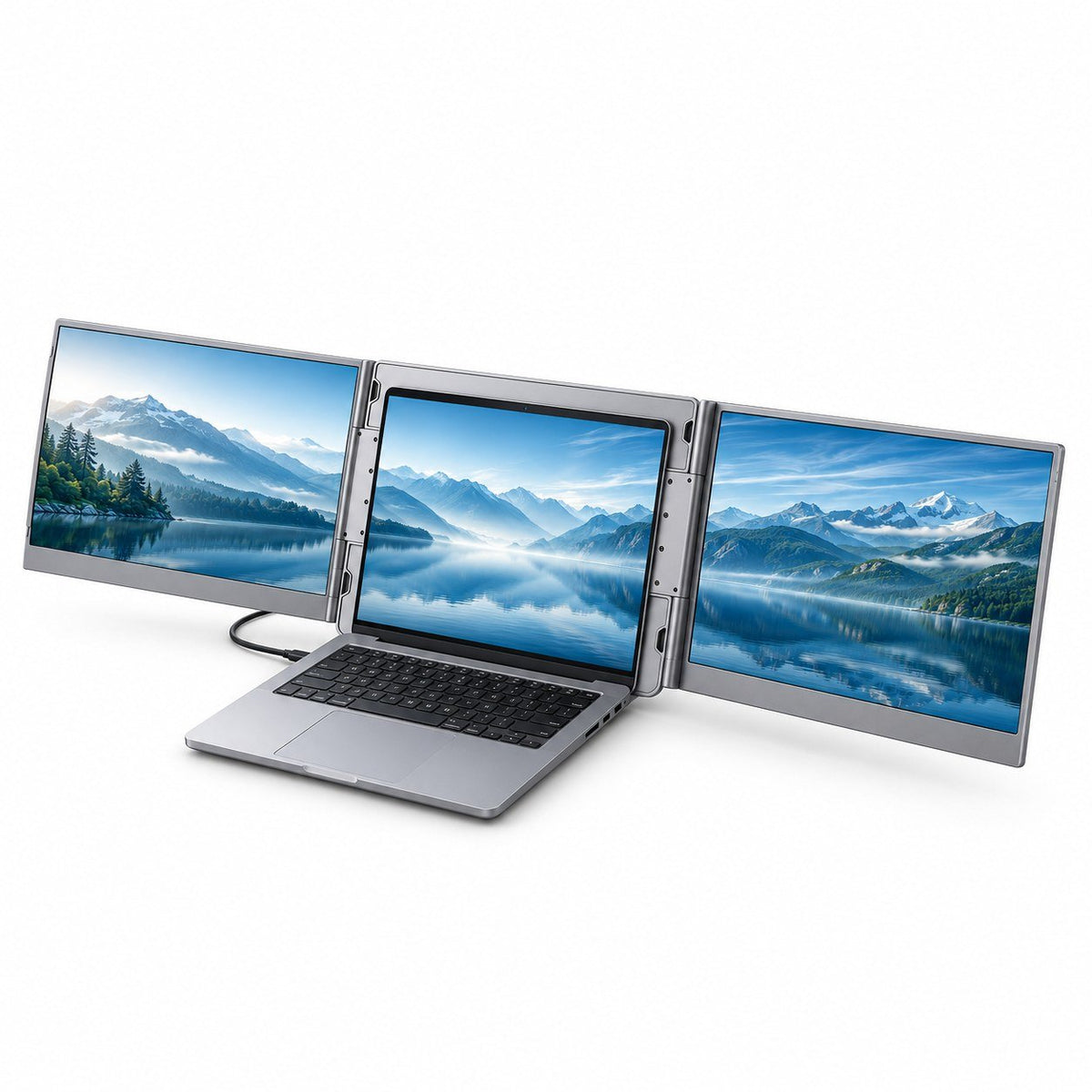
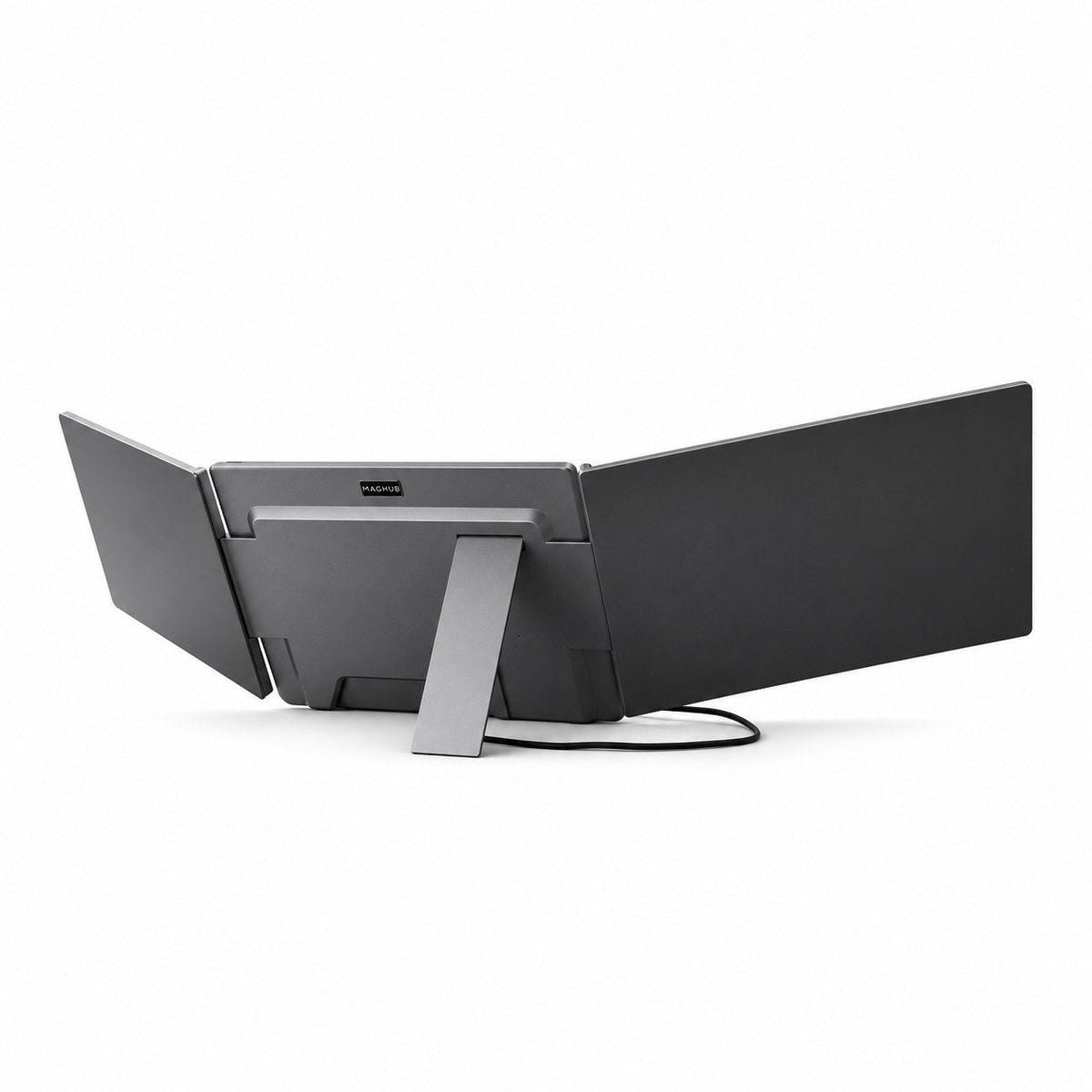
Slim Aluminum Alloy. More Room to Work. Add two 15.6-inch Full HD IPS screens in a slim aluminum alloy design that folds down for your next desk.
DisplayLink Inside. Your Laptop, Expanded. Bring two independent displays to a compatible Mac or Windows laptop through one USB data connection, with DisplayLink software installed.
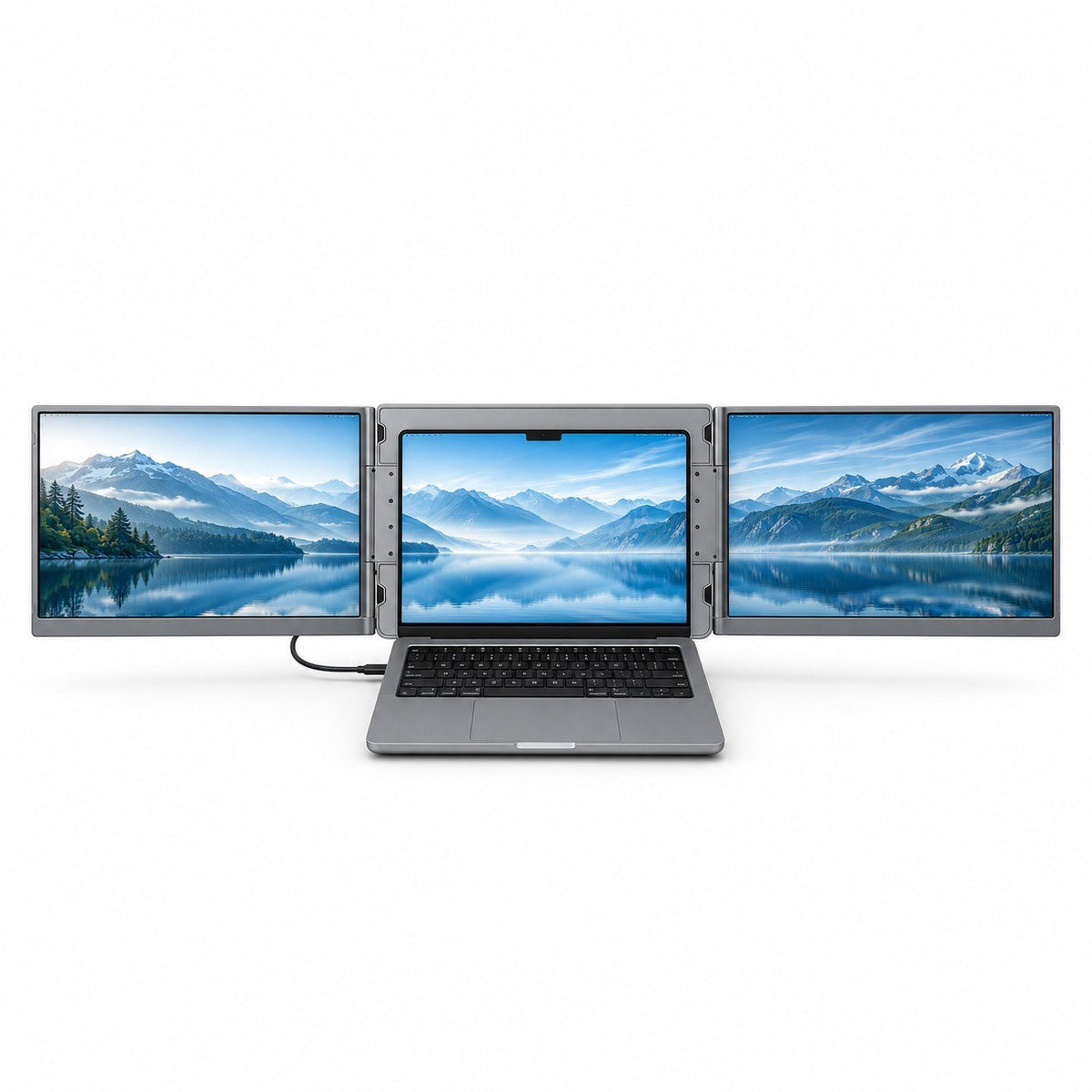
See More. Switch Less. Keep your main task, research and conversations side by side across three screens.
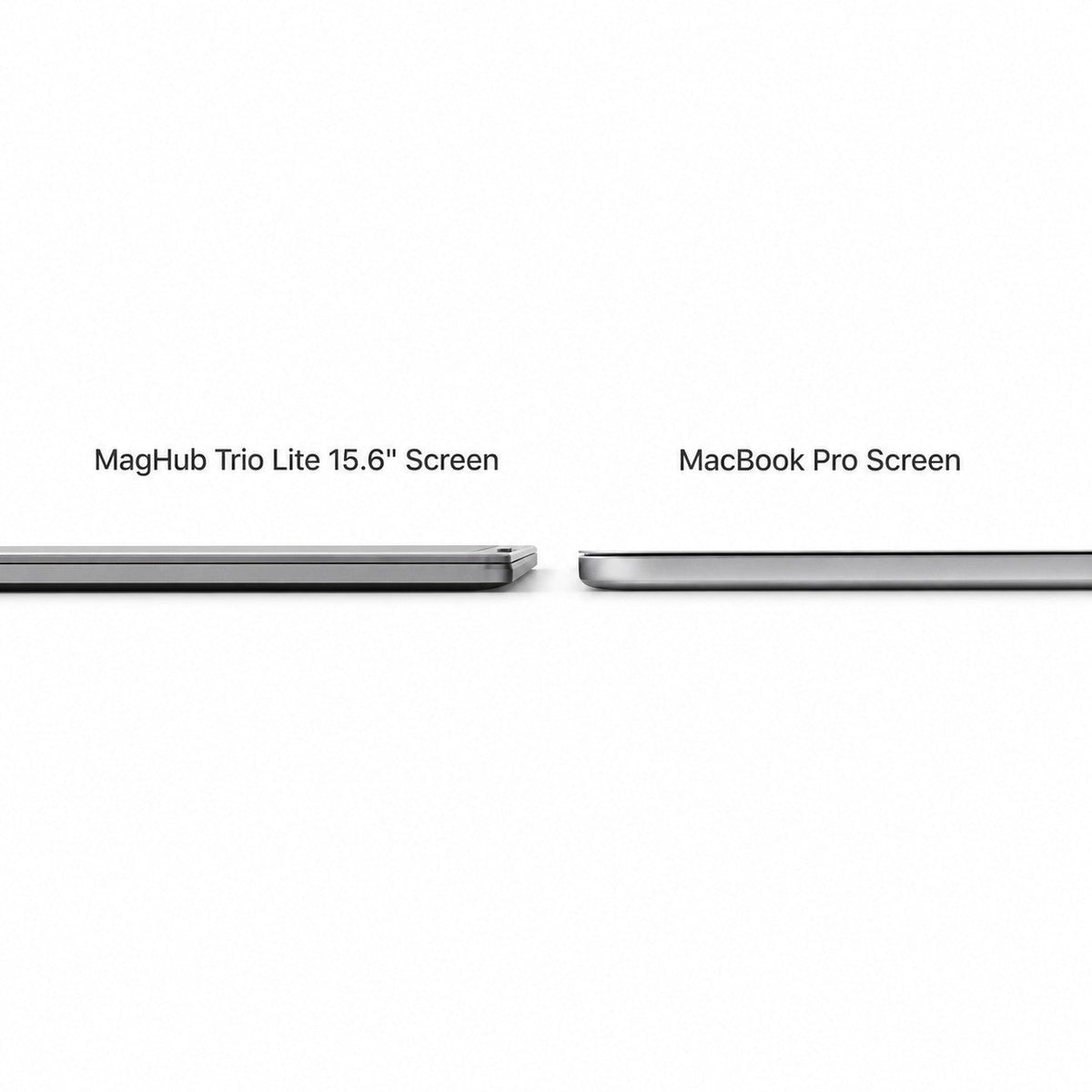
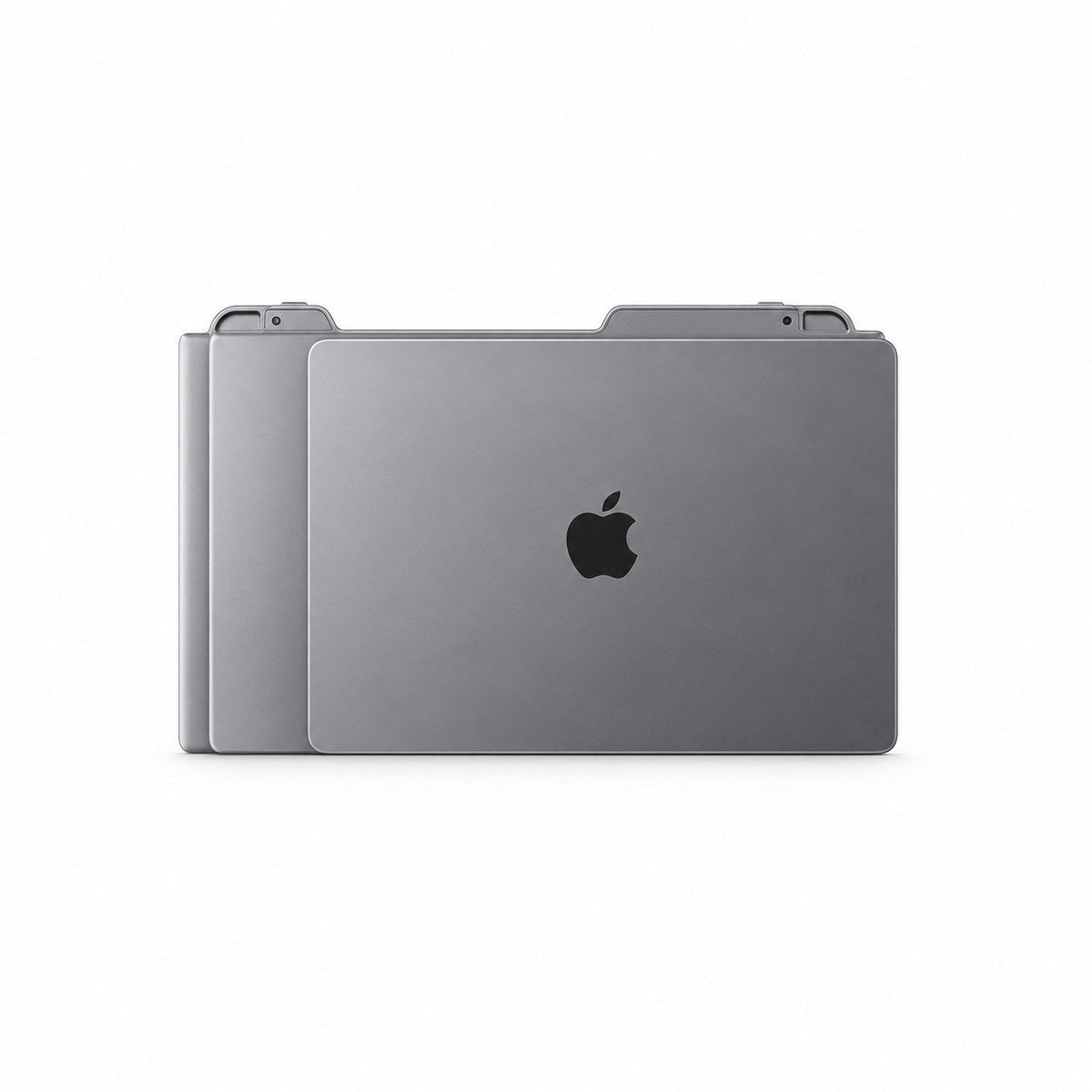
Your Workspace, Ready to Go. At 3.57 lb and 0.89 inches thick when folded, the display system packs into its included carry bag for your next workspace.
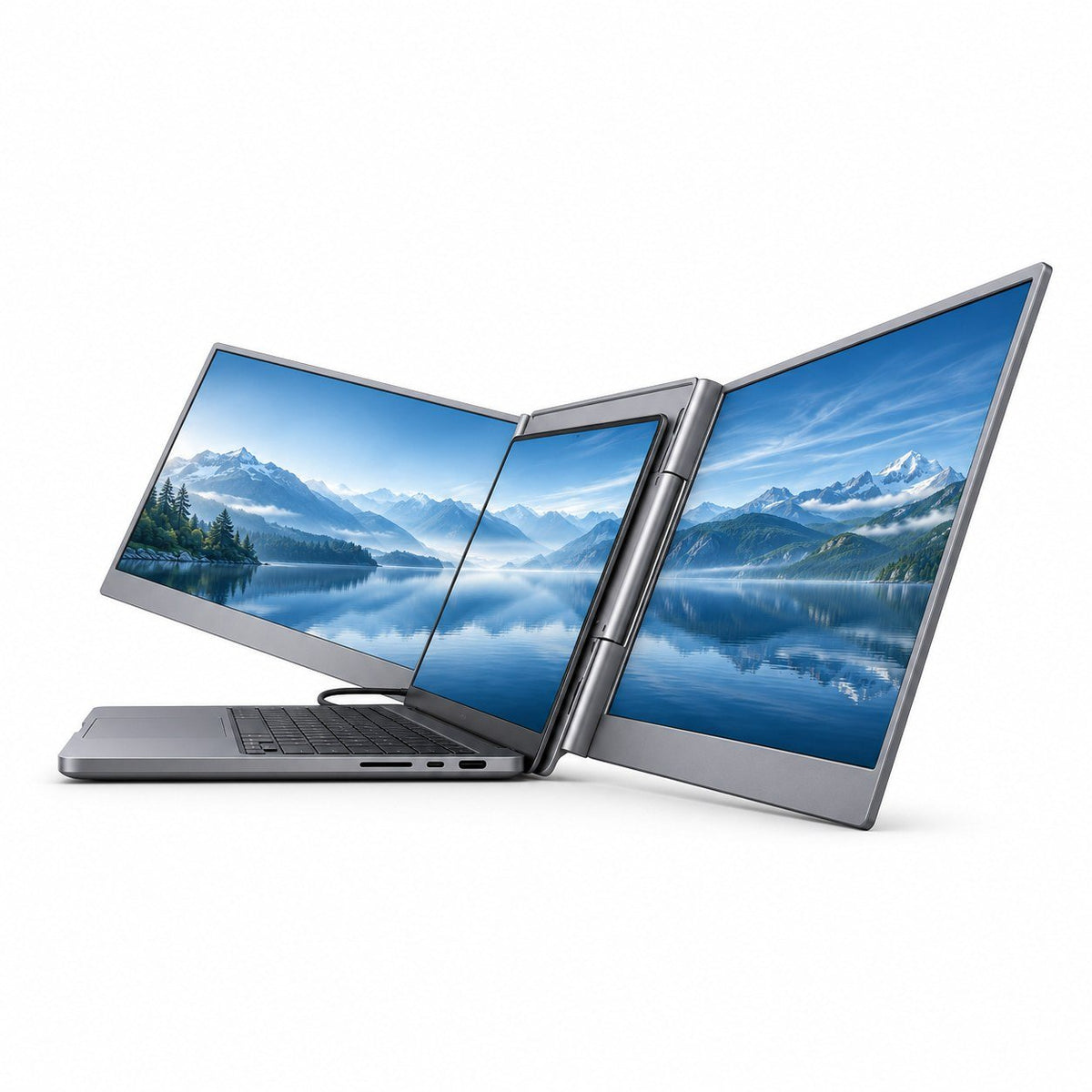
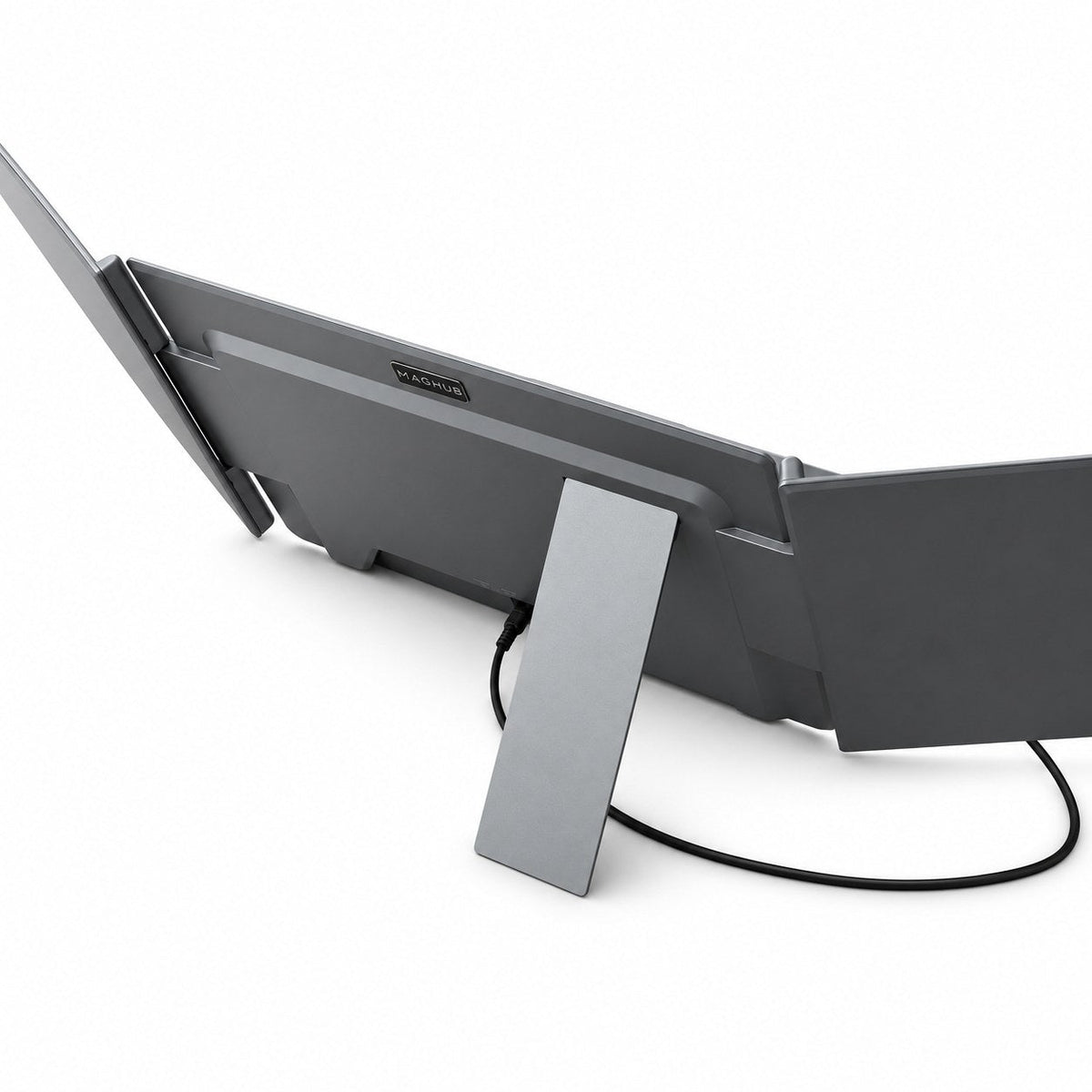
Settle Into Your Own View. Adjust the side screens and integrated rear stand to suit your desk. Use the included USB-C or dual USB-A cable; connect additional power if your laptop needs it.
 Two Screens. A Bigger Working Day.
 Two Screens. A Bigger Working Day.
Two 15.6-inch Full HD IPS displays sit beside your laptop for a three-screen workspace. Each screen offers 1920 × 1080 resolution, a 16:9 aspect ratio and 60Hz refresh rate.
 Check Your Laptop & Setup
 Check Your Laptop & Setup
For compatible Mac and Windows laptops. DisplayLink software is required. Use the included USB-C or dual USB-A connection cable. The system needs 5V / 3A power; connect additional power through the power-only USB-C port if your laptop cannot supply enough.
Designed for mainstream 12–18.5-inch laptops; check physical dimensions and available ports. Laptop and power adapter are not included.
 DisplayLink Downloads & Setup
 DisplayLink Downloads & Setup
Download the version for your operating system directly from DisplayLink:
On Mac, enable the requested Screen Recording permission. Follow the included user manual for cable setup.
Go Slim. **See More.**
SLIM BY DESIGN
More Workspace. Less to Carry.
Two extra screens, a slim aluminum alloy body and a fold-away design. Bring a familiar three-screen workspace to your next desk, then pack it into the included carry bag.
THE TECHNOLOGY BEHIND TRIO LITE
Powered by DisplayLink®.
USB display technology by Synaptics.
Established technology behind USB docks, monitors and meeting-room systems. Now part of your Trio Lite workspace.
DisplayLink software required. For compatible Mac and Windows laptops.
Software & setup
DisplayLink software is required. On Mac, allow the requested Screen Recording permission. Check current operating-system support on the official download pages. Your laptop must provide sufficient power; use the separate power input if needed.
Less Switching. More Doing.
Keep your main task, references and everyday tools together across a three-screen workspace.
Keep References Close
Open research, source files or notes without hiding your work.
Stay With Your Main Task
Write, edit or build on your laptop while the surrounding screens keep context visible.
Give Tools Their Own Space
Keep your controls, documents or messages where you can see them.
Keep References Close
Open research, source files or notes without hiding your work.
Stay With Your Main Task
Write, edit or build on your laptop while the surrounding screens keep context visible.
Give Tools Their Own Space
Keep your controls, documents or messages where you can see them.
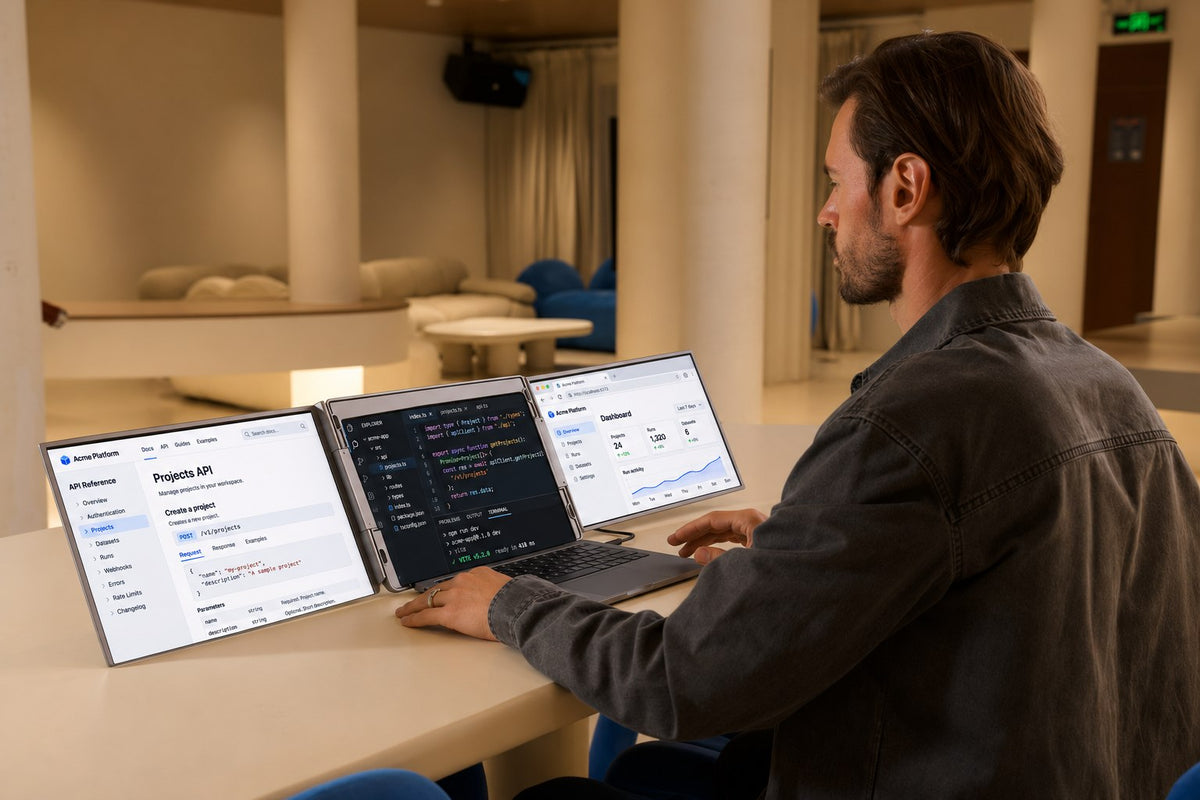
Make Room for the Whole Project.
Keep code, documentation and a live dashboard in view. Two added screens give each part of your work a place beside your laptop.
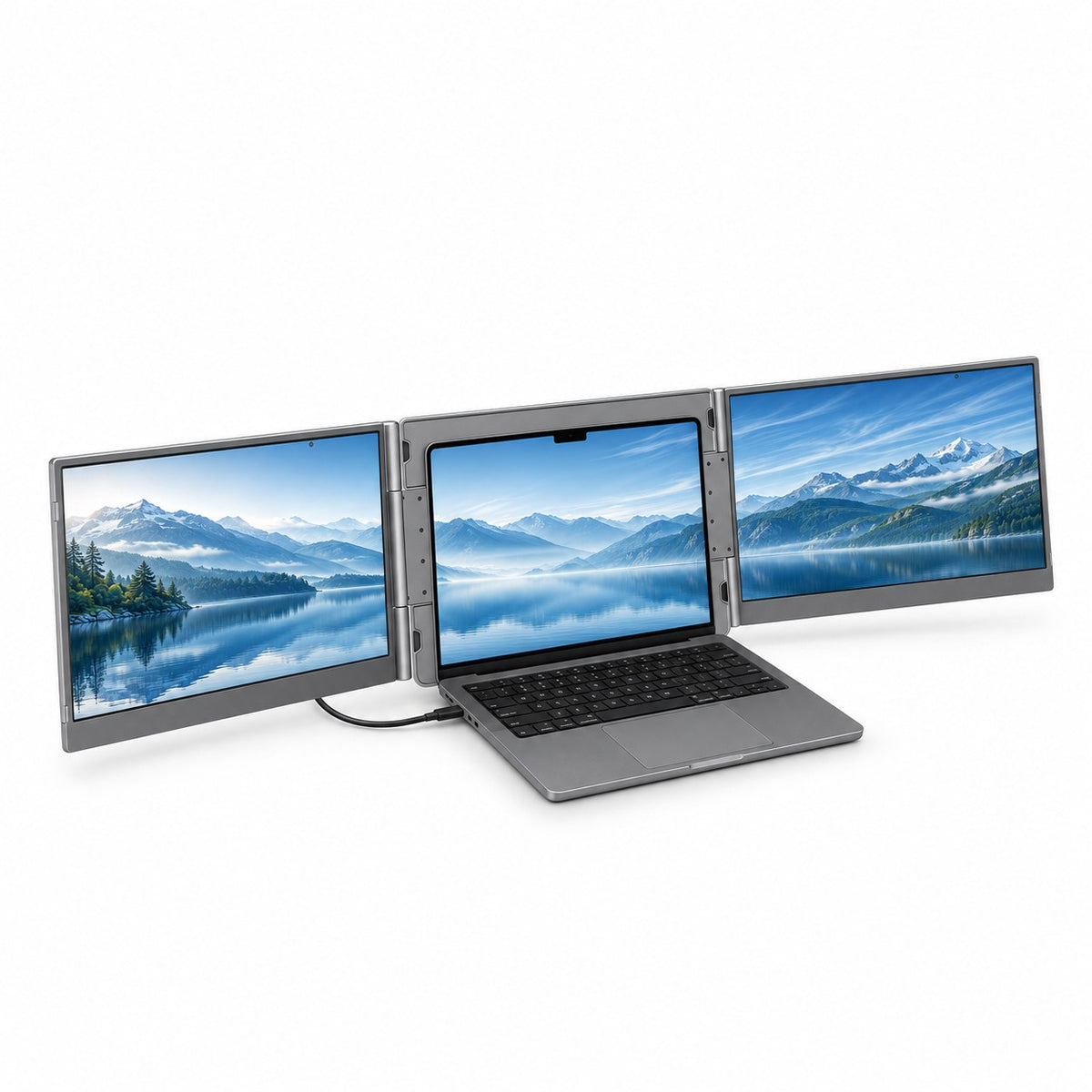
Settle Into Your Own View.
Position the side displays and open the integrated rear stand. Find a layout that fits your desk and your day.
Finish Here. Pick Up There.
Fold the display system and pack it into the included carry bag. Bring your familiar workspace to the next desk.
Make Room for the Whole Project.
Keep code, documentation and a live dashboard in view. Two added screens give each part of your work a place beside your laptop.
Settle Into Your Own View.
Position the side displays and open the integrated rear stand. Find a layout that fits your desk and your day.
Finish Here. Pick Up There.
Fold the display system and pack it into the included carry bag. Bring your familiar workspace to the next desk.
Open Your Next Workspace.
- Unfold the side displays following the included guide
- Open the integrated rear stand on a stable desk
- Install DisplayLink software for your operating system
- Connect the included USB-C or dual USB-A cable
- Arrange your displays; add power if your laptop needs it
The Details That Make It Work.
Support Where It Counts.
The integrated rear stand supports your setup on a stable desk.
Find Your Viewing Angle.
Adjust the side displays through their 180° range to suit your workspace.
Pack Your Workspace Together.
Fold the system into its included carry bag when it is time to move.
Aluminum Alloy. Made for Your Day.
A slim aluminum alloy housing gives your everyday workspace a clean, solid feel.
Bring the Laptop You Work On.

macOS
Keep your Mac workflow and give it more room.

Windows
Spread your Windows workspace across more screens.
Your Connection, Made Clear.
One USB data connection carries your two extra displays. Choose the included cable that fits your laptop, with DisplayLink installed.


Your Work. All Within View.


Your Display Setup Essentials.
Your display system, carry bag and setup essentials, together in one box. Choose the included cable that fits your laptop. Laptop and power adapter are not included.

Trio Lite 15.6 Display System

Carry Bag

USB-C to USB-C · 2 ft

Dual USB-A to USB-C · 3.9 ft

USB Driver Disk

User Guide
The Details, at a Glance.
 Your Workspace

Two external 15.6-inch screens plus your laptop display. Folding design, integrated rear stand and included carry bag.
 Size & Build

Folded dimensions: 15.22 × 9.67 × 0.89 in. Display system weight: 3.57 lb. Aluminum alloy housing.
 Full HD IPS Displays

1920 × 1080 per screen; 16:9; 60Hz. Maximum brightness 250 nits; contrast 1000:1; 45% NTSC; 25ms response time. No built-in speakers.
 Connection & Power

USB-C data/video connection and a separate power-only USB-C port. Input: DC 5V / 3A. Operating power: ≤15W; standby: ≤0.5W.
 Laptop Compatibility

Compatible Mac and Windows laptops with DisplayLink software installed. Designed for mainstream 12–18.5-inch laptops; check physical fit and connections.
 Included Essentials

Display system, USB-C cable (2 ft), dual USB-A to USB-C cable (3.9 ft), USB driver disk, carry bag and user manual. Laptop and power adapter not included.
Questions Before You Buy?
Here are the essentials about compatibility, setup, power, and what's included.