


MagHub Dual 15.6" Portable Screen Extender
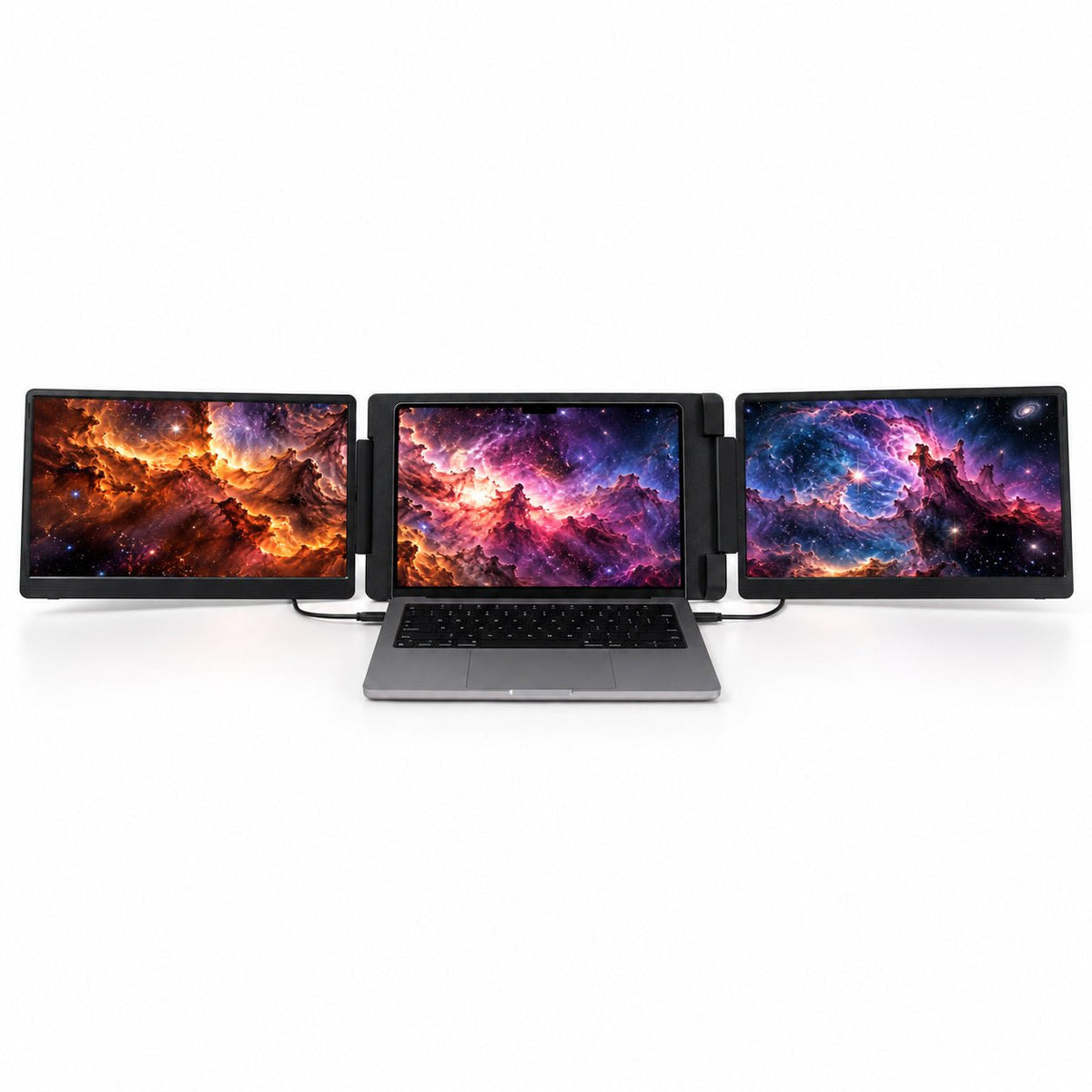
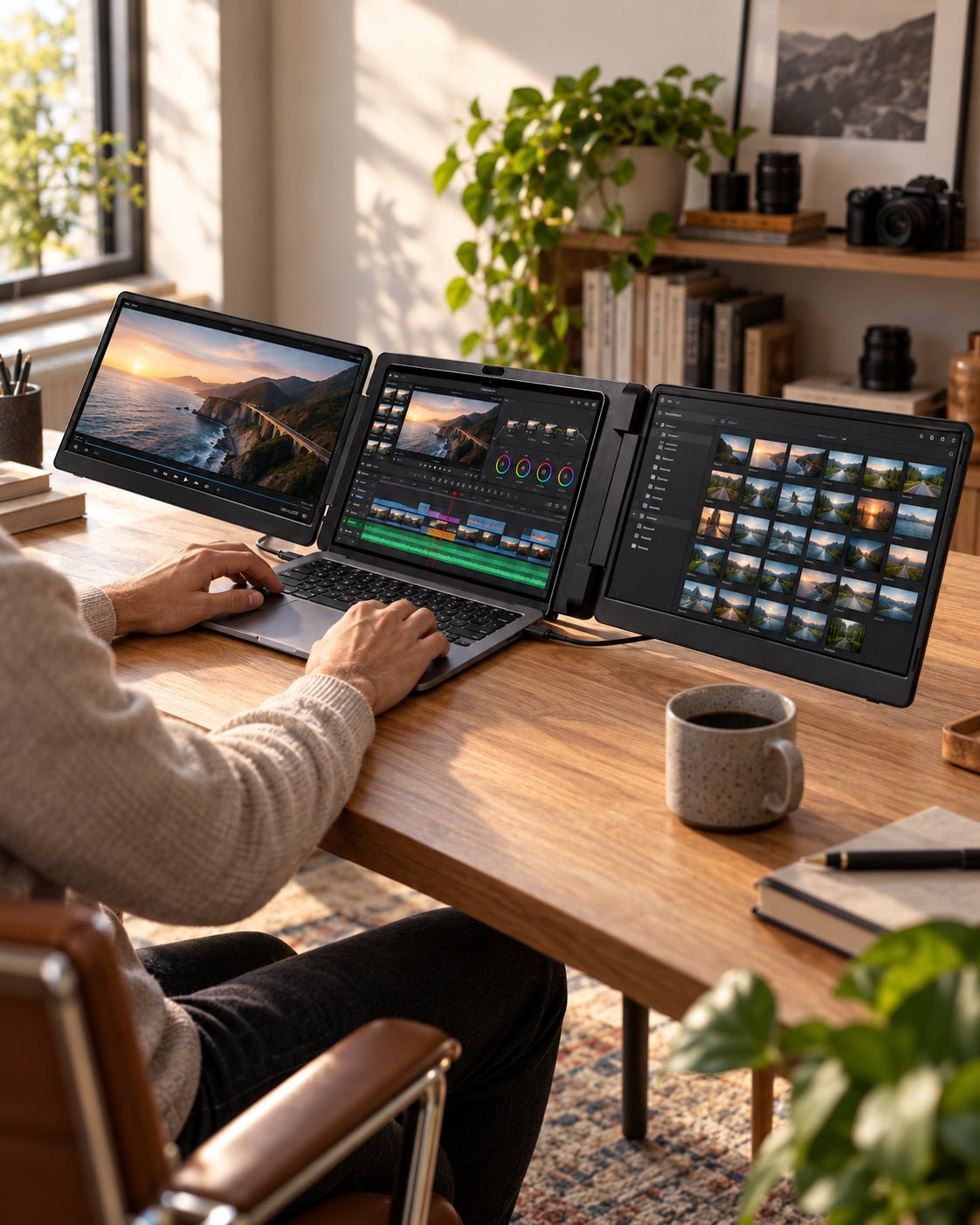
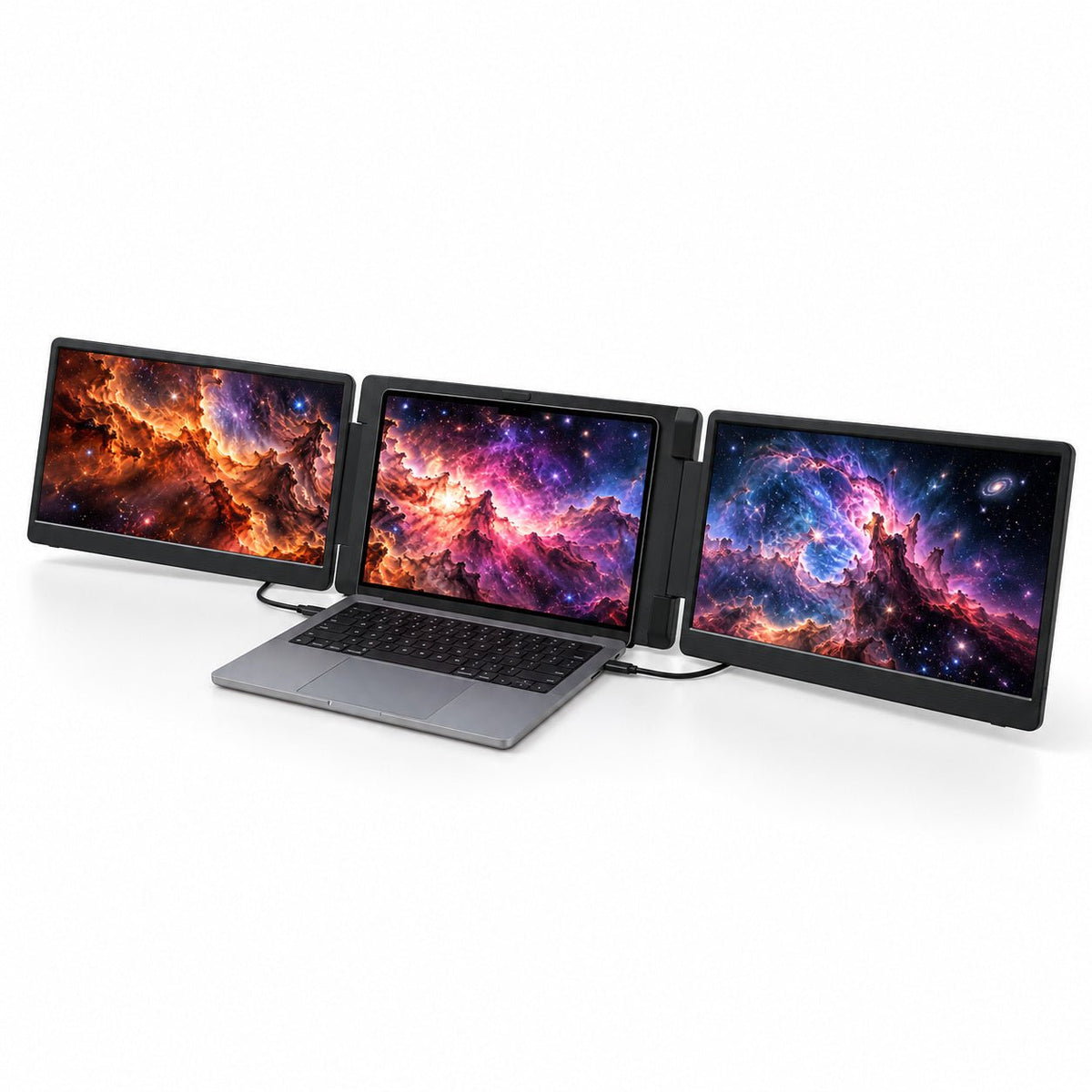
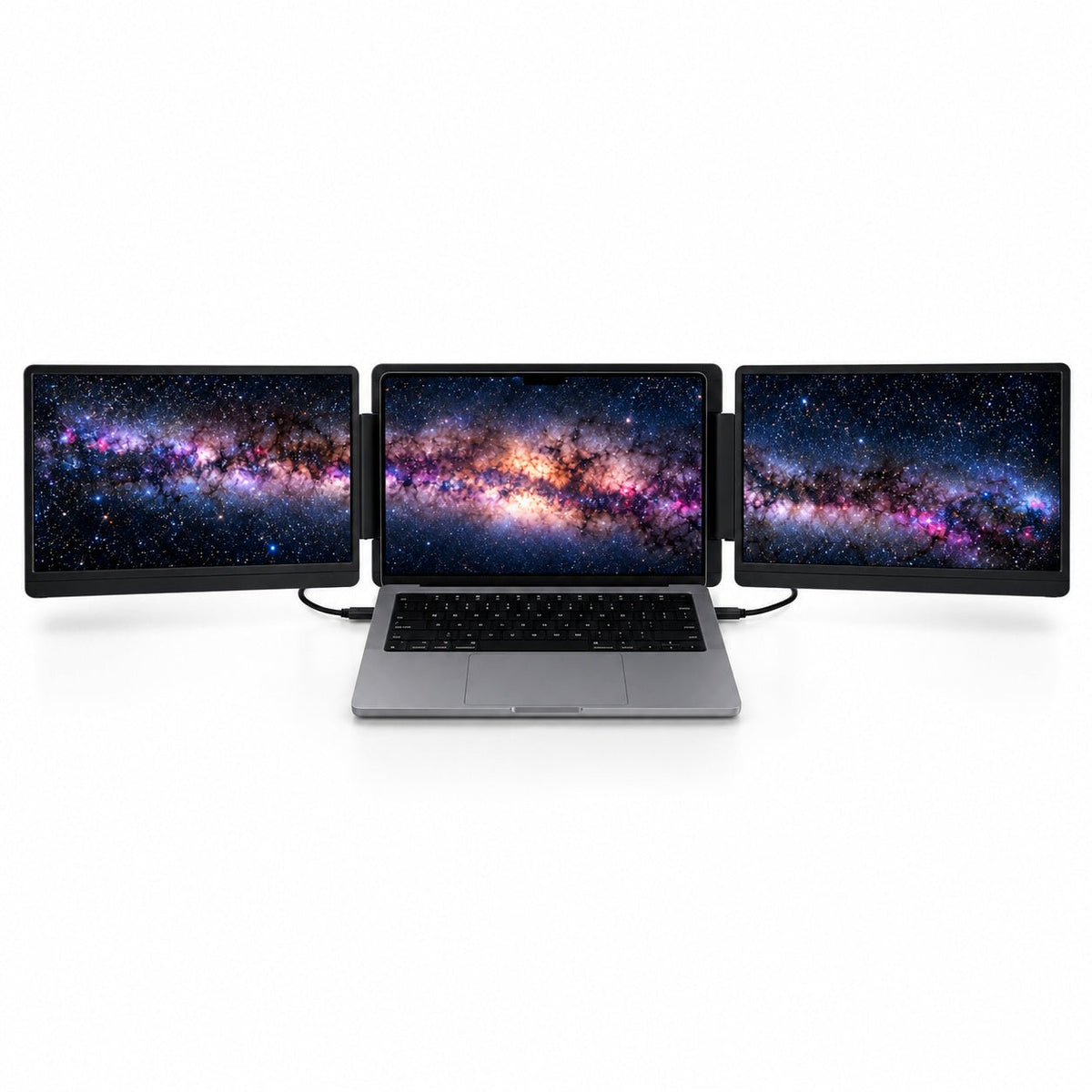
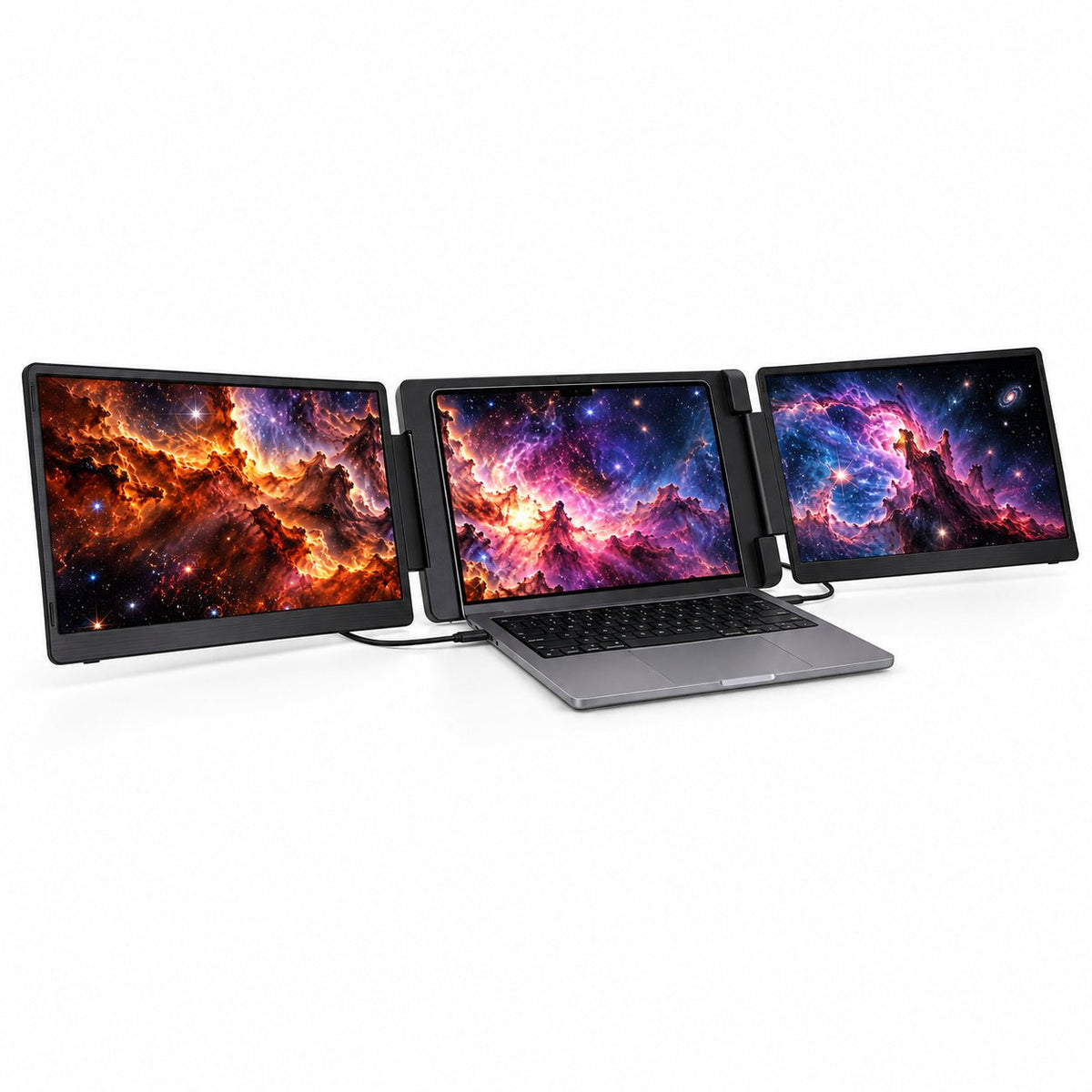
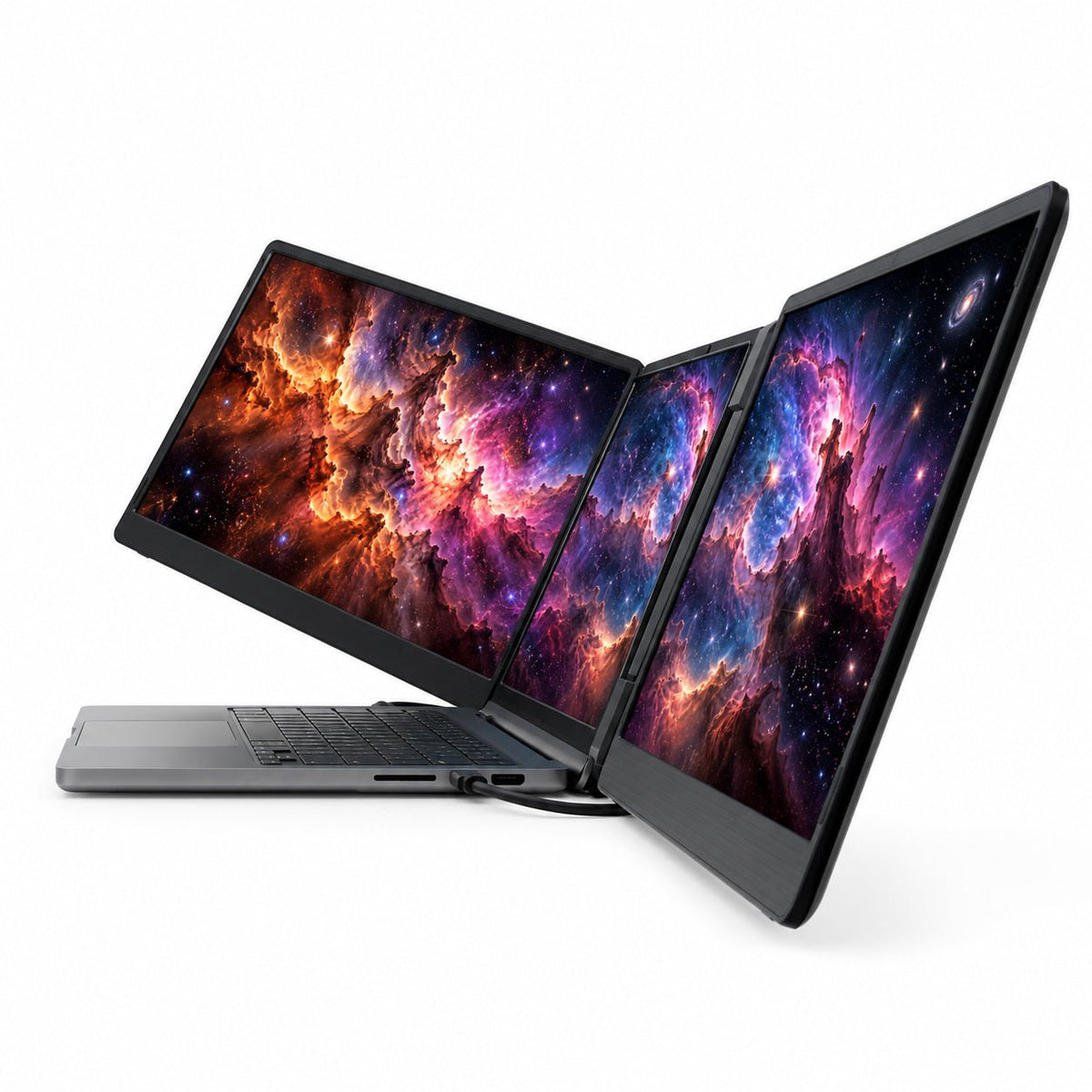
Triple-Screen Workspace: Add two extra screens to your laptop and keep documents, tools, and calls visible together.
Two Display Sizes: Choose dual 15.6″ Full HD IPS screens or the more compact 14″ 1920 × 1200 IPS version.
Flexible Screen Angles: Adjust the displays for your workflow, or turn the left screen outward for face-to-face sharing.
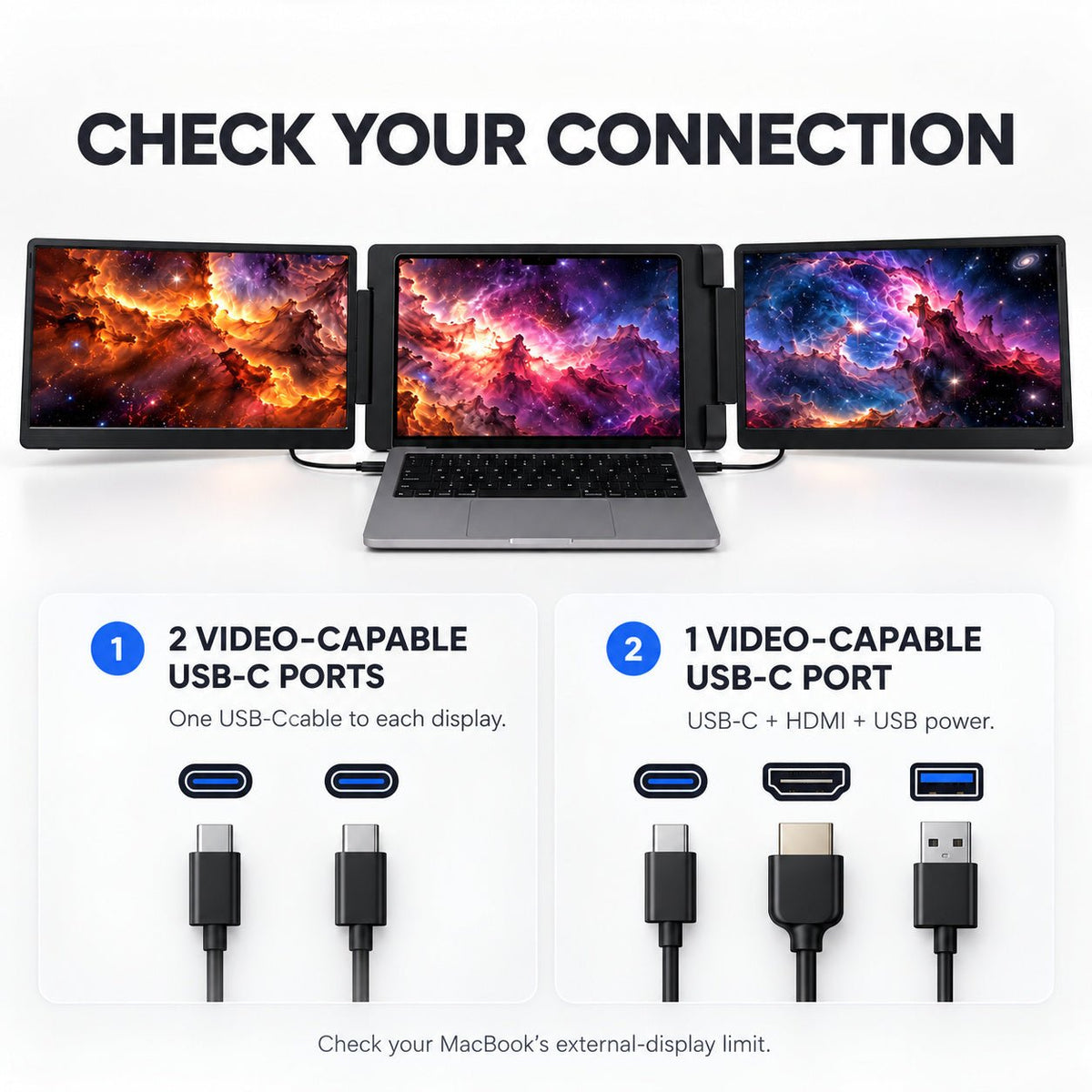
Driver-Free Connection: Use supported full-function USB-C outputs or Mini HDMI video input with the required power connection.
Mac & Windows Compatibility: Supports compatible laptops; MacBook support and independent extended displays depend on your model and video outputs.
 Display Options
 Display Options
Choose the display size that fits your workspace.
- 14-inch: Two IPS displays, 1920 × 1200, 16:10, 250 nits, 1000:1 contrast
- 15.6-inch: Two IPS displays, 1920 × 1080, 16:9, 250 nits, 1000:1 contrast
- Backlight: W-LED
- Speakers: Not included
 Connectivity & Compatibility
 Connectivity & Compatibility
Plug in and start working—no driver installation required for supported setups.
- USB-C 1: Video and power
- USB-C 2: Video and power
- Mini HDMI: Video input
- Power input: DC 5V/2A
- Operating power: 10W or below
- Supported systems: Windows and macOS
For the simplest setup, use a laptop with full-function USB-C display output. HDMI connections may also require USB-C power.
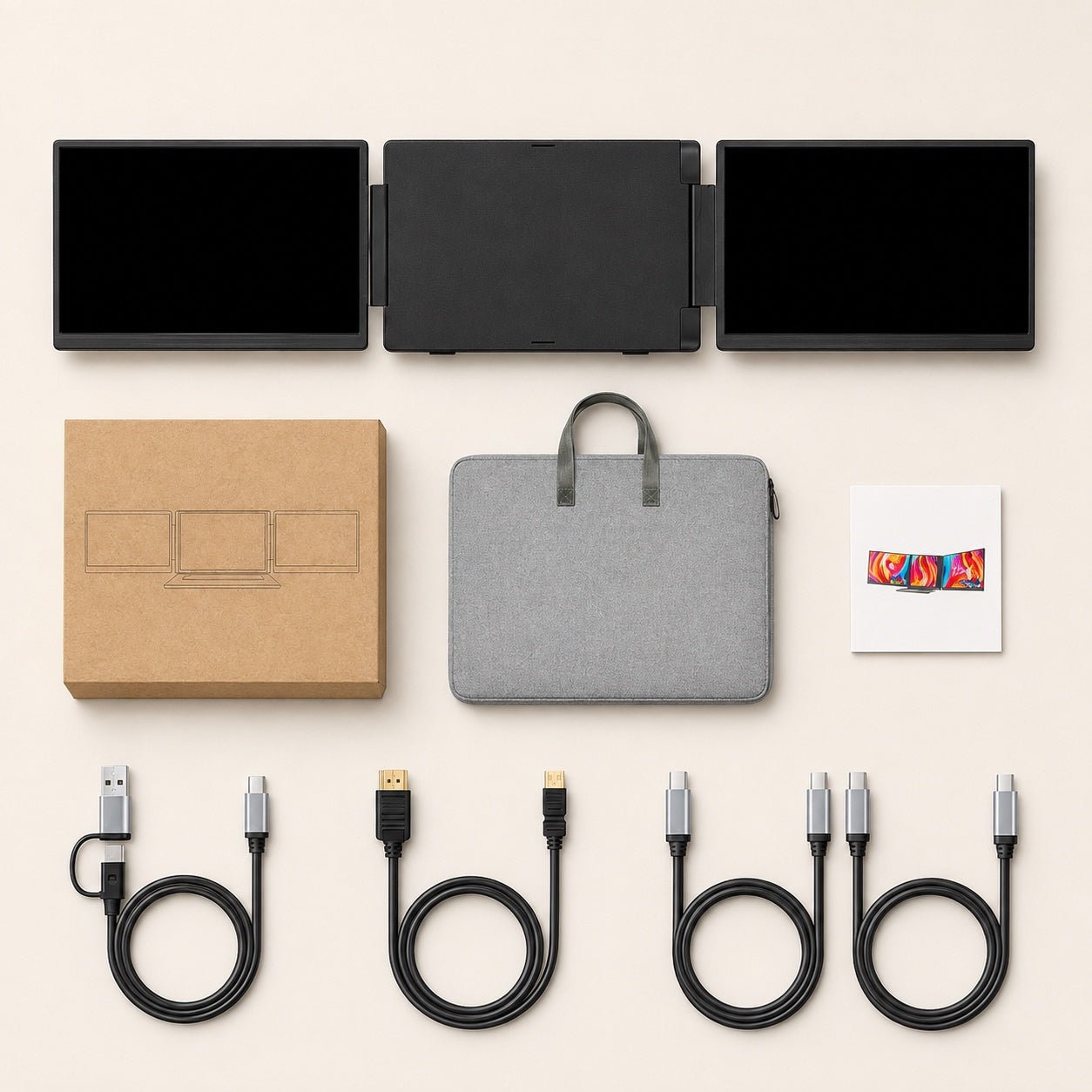
 What’s Included
 What’s Included
- USB-C to USB-C cable × 2
- USB-C cable with USB-A adapter × 1
- Mini HDMI cable × 1
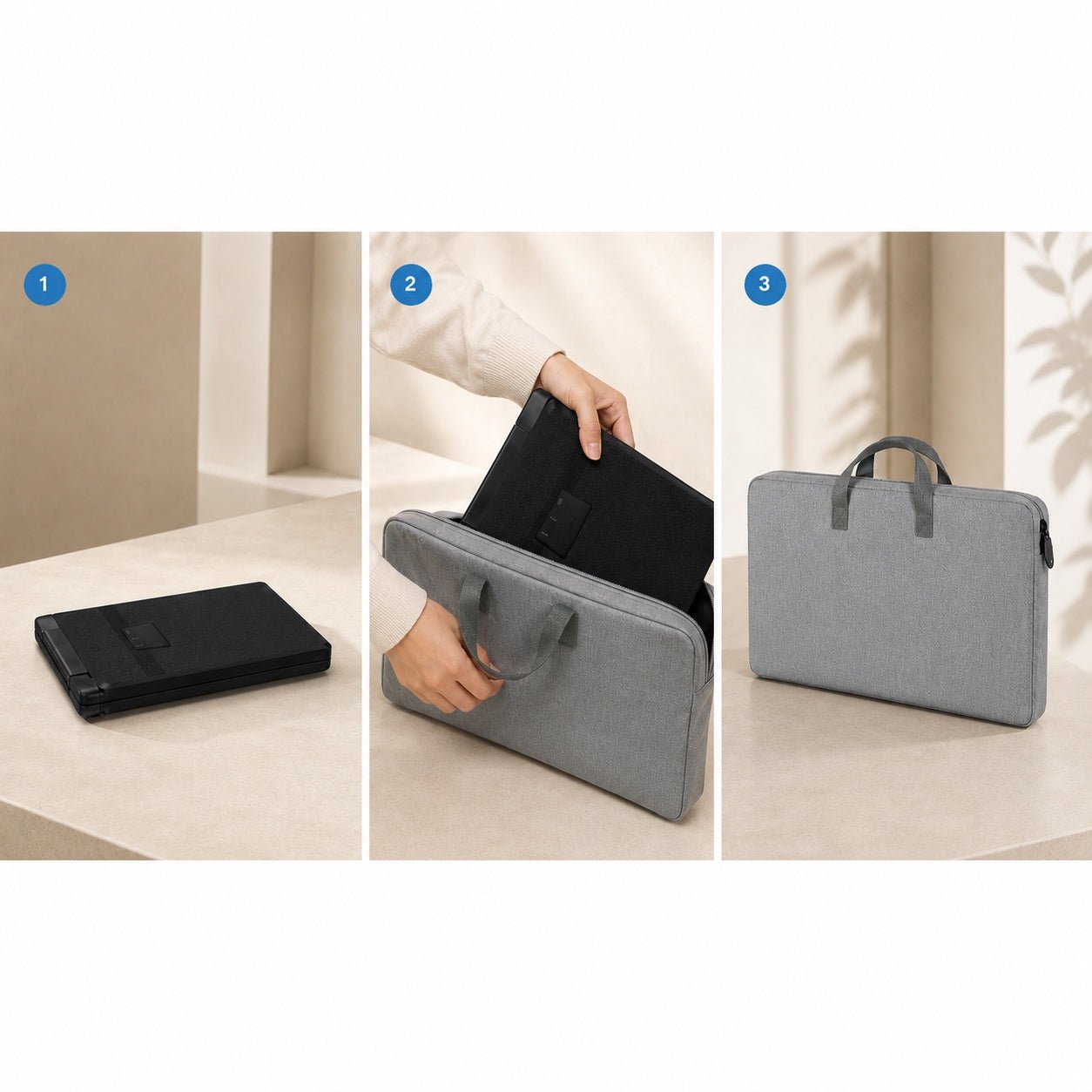
- Carry bag × 1
- User manual × 1
Support & Policies
Customer Support
Have questions? The INVZI support team is here to help with product setup, compatibility, orders, returns, and warranty support.
Live chat is available Monday–Friday, 9:00 AM–5:00 PM PST.
For other inquiries, contact us through our website or email support@invzi.com.
Shipping Information
INVZI currently ships primarily to North America and Europe. Availability for other destinations will be shown at checkout.
Orders over US$100 qualify for free standard shipping, excluding remote areas. Additional shipping charges may apply to remote destinations and will be shown at checkout or confirmed with you before dispatch.
Estimated delivery from the date of order is typically:
- North America, local warehouse: 3–5 days
- North America, Hong Kong warehouse: 7–14 days
- Europe, Hong Kong warehouse: 7–10 days
Shipping origin depends on product availability and your delivery address. Delivery times are estimates and may be affected by remote destinations, customs clearance, public holidays, or carrier disruptions.
International duties, taxes, and customs clearance fees may apply unless otherwise stated on the product page or at checkout.
View full Shipping PolicyTrack Your Order
Once your order ships, we’ll send a shipping confirmation email with your tracking details and a link to track your shipment.
Please allow up to 48 hours after shipment for tracking information to appear.
If your order has not arrived within the estimated delivery window, contact support@invzi.com with your order number so our team can investigate.
Returns & Refunds
Products purchased directly from invzi.com may be returned within 14 calendar days after delivery.
Opening a product for reasonable inspection, setup, or testing does not automatically make it ineligible for return. Returned products must be complete, free from customer-caused damage, and include the original packaging and included accessories.
For approved non-defective display returns, a $49 return shipping and handling deduction applies. We will disclose the applicable deduction before issuing a return label.
Separately purchased accessories may also be returned within 14 days. The $49 display-product deduction does not apply, but the customer is responsible for actual return shipping unless the return is due to an INVZI error or product defect.
Products purchased through an authorized third-party retailer are subject to that retailer’s return policy.
Please contact support@invzi.com or submit a return request through your INVZI account before sending any product back. Return locations vary by product and region.
View full Returns & Refunds PolicyWarranty
INVZI products are covered by a one-year limited warranty against manufacturing defects.
For confirmed warranty claims, we may provide troubleshooting, repair, replacement, or a refund depending on the issue, product availability, and applicable law. The $49 non-defective return deduction does not apply to confirmed warranty claims.
One Laptop. Two Extra Screens. More Room to Work.
MagHub Dual adds two displays to your laptop in your choice of 14-inch or 15.6-inch size. Keep more of your work visible without rebuilding your desk.

Two Size Options
Choose the compact 14-inch 16:10 version or the larger 15.6-inch 16:9 version.
Share When Needed
Turn the left display outward when you want to share a presentation, draft, or live update across the desk.
Your Main Workspace
Keep your primary task centered on the laptop while supporting information stays visible on the two side displays.
Adjust Your View
Position the right display to suit your desk, posture, and workflow.
Two Size Options
Choose the compact 14-inch 16:10 version or the larger 15.6-inch 16:9 version.
Share When Needed
Turn the left display outward when you want to share a presentation, draft, or live update across the desk.
Your Main Workspace
Keep your primary task centered on the laptop while supporting information stays visible on the two side displays.
Adjust Your View
Position the right display to suit your desk, posture, and workflow.
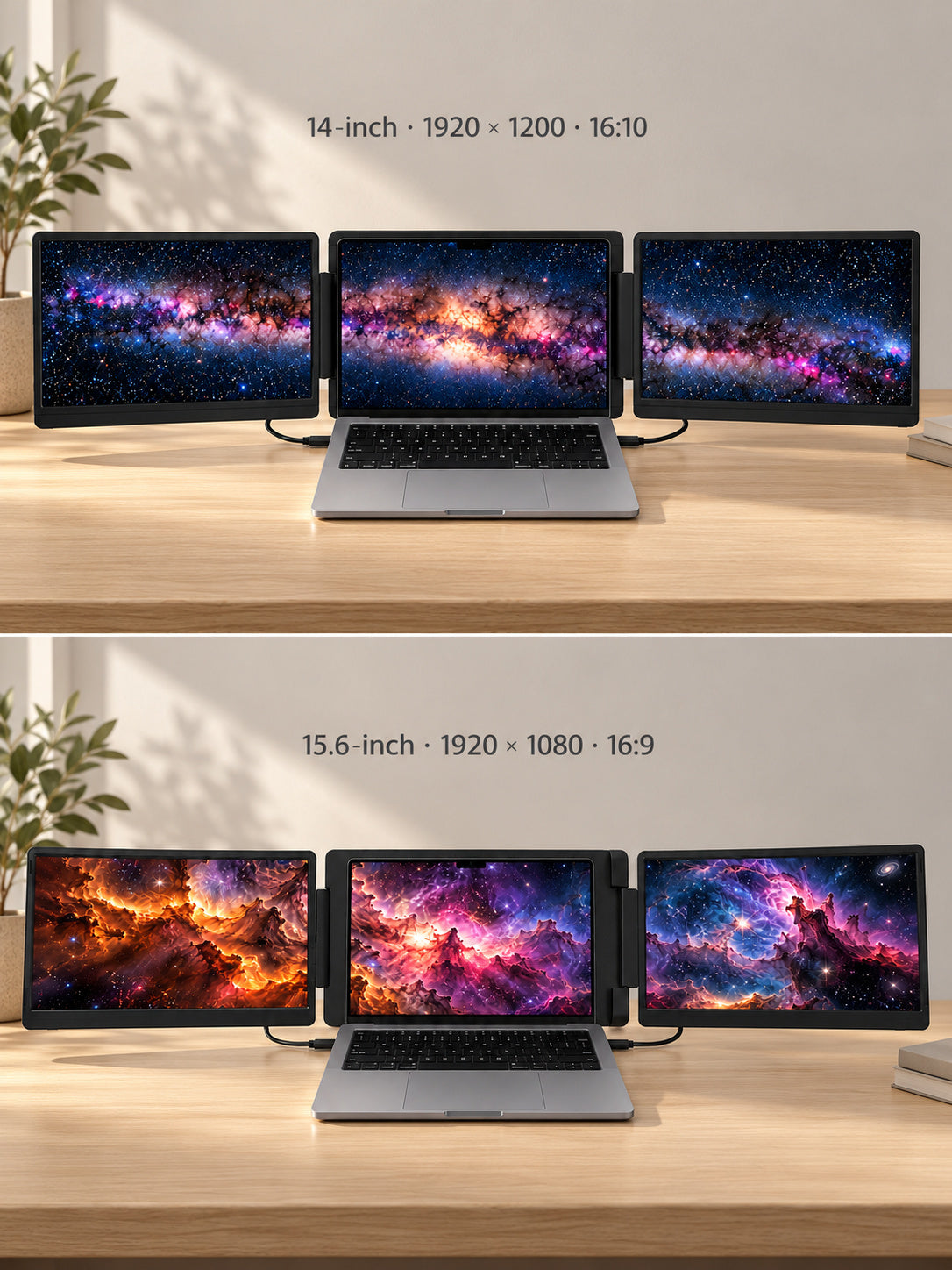
Choose Your Screen Size.
Choose 14-inch IPS displays at 1920 × 1200 in a compact 16:10 format, or 15.6-inch IPS displays at 1920 × 1080 in a wider 16:9 format. Both add two screens to the laptop you already use.
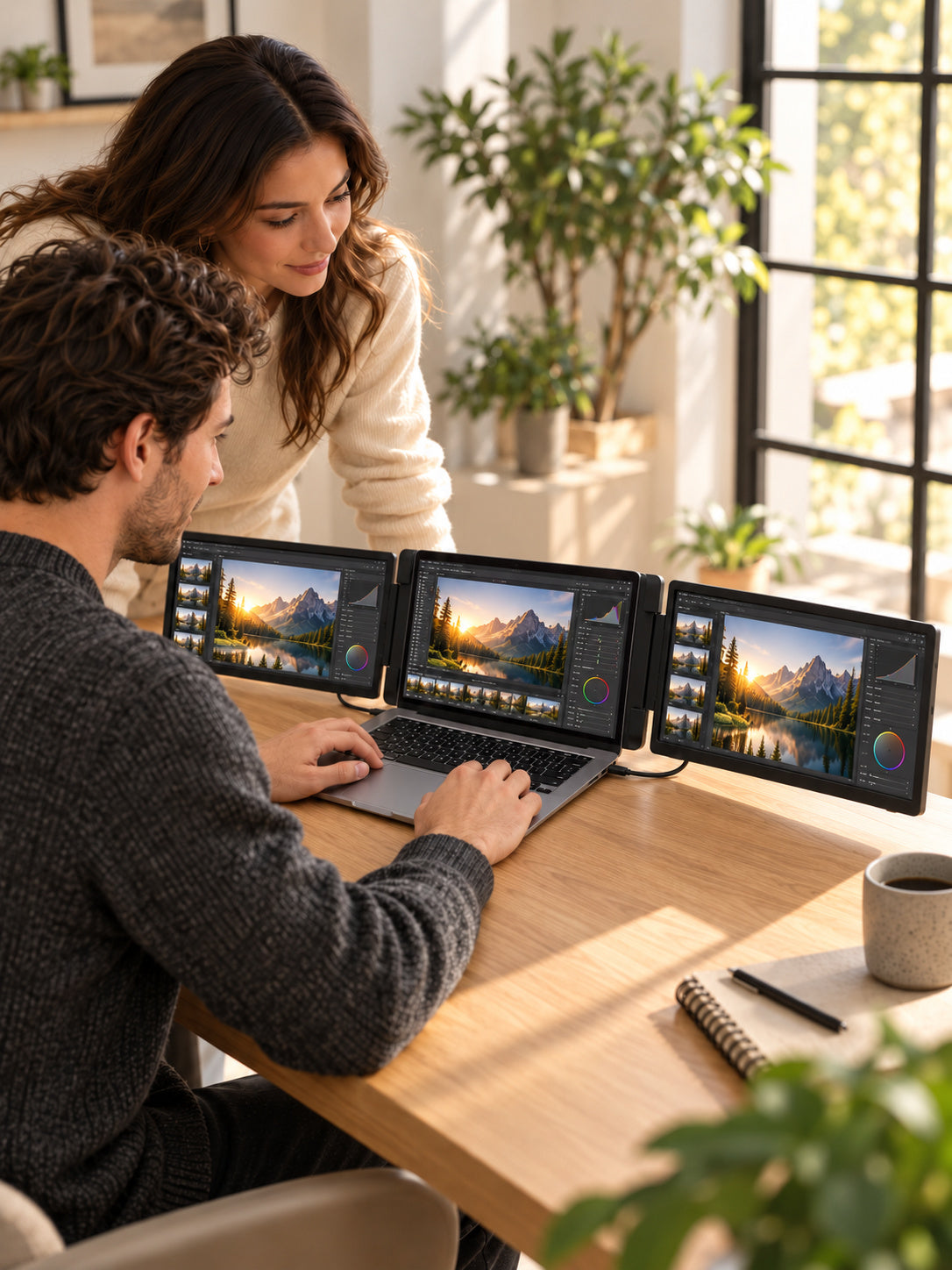
Set Your Best Viewing Angle.
Keep both displays facing you for focused work, or turn the left display outward for face-to-face sharing. Adjustable side screens let you choose the view that suits your desk and task.
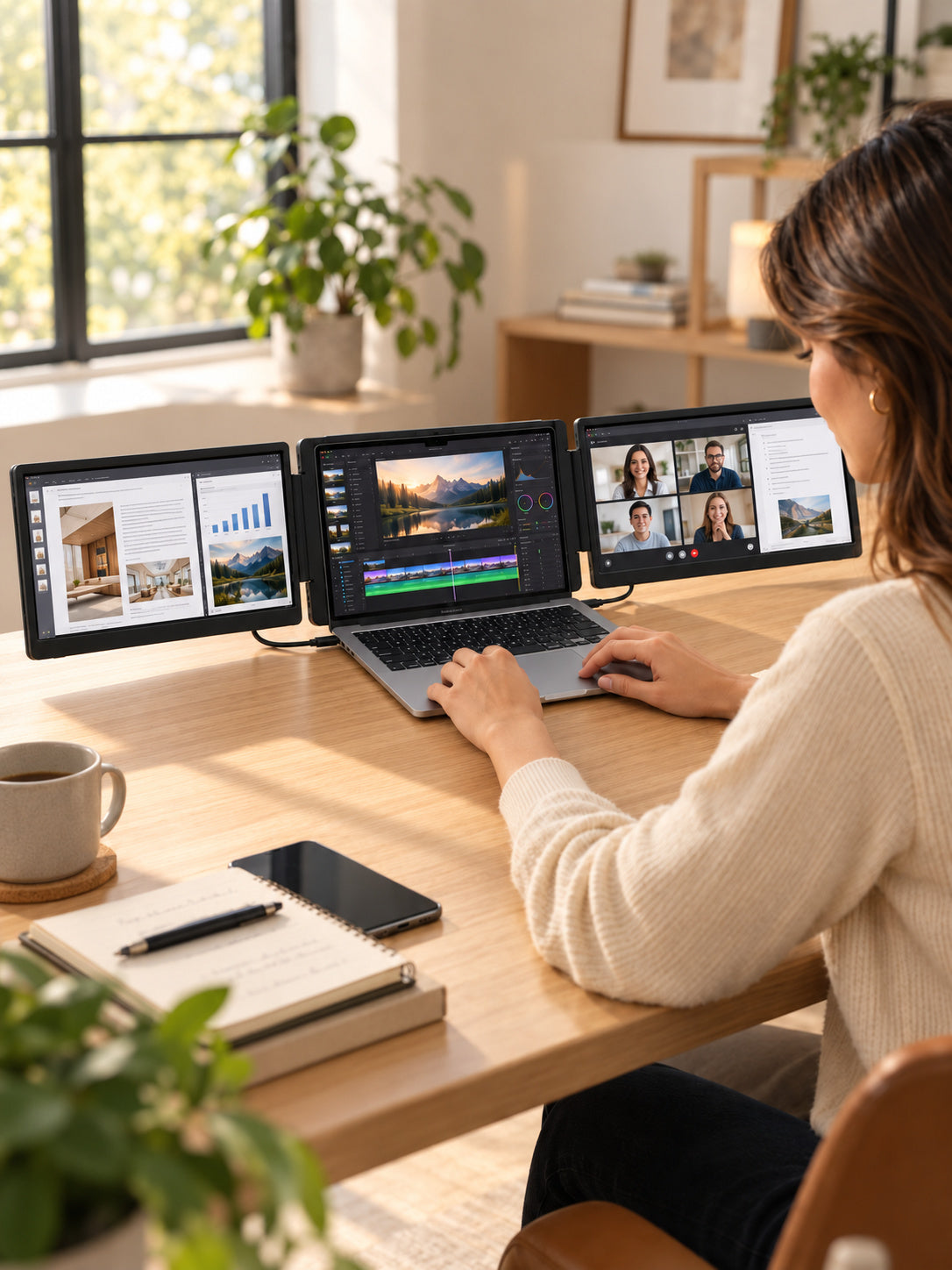
Keep More Work in View.
Give your main task its own screen. Keep video editing, research, dashboards or a meeting visible alongside it, so the information you need stays within reach.
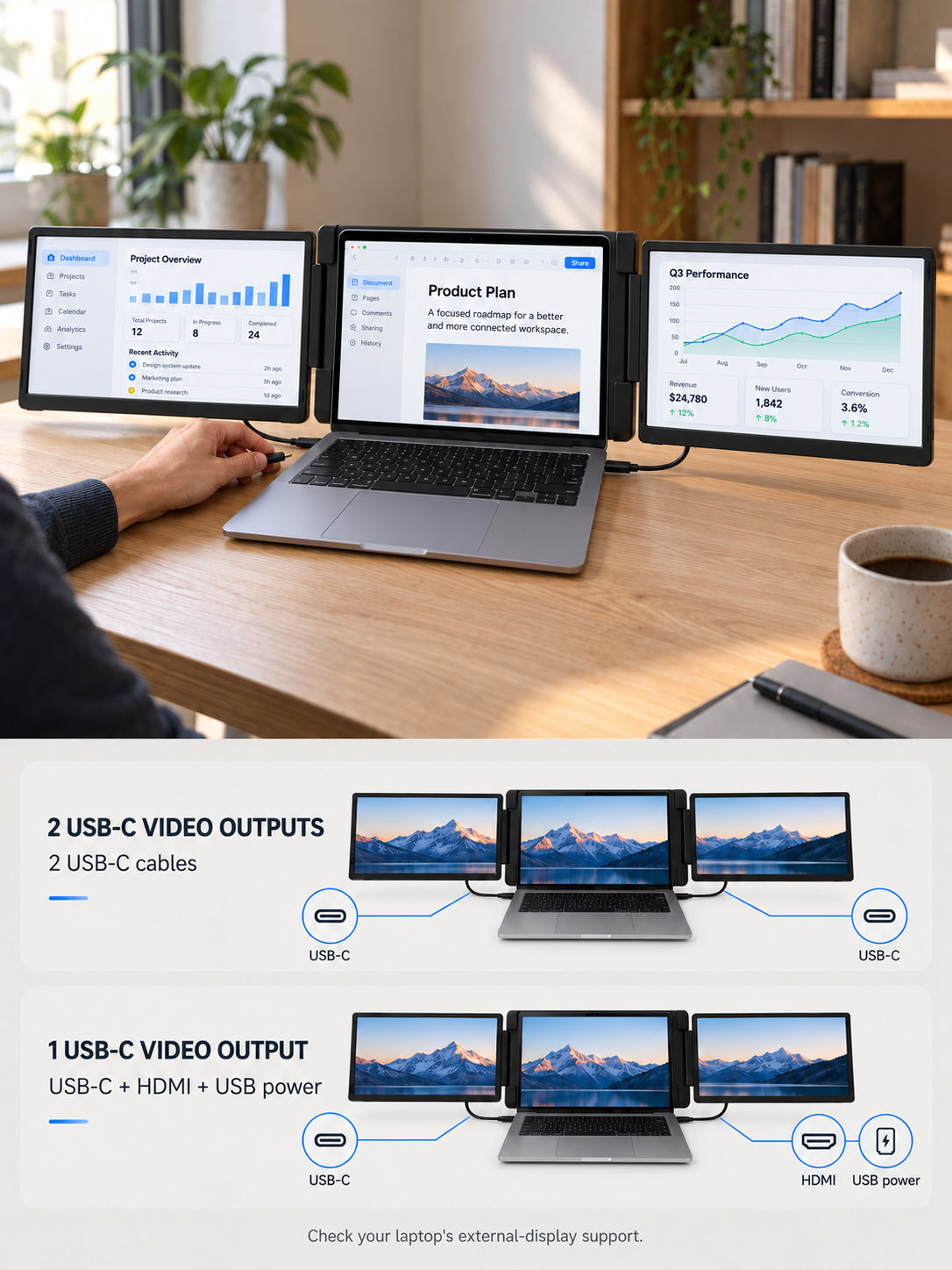
Plug In. Get to Work.
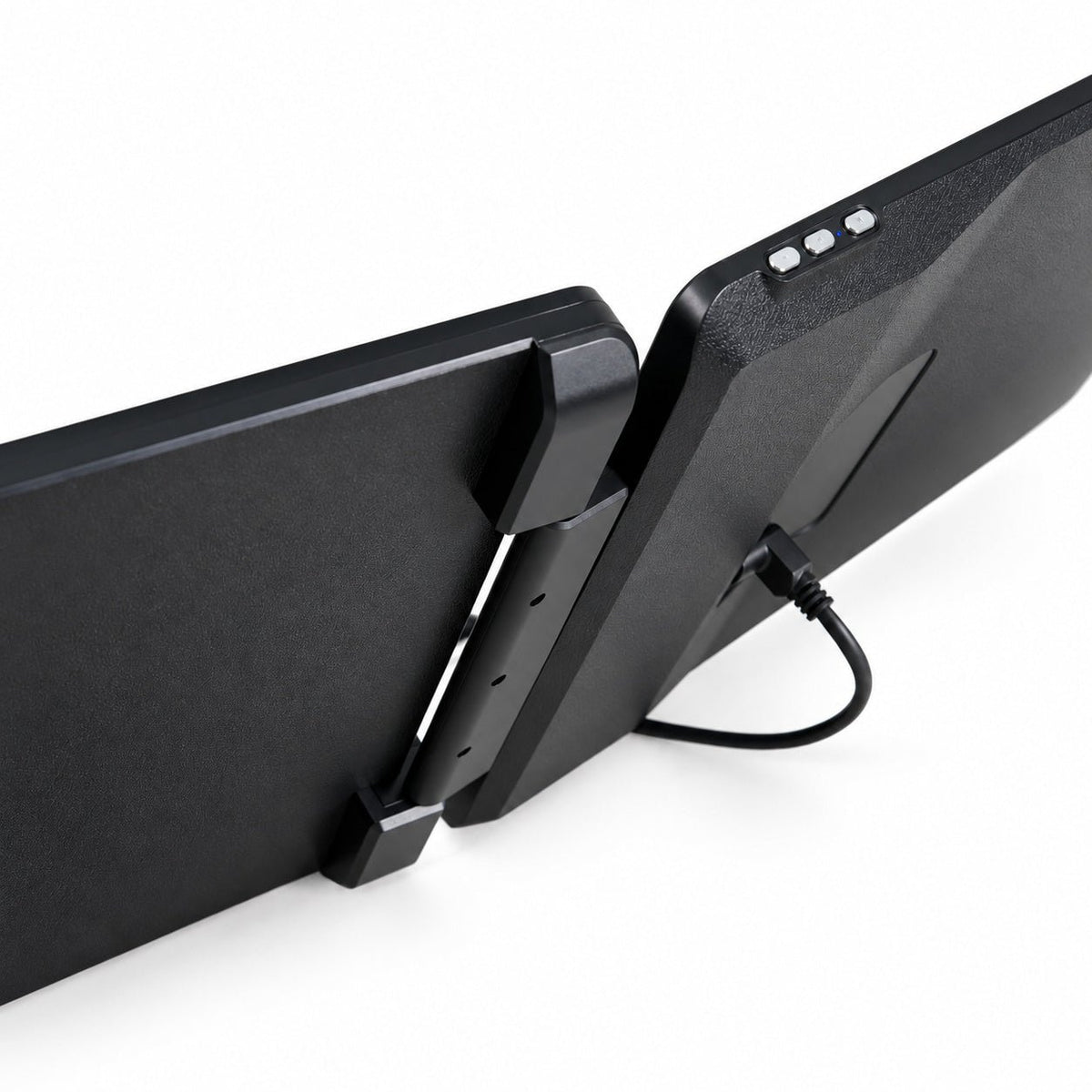
For laptops with two full-function USB-C video outputs, connect one cable to each display. With one such USB-C output, the second display needs HDMI video and USB power. Supported setups require no driver; check your laptop’s display limits before ordering.
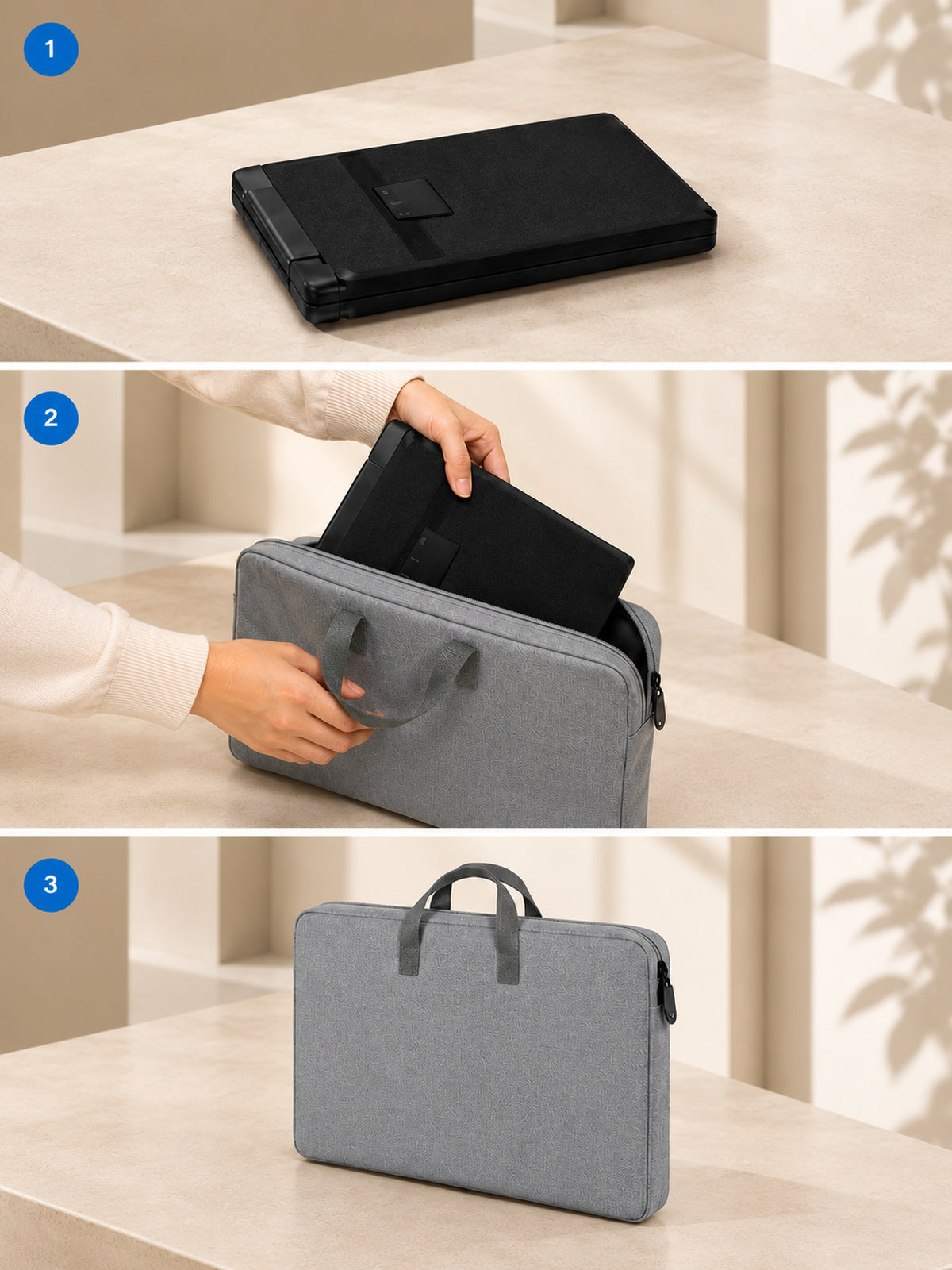
Take Your Workspace With You.
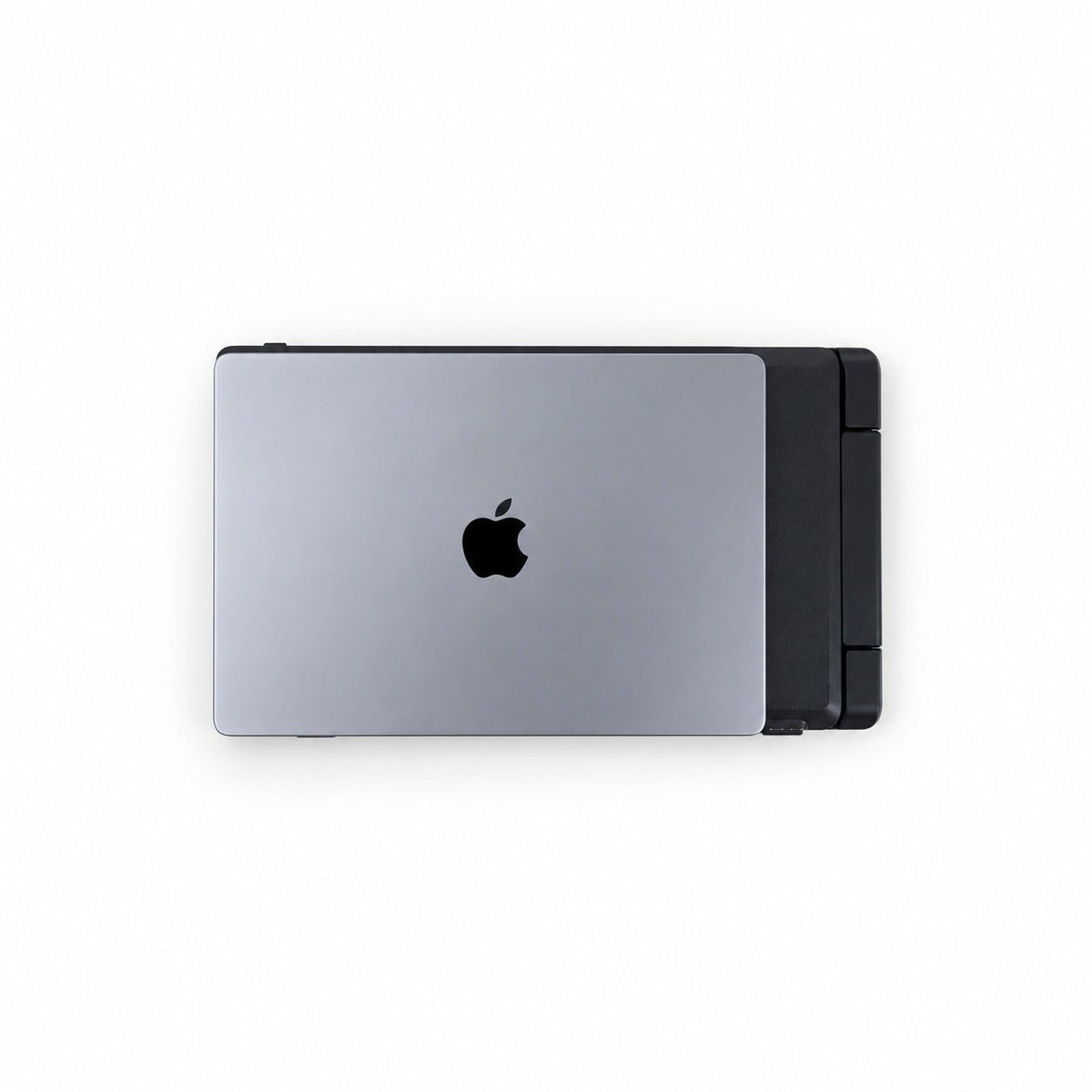
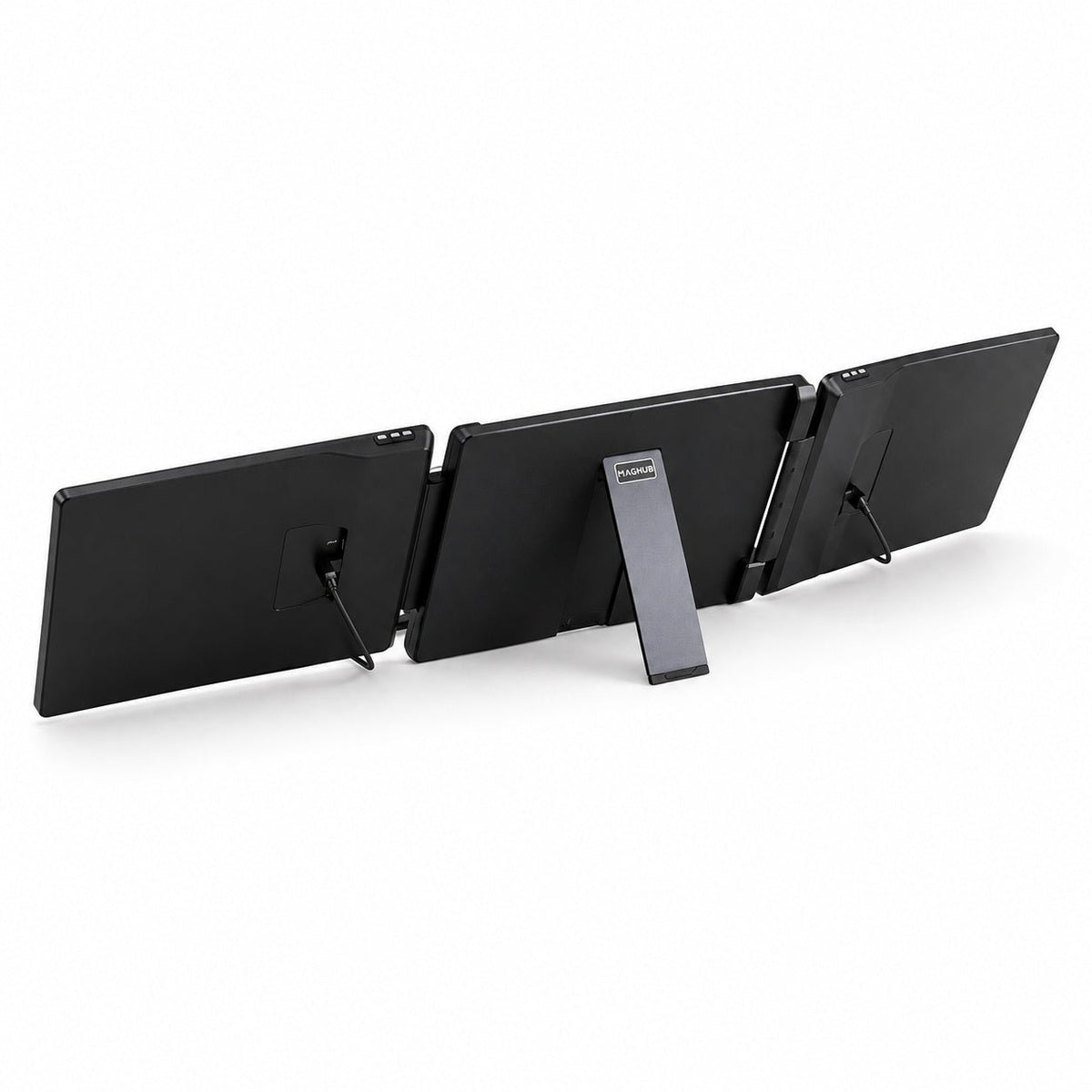
Fold the displays inward when it is time to pack up. The compact form travels with your laptop, and the included carry bag keeps the workspace together between destinations.
Choose Your Screen Size.
Choose 14-inch IPS displays at 1920 × 1200 in a compact 16:10 format, or 15.6-inch IPS displays at 1920 × 1080 in a wider 16:9 format. Both add two screens to the laptop you already use.
Set Your Best Viewing Angle.
Keep both displays facing you for focused work, or turn the left display outward for face-to-face sharing. Adjustable side screens let you choose the view that suits your desk and task.
Keep More Work in View.
Give your main task its own screen. Keep video editing, research, dashboards or a meeting visible alongside it, so the information you need stays within reach.
Plug In. Get to Work.
For laptops with two full-function USB-C video outputs, connect one cable to each display. With one such USB-C output, the second display needs HDMI video and USB power. Supported setups require no driver; check your laptop’s display limits before ordering.
Take Your Workspace With You.
Fold the displays inward when it is time to pack up. The compact form travels with your laptop, and the included carry bag keeps the workspace together between destinations.
Turn One Laptop Into a **Bigger Workspace.**
CHOOSE YOUR SIZE
Two Sizes. One Bigger Workspace.
Choose compact 14-inch displays or a larger 15.6-inch setup. Both add two IPS screens to your laptop.

14-inch · Compact Workspace
1920 × 1200 · 16:10 IPS
A compact setup with more vertical room for documents, code and everyday work.
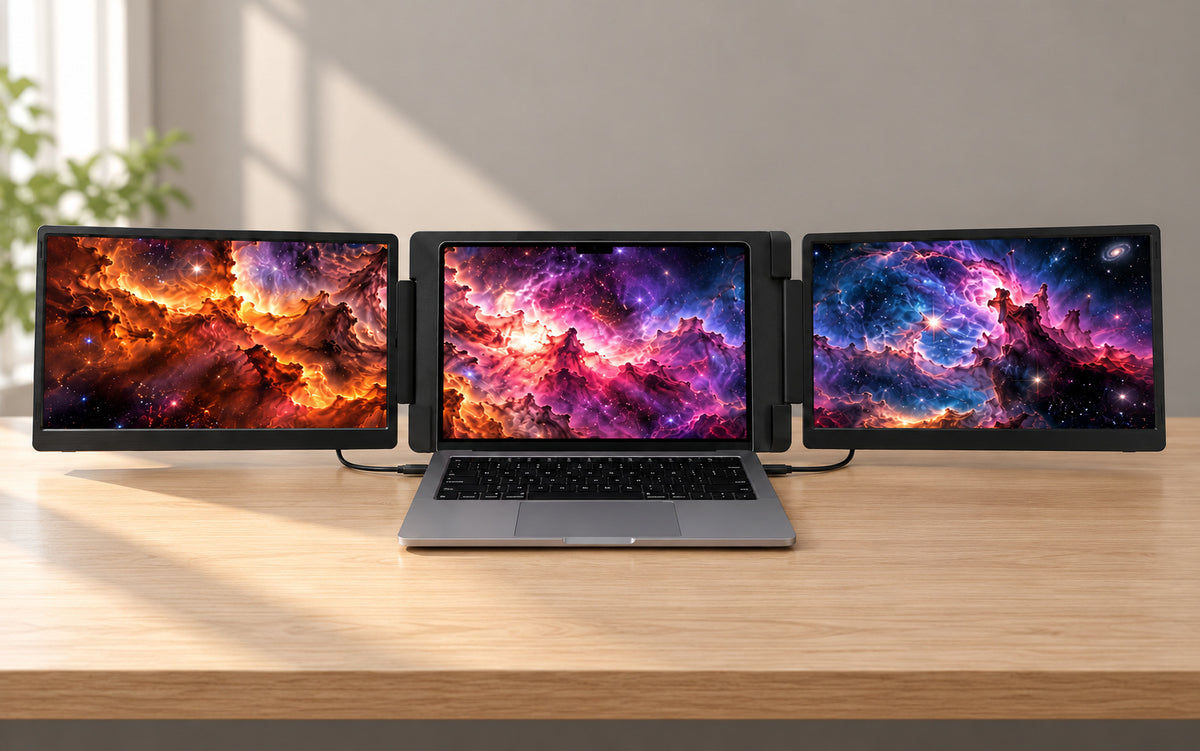
15.6-inch · Wider Workspace
1920 × 1080 · 16:9 IPS
Larger displays for side-by-side windows, timelines and multitasking.
Plug and Play Across Your Workflow.

macOS
Use a compatible USB-C display output or supported adapter and cable setup on macOS.

Windows
Connect to a compatible Windows laptop and arrange the displays in Windows display settings.

Mac mini/Compact Desktop
Expand beyond work and connect your setup to supported gaming devices for a bigger visual experience.
Seamless Connectivity
Connect through full-function USB-C for video and power, or use Mini HDMI for video input. No driver installation is required for supported setups.


Technical Specifications
 Highlights

- Triple-screen workspace: Laptop display + 2 extended screens
- Two size options: 14-inch or 15.6-inch
- Plug and play: No driver installation required for supported setups
- IPS panels: 250-nit brightness and 1000:1 contrast
- Connection options: Full-function USB-C and Mini HDMI
- Speakers: Not included
 Product Information

- Product: MagHub Dual
- Type: Portable dual-screen laptop extender
- 14-inch dimensions: 13.6 × 9.1 × 1.6 in
- 14-inch weight: About 3.53 lb
- 15.6-inch dimensions: 15.3 × 9.2 × 1.6 in
- 15.6-inch weight: About 4.19 lb
 Display

- 14-inch: 2 × IPS displays, 1920 × 1200, 16:10, 25ms response time, H 89° / V 89° viewing angle
- 15.6-inch: 2 × IPS displays, 1920 × 1080, 16:9, 30ms response time, H 85° / V 85° viewing angle
- Backlight: W-LED
- Brightness: 250 nits
- Contrast: 1000:1
 Connectivity & Power

- USB-C 1: Video and power
- USB-C 2: Video and power
- Mini HDMI: Video input
- Power input: DC 5V/2A
- Normal power: 10W or below
- Standby power: 0.5W or below
- Setup: Plug and play; no driver required for supported configurations
 Compatibility & Environment

- Supported operating systems: Windows and macOS
- Operating temperature: 41°F to 104°F
- Operating humidity: 10% to 70%
- 14-inch package: 15.9 × 11.6 × 4.7 in; about 6.61 lb
- 15.6-inch package: 17.9 × 12.4 × 4.7 in; about 7.28 lb
 Package & Accessories

- USB-C to USB-C cable: × 2
- USB-C cable with USB-A adapter: × 1
- Mini HDMI cable: × 1
- Carry bag: × 1
- User manual: × 1

See MagHub Dual in Real Workspaces.
Questions Before You Buy?
Here are the essentials about compatibility, plug-and-play setup, power, and what is included.