


Introduction
Working on a single laptop screen can quickly feel limiting—especially when you’re managing multiple apps, documents, or workflows at once.
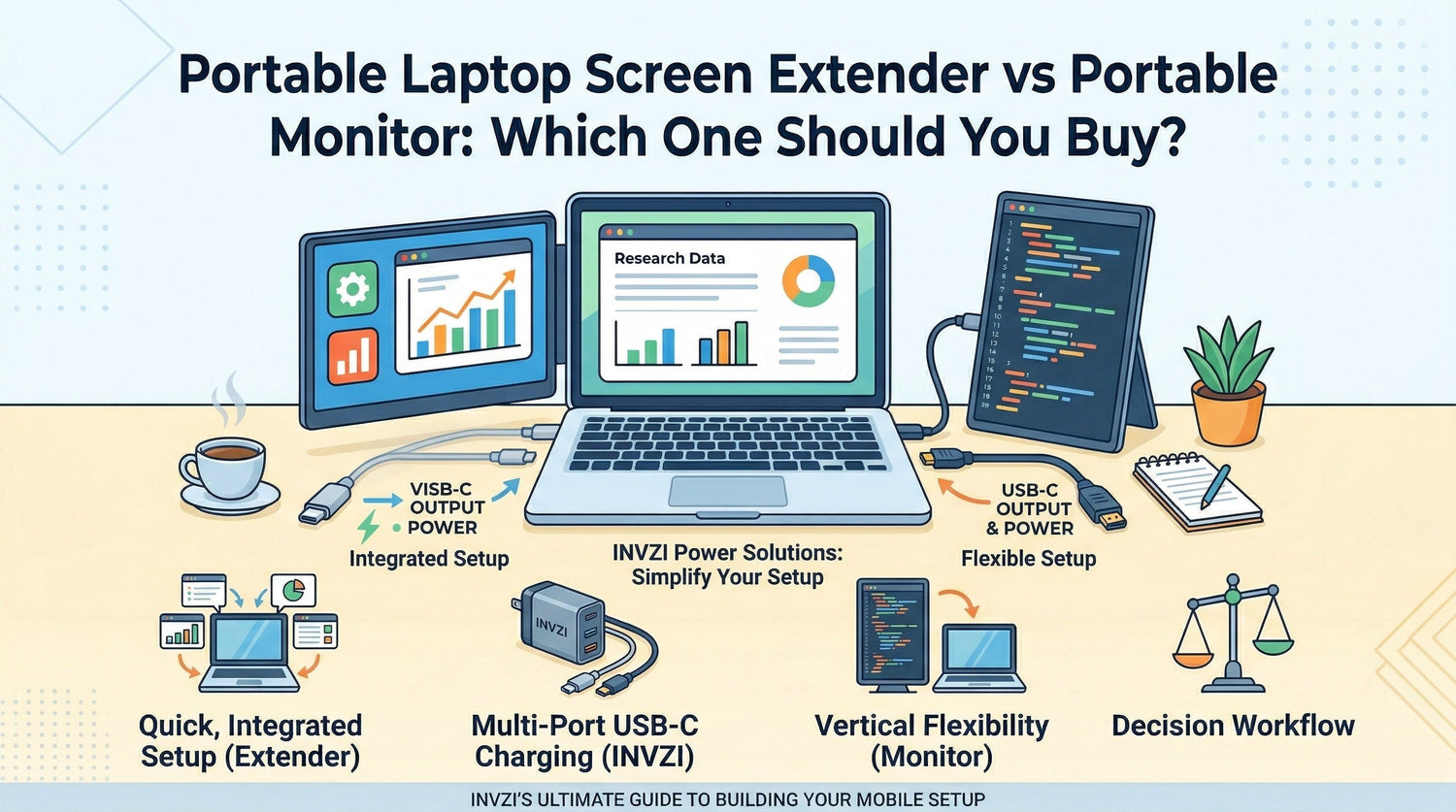
That’s why many users look for a portable second screen, typically choosing between a portable laptop screen extender and a portable monitor.
Both help create a dual screen laptop setup, but they solve different problems.
A screen extender focuses on portability and simplicity, while a portable monitor offers flexibility and a larger workspace.
This guide breaks down the differences so you can choose the option that actually fits how you work.

What Is a Portable Laptop Screen Extender?
A portable laptop screen extender is a secondary display that attaches directly to your laptop, usually mounting onto the back of the screen.
It creates an instant dual-screen setup without requiring a separate stand or desk space.
Why people choose it
- Quick setup → attach and start working in seconds
- Compact design → everything stays connected to your laptop
- Travel-friendly → easy to carry without extra accessories
Where it falls short
- Limited adjustability (fixed side positioning)
- Smaller display compared to standalone screens
- Not ideal for sharing content with others
Best for:
Frequent travelers, students, and users who want a simple portable laptop screen extender for productivity on the go.
What Is a Portable Monitor?
A portable monitor is a standalone display that connects to your laptop via USB-C or HDMI.
It acts like a traditional second screen but in a more compact, travel-ready form.
Why people choose it
- Larger screen options → more comfortable for multitasking
- Flexible positioning → side-by-side, vertical, or angled
- Multi-device use → works with laptops, tablets, and consoles
Where it falls short
- Requires cables and setup
- Takes up more space in your bag
- Less convenient in tight or public workspaces
Best for:
Users who want a more versatile portable monitor vs screen extender setup with flexibility and better viewing comfort.
Key Differences: Laptop Screen Extender vs Portable Monitor
When comparing a laptop screen extender vs portable monitor, the biggest differences come down to portability, flexibility, and how you work day to day.
| Feature | Screen Extender | Portable Monitor |
|---|---|---|
| Portability | Ultra-compact, integrated | Portable but bulkier |
| Setup Speed | Very fast (attach and go) | Requires cables and positioning |
| Screen Size | Smaller | Larger and more immersive |
| Flexibility | Fixed position | Adjustable (horizontal/vertical) |
| Cable Use | Minimal | More cables involved |
| Collaboration | Limited | Easy to share with others |
Which One Should You Choose?
Choosing between a portable monitor vs screen extender depends less on specs and more on your daily workflow.
Choose a Portable Laptop Screen Extender if you:
You travel frequently
- Works well in planes, cafés, and tight spaces
- No need for extra stands or setup
You want a fast, simple setup
- Ideal for quick sessions and mobile work
- Minimal cable management
You focus on productivity tasks
- Email, documents, spreadsheets, browsing
Choose a Portable Monitor if you:
You need more screen flexibility
- Rotate vertically for coding or reading
- Adjust position for comfort
You work on visual or detailed tasks
- Better for design, editing, or multitasking
- Larger display improves readability
You present or collaborate often
- Easier to share your screen with others
Real-World Use Cases
Working in a café
- Screen extender: Fast, compact, and stable
- Portable monitor: Better visibility, but requires setup space
Business travel
- Screen extender: Ideal for working anywhere
- Portable monitor: Better suited for hotel or desk setups
Home or hybrid office
- Screen extender: Clean and minimal
- Portable monitor: More ergonomic and flexible
Studying or multitasking
- Screen extender: Simple dual-screen setup
- Portable monitor: More comfortable for long sessions
How to Choose the Best Portable Screen for Your Laptop
If you’re deciding on the best portable screen for your laptop, focus on how you actually use your device:
- Do you move frequently or stay in one place?
- Do you need a larger screen or just extra space?
- Do you prefer a clean, cable-free setup?
- Will you need to share your screen with others?
A portable laptop screen extender fits mobile, minimal setups.
A portable monitor fits flexible, multi-purpose workflows.
Building a Better Portable Setup (Where INVZI Fits)
Choosing the right display is only part of the setup.
Many users overlook how power and connectivity affect their experience:
- A portable monitor setup often benefits from a multi-port USB-C charger, allowing you to power your laptop and display from one compact source
- A clean dual-screen setup becomes much easier when you reduce cable clutter and simplify connections
INVZI’s USB-C charging solutions are designed to support modern multi-device workflows, whether you’re using a screen extender or a portable monitor.
Summary
A portable laptop screen extender is best for portability, simplicity, and fast setup.
A portable monitor is better for flexibility, larger displays, and multi-purpose use.
If your priority is working anywhere with minimal setup, choose an extender.
If you want a more adaptable and comfortable workspace, a portable monitor is the better choice.
FAQ
Is a portable laptop screen extender worth it?
Yes, especially for travel and mobile work. It provides a simple dual-screen setup without extra equipment.
Can a portable monitor replace a second screen?
Yes. A portable monitor functions as a full second display and often offers better flexibility and size.
Which is better for travel: screen extender or portable monitor?
A screen extender is usually better for travel due to its compact, all-in-one design.
Can you use a portable monitor vertically?
Yes. Many portable monitors support vertical orientation, which is useful for coding or reading.
Does a portable monitor use more power?
It can draw power from your laptop, but many setups work efficiently with USB-C power delivery.


Leave a comment
This site is protected by hCaptcha and the hCaptcha Privacy Policy and Terms of Service apply.