


Introduction
In stock trading, speed and visibility directly impact performance. Whether you're tracking multiple charts, monitoring price action, or reacting to breaking news, a single laptop screen quickly becomes a limitation.
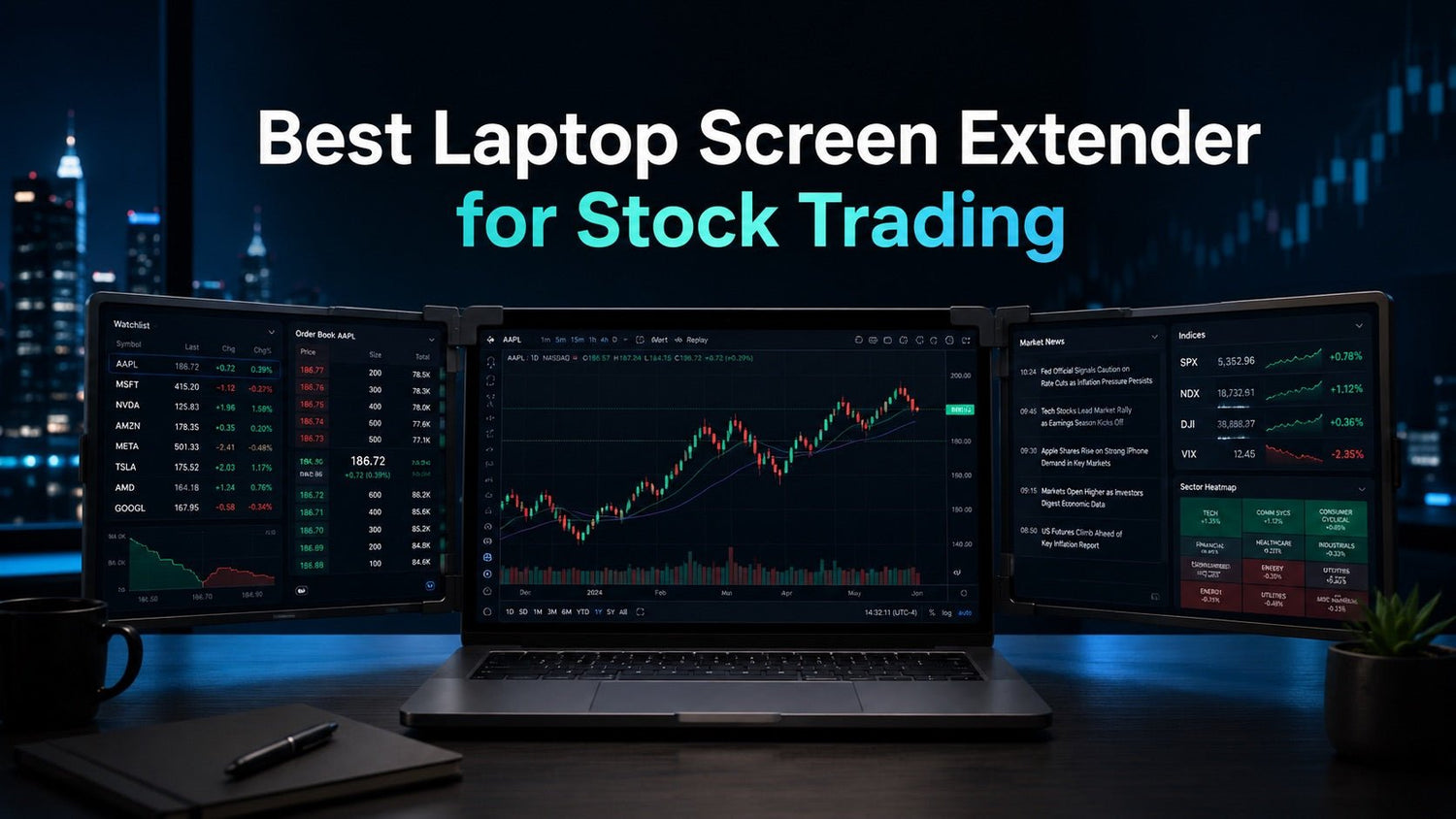
The best laptop screen extender for trading helps you build a multi-screen setup without bulky monitors, giving you the space to analyze markets, execute trades faster, and stay organized—wherever you trade.

Why Traders Need More Than One Screen
Modern trading workflows rely on multiple data sources running at the same time. A typical setup includes:
- Charts (multiple timeframes or assets)
- Watchlists or scanners
- Order execution platform
- News or alerts
On a single screen, this leads to constant switching—slowing reaction time and increasing the chance of missed opportunities.
With a multi-screen setup, you can:
- View multiple charts side by side
- Keep execution panels always visible
- Monitor news without interrupting analysis
- Reduce decision delays during fast market moves
For active traders, this is not just convenience—it’s a functional advantage.
What Makes a Laptop Screen Extender Good for Trading
Not all screen extenders are equally useful for trading. The best options focus on usability and workflow efficiency.
Key Characteristics:
- Dual or triple screen support → Separate analysis, execution, and monitoring
- Clear resolution → Easy chart reading and technical analysis
- Stable mounting → Screens stay secure during active use
- USB-C connectivity → Simple, reliable setup with modern laptops
- Portable design → Consistent setup across locations
For traders, the goal is simple: more visibility with less friction.
 Laptop Screen Extender vs Portable Monitor for Trading
This is one of the most common comparisons.
Laptop Screen Extender
Best for:
- Traders who want an all-in-one setup
- Small desks or limited space
- Fast setup with minimal cables
Advantages:
- Attaches directly to your laptop
- Keeps all screens aligned and organized
- Easier to transport as a single unit
Portable Monitor
Best for:
- Larger display preference
- Semi-fixed setups
Limitations:
- Requires separate stand and positioning
- More cables and desk space
- Less convenient for frequent movement
Key takeaway:
If you prioritize portability and fast setup, a laptop screen extender is usually the better choice for trading.
Best Laptop Screen Extender Setup for Different Traders
Instead of a one-size-fits-all answer, the “best” setup depends on how you trade.
Day Traders
Recommended setup: Triple screen extender
- Left: Charts (multiple tickers)
- Center: Primary trading platform
- Right: Watchlist + news
Benefit: Faster execution with all critical data visible
Part-Time / Side Traders
Recommended setup: Dual screen extender
- Main screen: Work + trading platform
- Second screen: Charts or watchlist
Benefit: Efficient multitasking without a complex setup
Mobile Traders / Digital Nomads
Recommended setup: Lightweight dual screen extender
- Easy to carry
- Quick setup in any environment
Benefit: Consistent trading workflow anywhere
Small Desk Setup Users
Recommended setup: Attached screen extender
- No extra stands or monitor arms
- Minimal footprint
Benefit: Clean, space-saving trading station
Key Features to Look for Before You Buy
1. Screen Size and Clarity
You need enough space to clearly read charts and indicators without zooming constantly.
2. Multi-Screen Expansion
Dual or triple screens significantly improve workflow efficiency.
3. USB-C Compatibility
Ensures:
- Faster setup
- Fewer cables
- Better support for modern laptops like MacBook
4. Power Efficiency
Important for long sessions, especially when trading remotely.
5. Build Stability
A stable structure prevents screen movement during active use.
6. Portability
Lightweight and compact designs are ideal for traders who move between locations.
Real Trading Setup Examples
Multi-Chart Monitoring
- Screen 1: S&P 500 / index tracking
- Screen 2: Individual stock charts
- Screen 3: Order execution
News + Execution Workflow
- One screen dedicated to news feeds
- One for charts
- One for trade execution
Travel Trading Setup
- Laptop + screen extender
- Single cable connection
- Full workstation in minutes
How to Set Up a Laptop Screen Extender for Trading
- Attach the extender securely to your laptop
- Connect via USB-C
- Configure display settings (extend mode)
- Arrange screens based on your workflow
Suggested Layout:
- Center → Main trading platform
- Left → Charts
- Right → Watchlist / news
This layout minimizes eye movement and improves efficiency.
Is a Laptop Screen Extender Worth It for Trading?
For most traders, yes.
A screen extender provides:
- More visibility without a full desktop setup
- Faster decision-making through better layout
- A portable solution for flexible trading environments
- A cleaner, more organized workspace
If you trade regularly on a laptop, it’s one of the most practical upgrades you can make.
Conclusion
The best laptop screen extender for stock trading is not just about adding screens—it’s about improving how you trade.
By enabling a structured, multi-screen workflow in a compact setup, it helps you stay focused, react faster, and manage information more effectively—whether you're at home, in the office, or on the move.

1 comment
Sufirman
I want monitor portabel
Leave a comment
This site is protected by hCaptcha and the hCaptcha Privacy Policy and Terms of Service apply.