
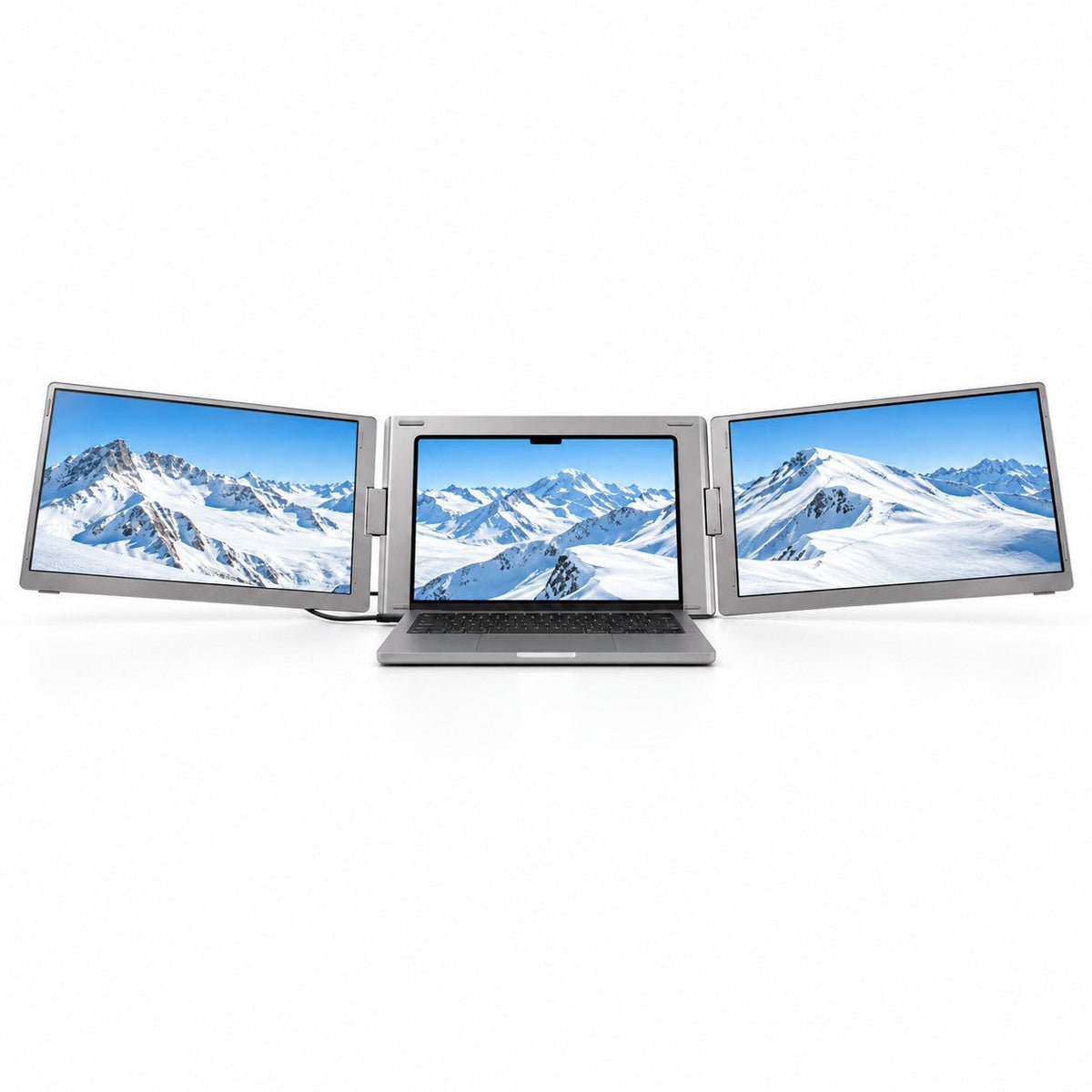
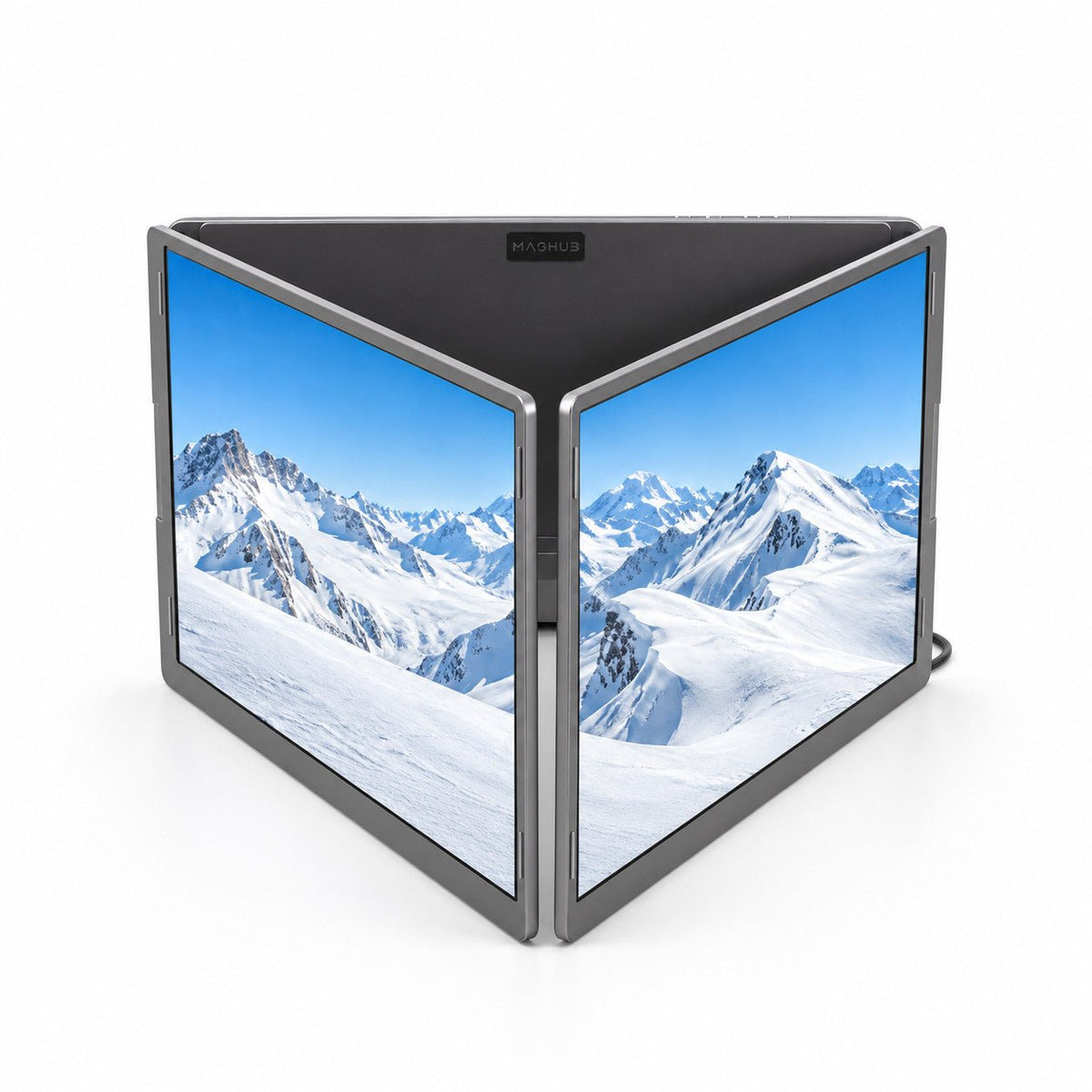
MagHub Trio Go 16" Portable Screen Extender
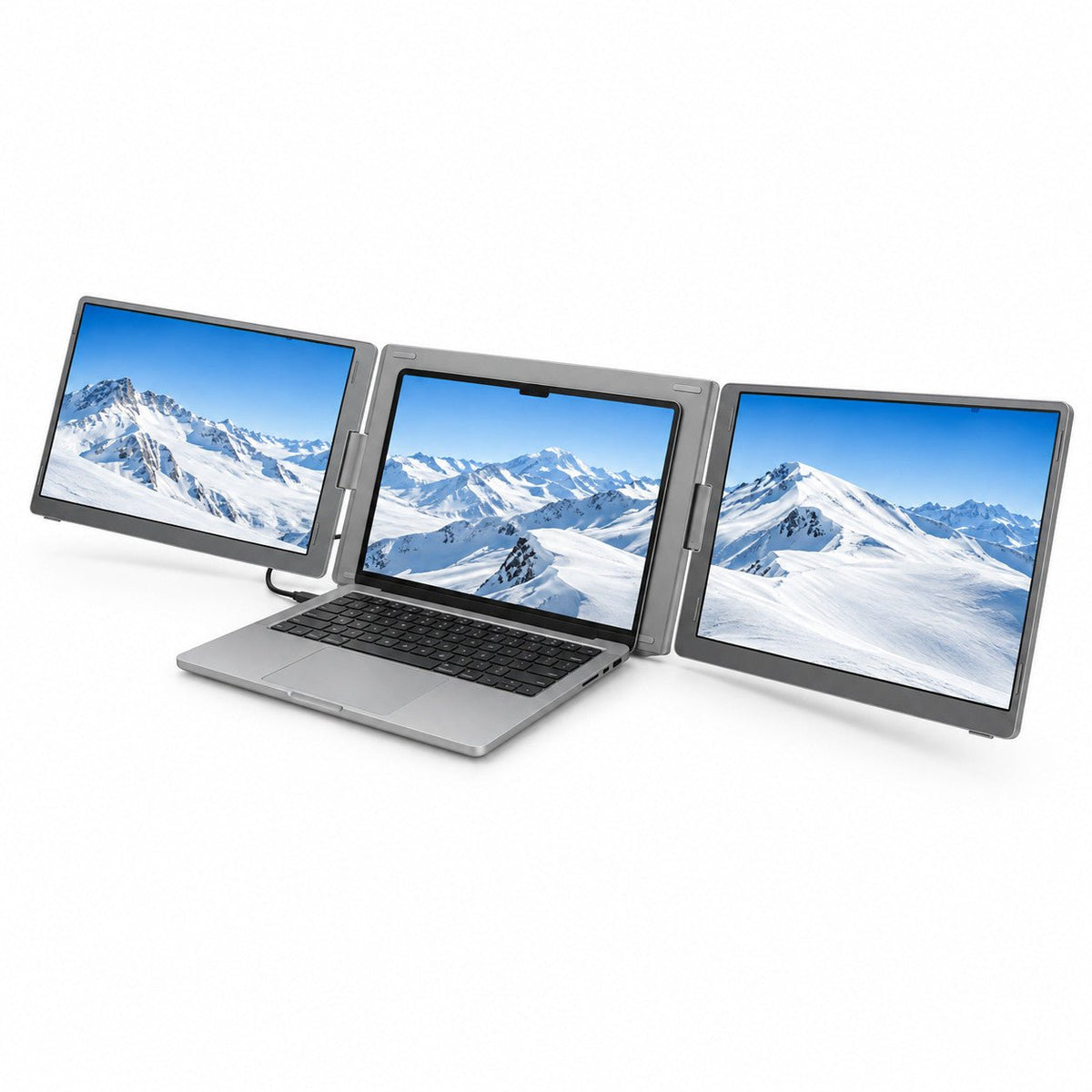
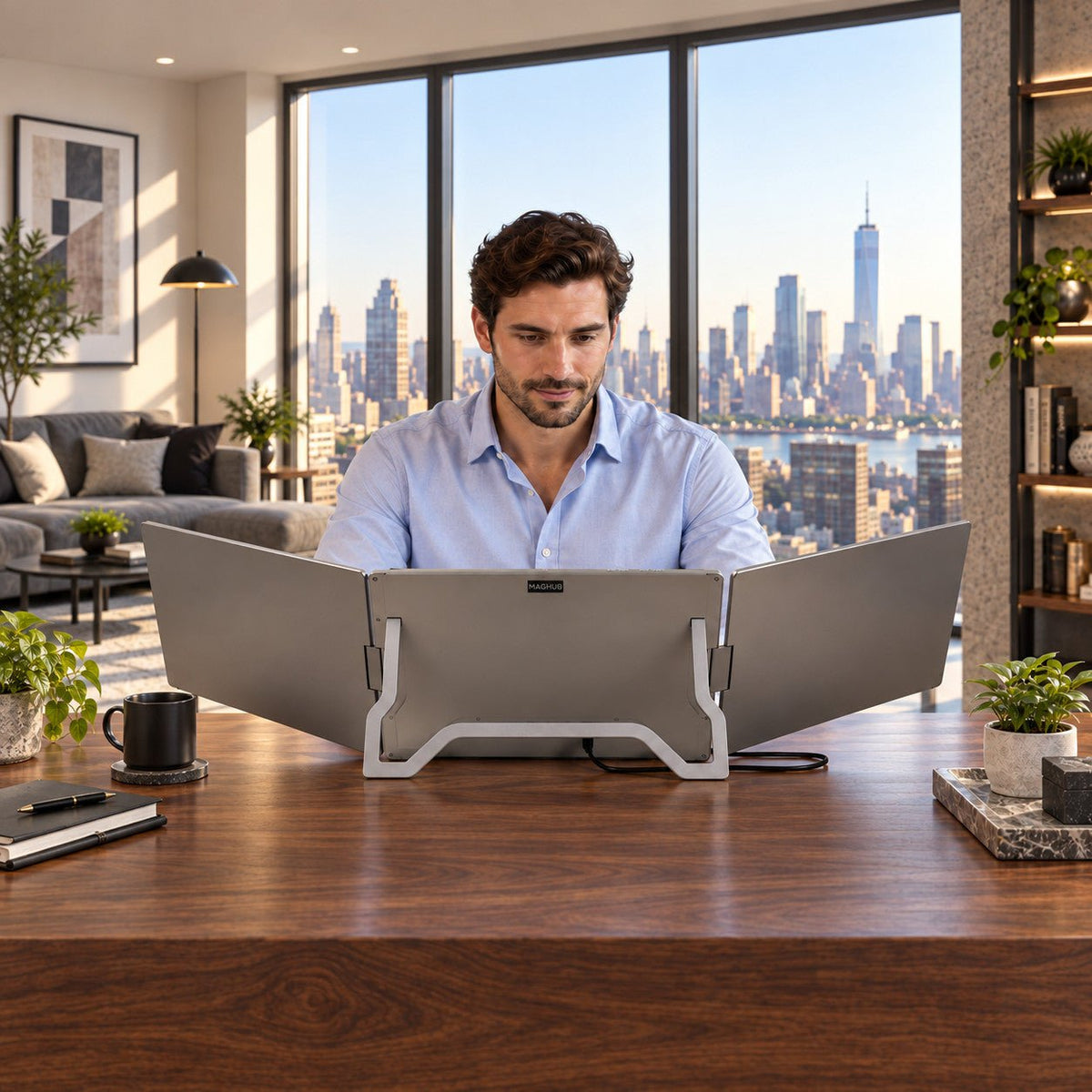
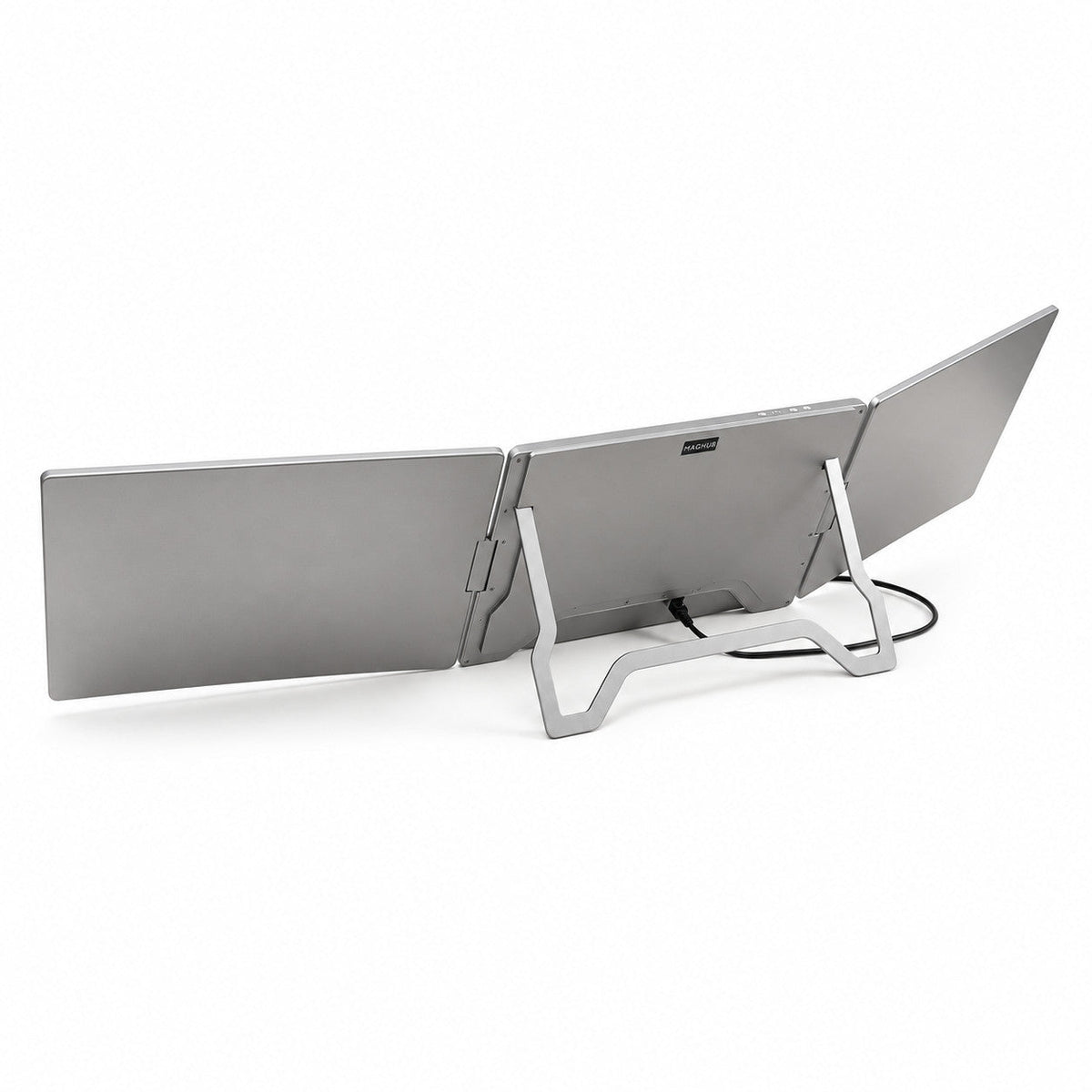
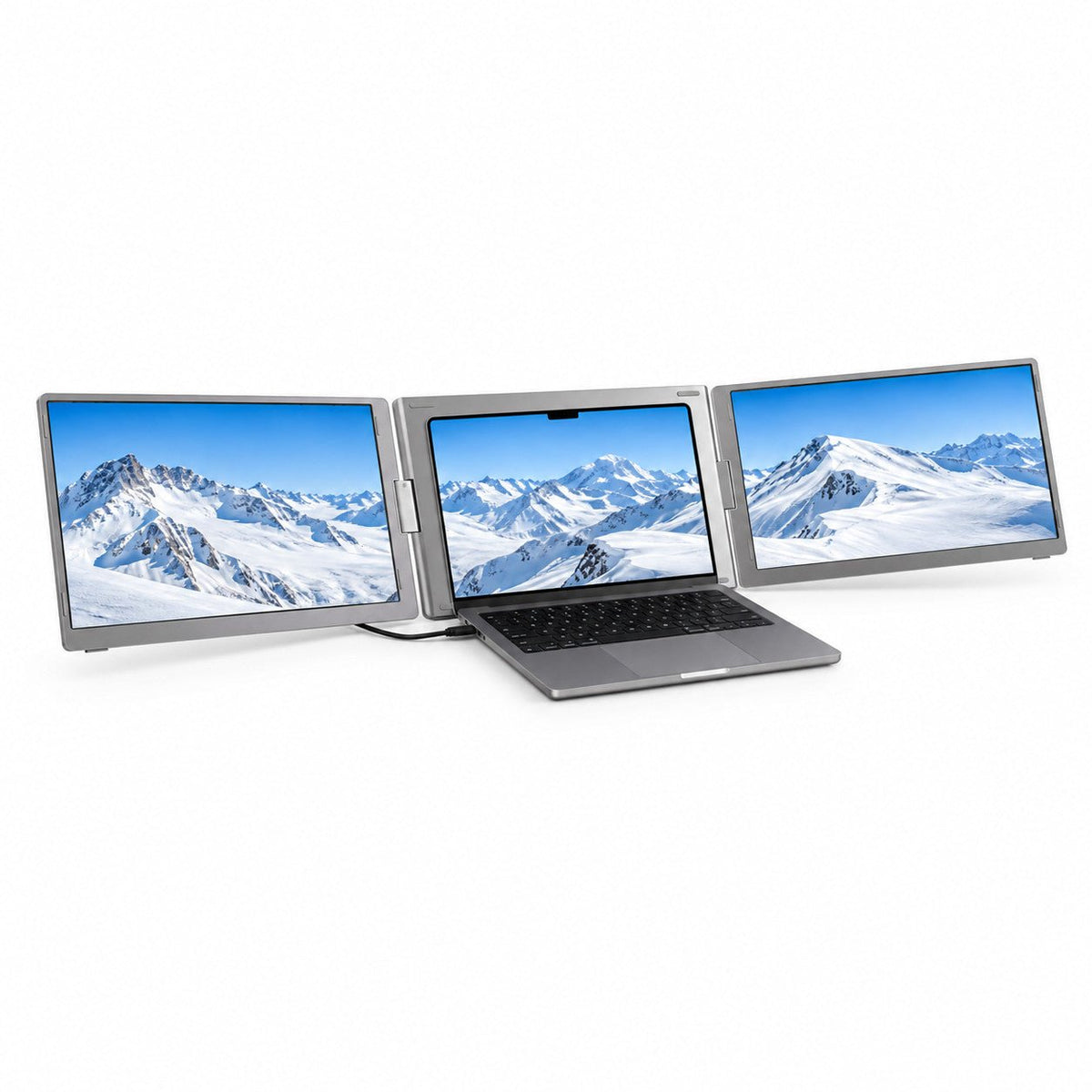
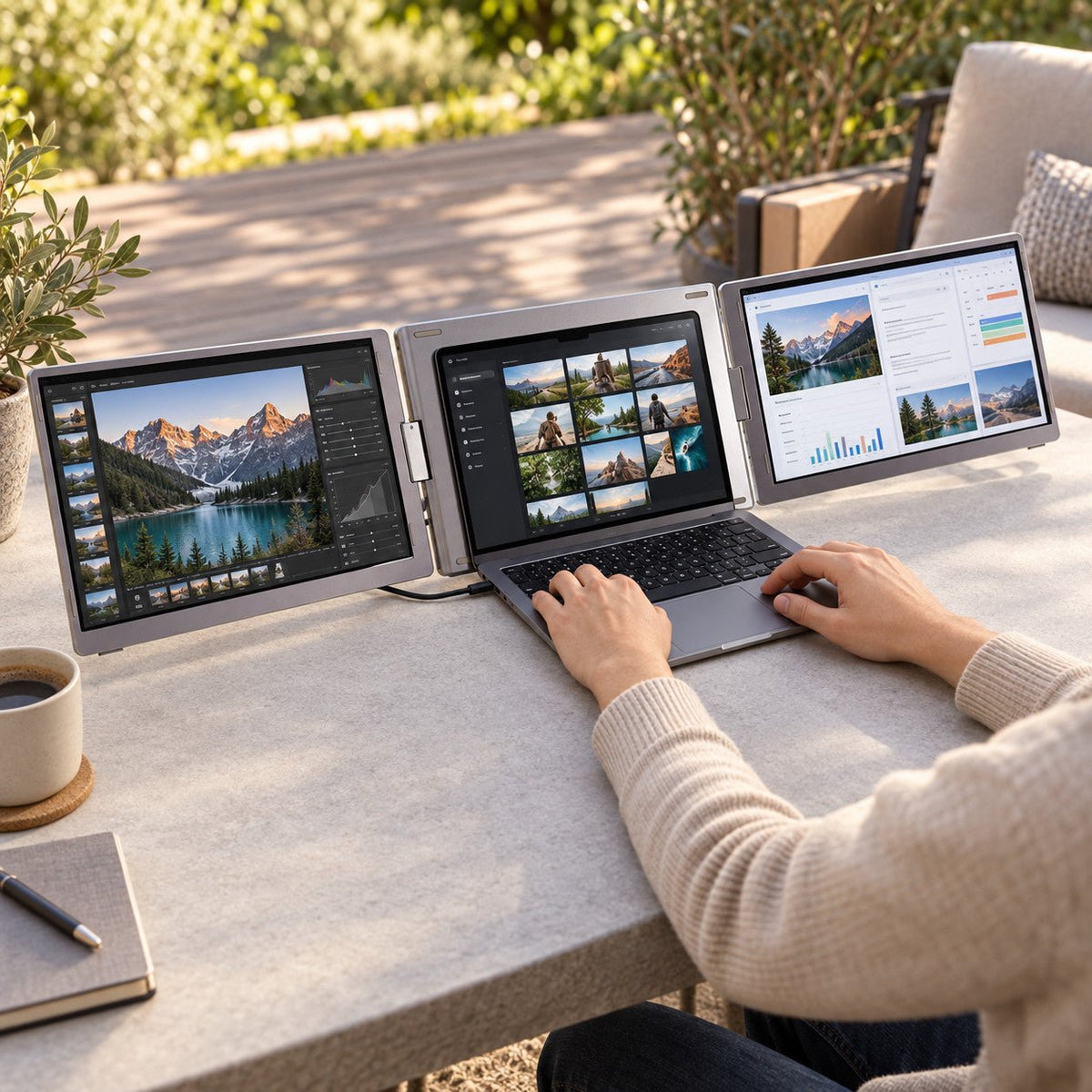
Triple-Screen Workspace: Add two external displays to your laptop and keep more of your work in view.
Dual 16″ FHD+ IPS Displays: View documents, code, and spreadsheets on two 1920 × 1200 screens with a taller 16:10 format.
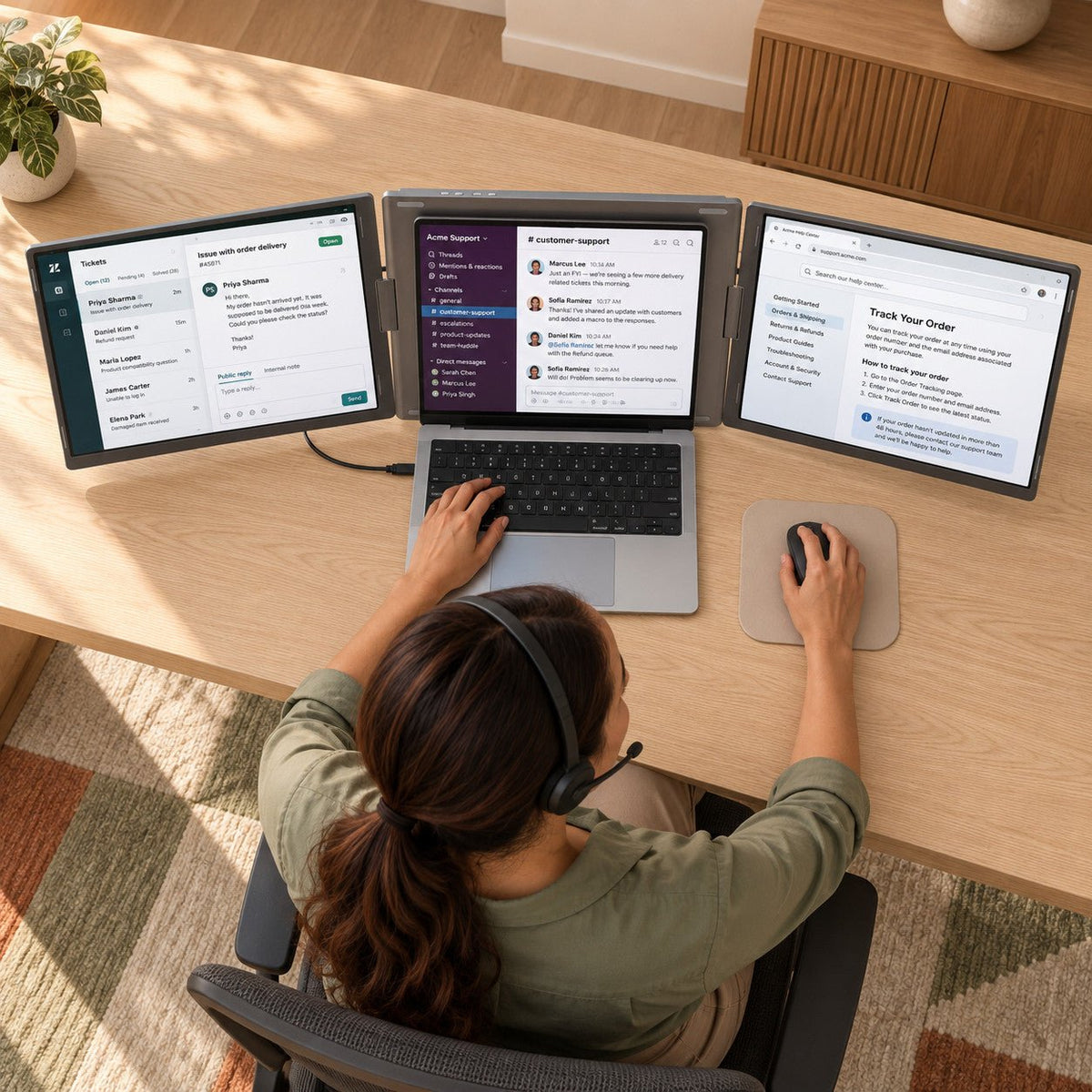
Keep Your Workflow Together: Work on your main task while references, tools, and calls stay visible alongside it.
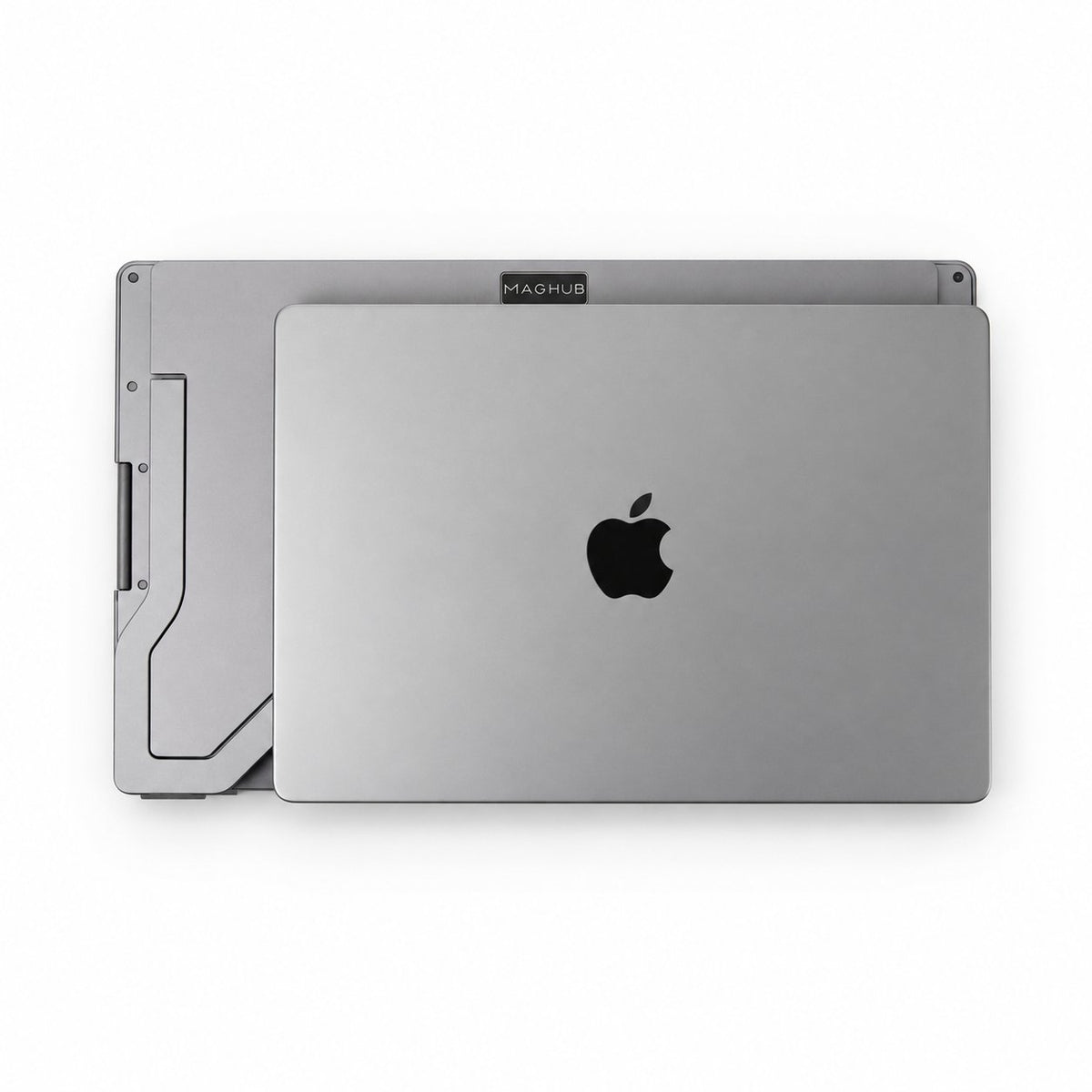
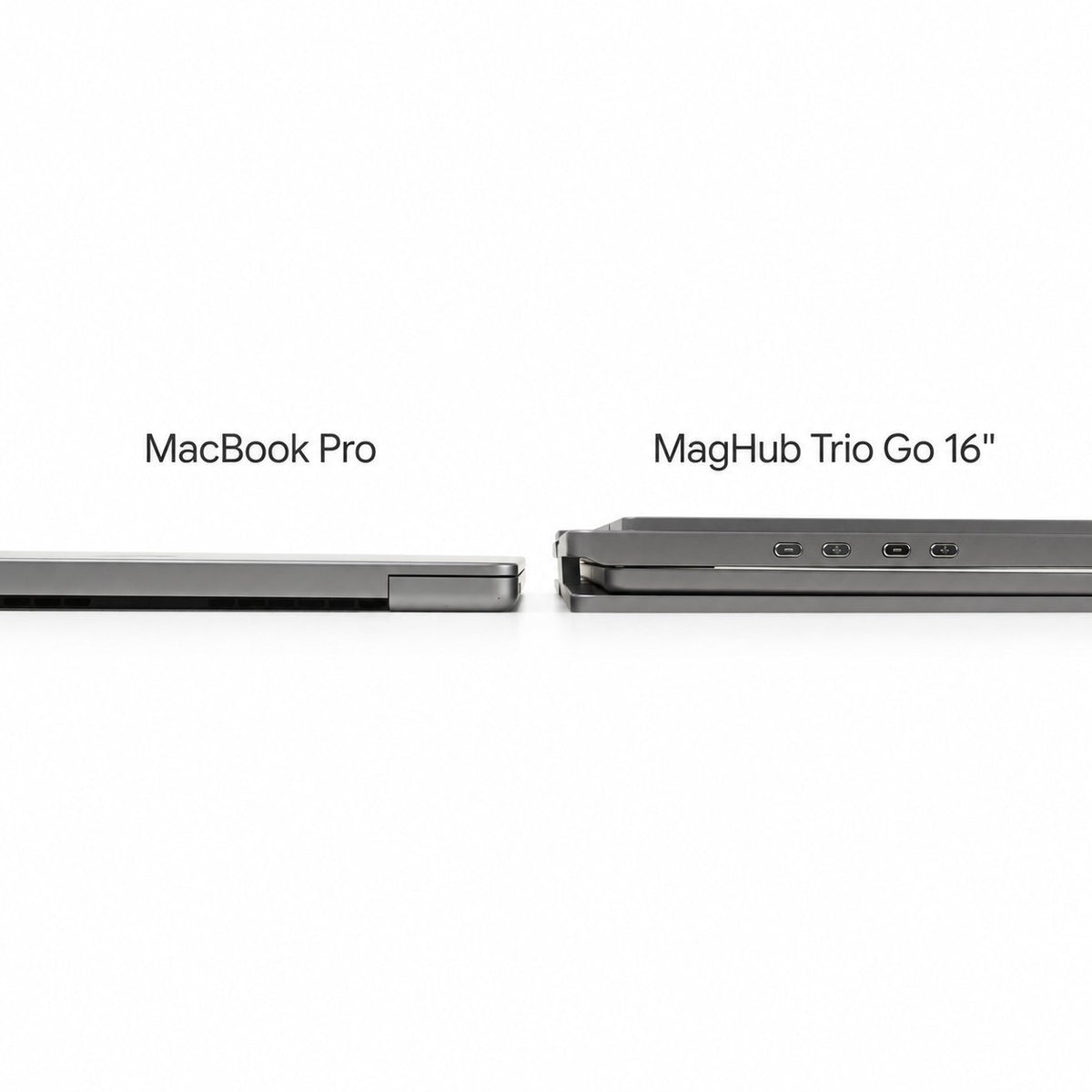
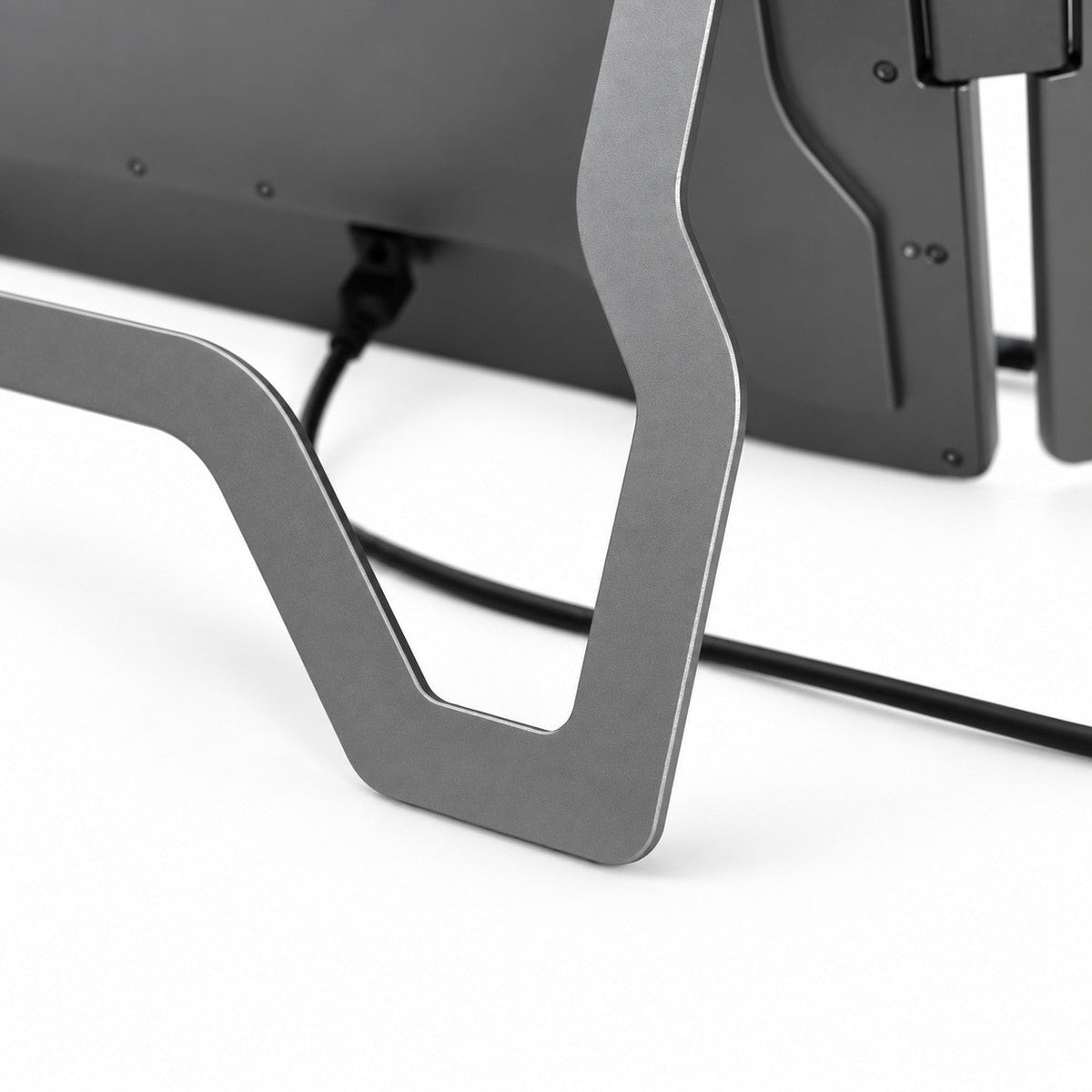
Foldable Aluminum Design: Fold the displays together for carrying between home, office, and client sites.
One-Cable Setup, Driver Required: On a typical supported laptop, the included connection cable powers both extended displays. Download and install the INVZI display driver before first use.
 Display
 Display
- Screen Size: 2x 16 inches
- Panel Type: IPS (W-LED Backlight)
- Resolution: 1920 x 1200 (Full HD+)
- Aspect Ratio: 16:10
- Maximum Brightness: 250 cd/m2
- Contrast Ratio: 1000:1
- Color Gamut: 100% sRGB
- Refresh Rate: 60Hz via Type-C input
Viewing Angle: H: 89 degrees / V: 89 degrees (CR >= 10)
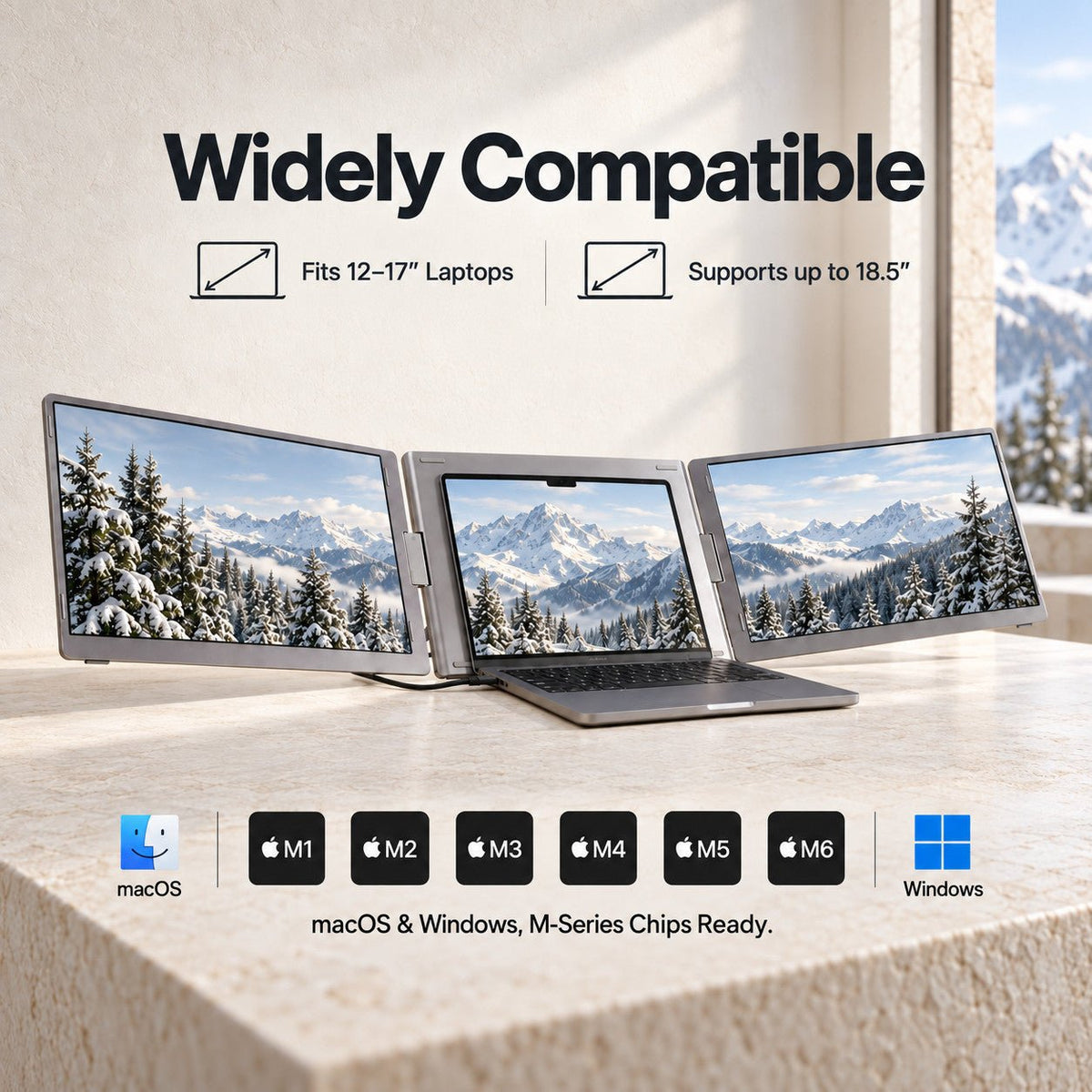
Designed for 12-inch to 18.5-inch mainstream laptops.
All technical specifications can be found at the bottom of the page.
 Connectivity & Compatibility
 Connectivity & Compatibility
To power up your multi-screen workspace, a brief driver installation is required. This fast, secure setup uses the same INVZI display driver system across our MagHub screen extender lineup, helping ensure stable performance and seamless integration across your extended displays.
Hardware & Connection:
- USB-C Connection: Connects to your laptop through USB-C for display expansion and everyday multi-screen productivity.
- Power Support: Designed for reliable operation with the included cable setup. If your laptop cannot provide enough power, use the power input as instructed in the user guide.
OS & Processor Compatibility:
- macOS: Full support across Intel processors, M1, M2, M3, M4, M5 series, and later.
- Windows: Fully compatible with Windows 10, Windows 11, and above.
 Product Resources & Downloads
 Product Resources & Downloads
Access everything you need to set up and optimize your workflow. Get detailed guidance on installation, daily operation, and maintenance for the MagHub Trio Go 16".
User Guides
Required Driver Setup
To fully activate your extended displays, please install the latest INVZI display driver before first use:
- macOS: [Download Driver]
- Windows: [Download Driver]
Support & Policies
Customer Support
Have questions? The INVZI support team is here to help with product setup, compatibility, orders, returns, and warranty support.
Live chat is available Monday–Friday, 9:00 AM–5:00 PM PST.
For other inquiries, contact us through our website or email support@invzi.com.
Shipping Information
INVZI currently ships primarily to North America and Europe. Availability for other destinations will be shown at checkout.
Orders over US$100 qualify for free standard shipping, excluding remote areas. Additional shipping charges may apply to remote destinations and will be shown at checkout or confirmed with you before dispatch.
Estimated delivery from the date of order is typically:
- North America, local warehouse: 3–5 days
- North America, Hong Kong warehouse: 7–14 days
- Europe, Hong Kong warehouse: 7–10 days
Shipping origin depends on product availability and your delivery address. Delivery times are estimates and may be affected by remote destinations, customs clearance, public holidays, or carrier disruptions.
International duties, taxes, and customs clearance fees may apply unless otherwise stated on the product page or at checkout.
View full Shipping PolicyTrack Your Order
Once your order ships, we’ll send a shipping confirmation email with your tracking details and a link to track your shipment.
Please allow up to 48 hours after shipment for tracking information to appear.
If your order has not arrived within the estimated delivery window, contact support@invzi.com with your order number so our team can investigate.
Returns & Refunds
Products purchased directly from invzi.com may be returned within 14 calendar days after delivery.
Opening a product for reasonable inspection, setup, or testing does not automatically make it ineligible for return. Returned products must be complete, free from customer-caused damage, and include the original packaging and included accessories.
For approved non-defective display returns, a $49 return shipping and handling deduction applies. We will disclose the applicable deduction before issuing a return label.
Separately purchased accessories may also be returned within 14 days. The $49 display-product deduction does not apply, but the customer is responsible for actual return shipping unless the return is due to an INVZI error or product defect.
Products purchased through an authorized third-party retailer are subject to that retailer’s return policy.
Please contact support@invzi.com or submit a return request through your INVZI account before sending any product back. Return locations vary by product and region.
View full Returns & Refunds PolicyWarranty
INVZI products are covered by a one-year limited warranty against manufacturing defects.
For confirmed warranty claims, we may provide troubleshooting, repair, replacement, or a refund depending on the issue, product availability, and applicable law. The $49 non-defective return deduction does not apply to confirmed warranty claims.
One Workspace. Three Focus Zones.
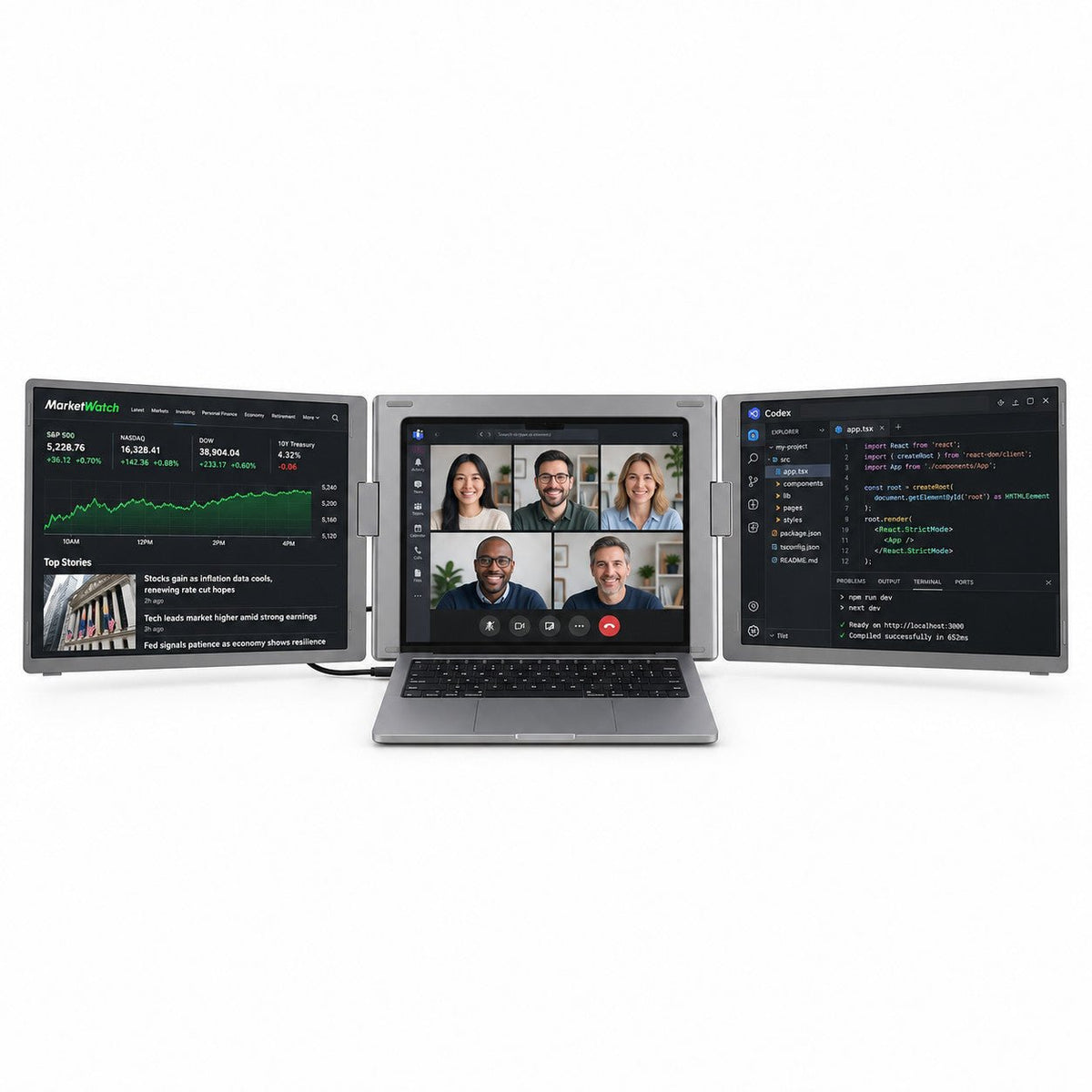
MagHub Trio Go 16 keeps market data, meetings, and coding workflows visible at the same time, so you can work without constantly switching windows.

Live Context
Keep your main task on your laptop, with live data and references on the two side displays. Three screens, three clear roles.
Market View
Track charts, watchlists, financial data, or live dashboards on a dedicated side screen while your main work stays uninterrupted.
Main Workspace
Keep your meeting, presentation, document, or primary task in the center where your attention naturally stays focused.
Build Flow
Use the second extended screen for code, AI tools, documentation, terminals, previews, or project references.
Live Context
Keep your main task on your laptop, with live data and references on the two side displays. Three screens, three clear roles.
Market View
Track charts, watchlists, financial data, or live dashboards on a dedicated side screen while your main work stays uninterrupted.
Main Workspace
Keep your meeting, presentation, document, or primary task in the center where your attention naturally stays focused.
Build Flow
Use the second extended screen for code, AI tools, documentation, terminals, previews, or project references.

Desktop Power. Backpack Ready.
Carry a three-screen workstation wherever work takes you. At about 3.9 lb with a fold-flat design, MagHub Trio Go 16 is built for offices, hotels, coworking spaces, trading desks, and client sites.
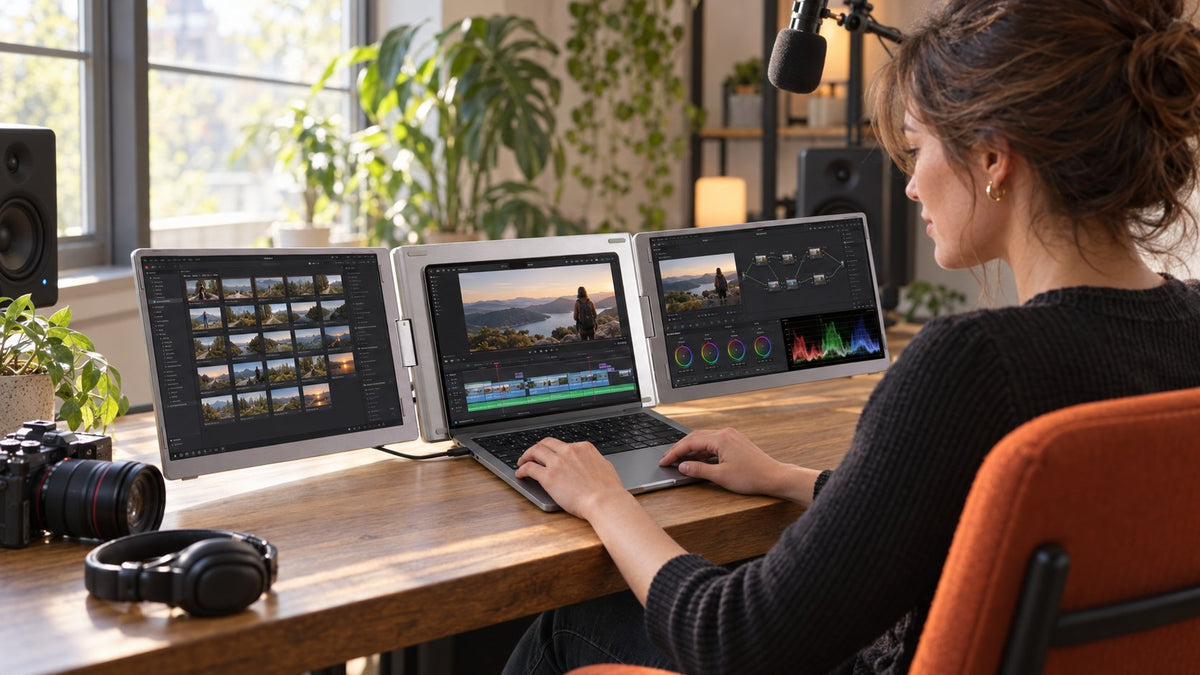
Your Mobile Command Center.
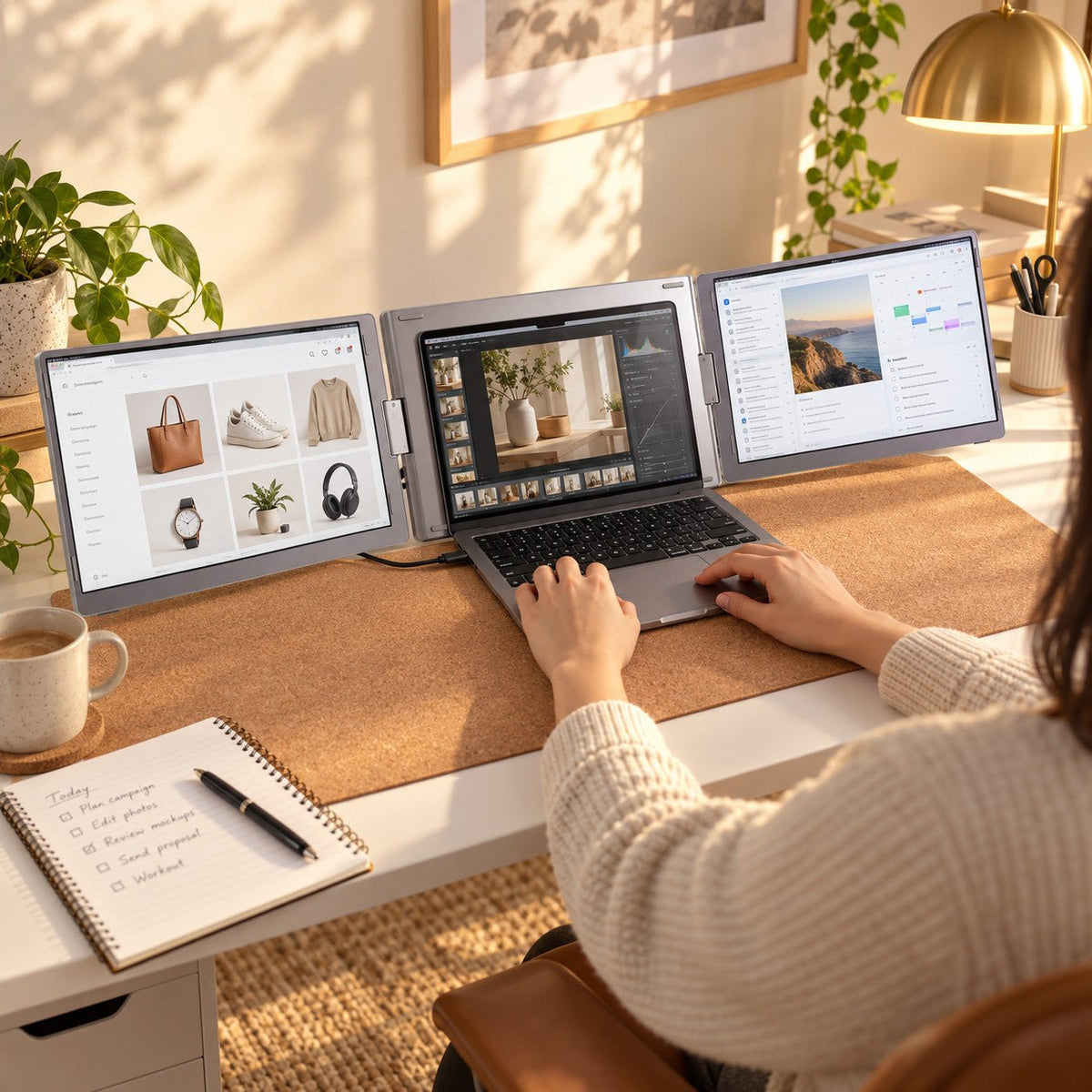
Keep live data, meetings, code, references, and tools visible at once. Built for traders, creators, developers, and remote teams who need more context without constant tab switching.
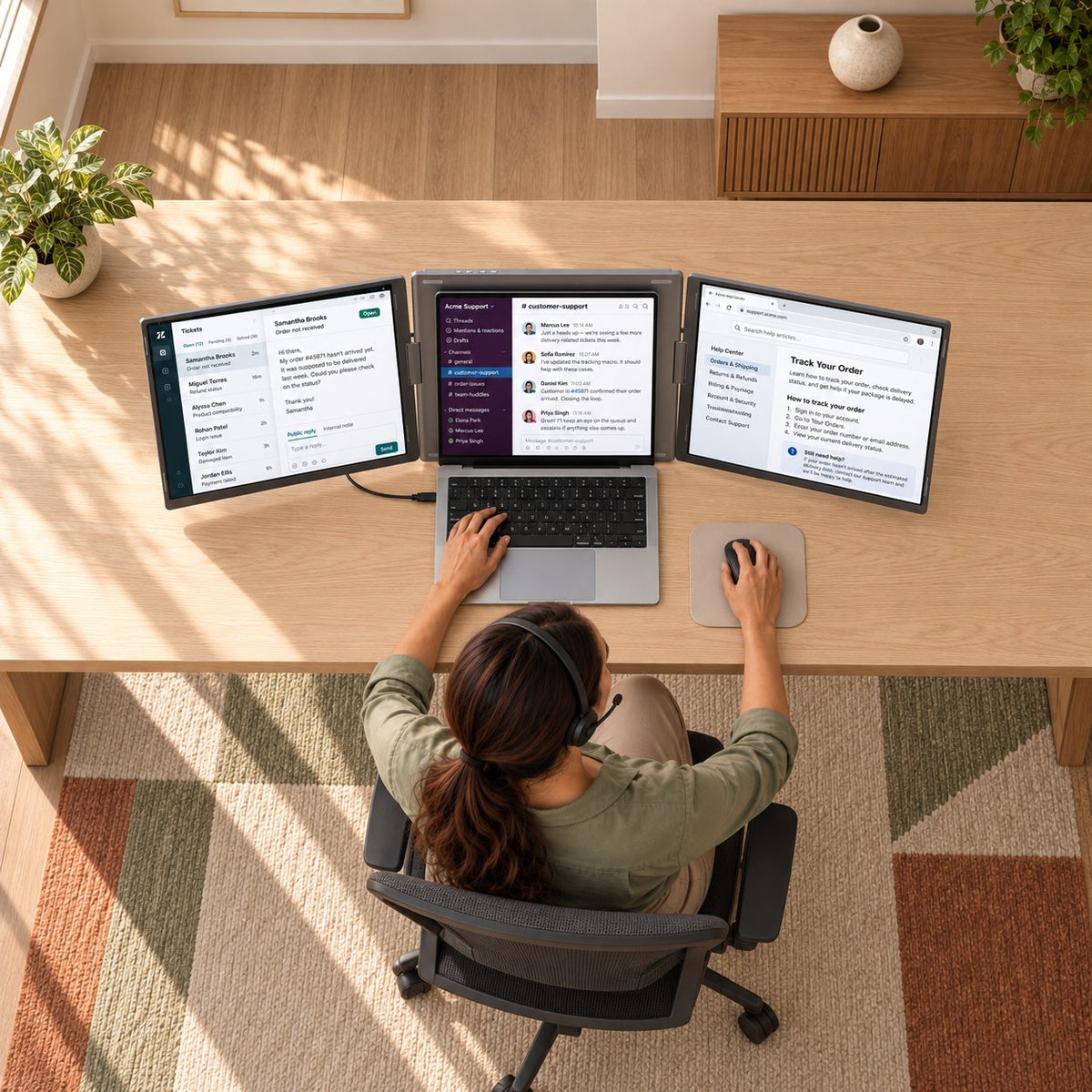
See More. Work Better.
Two 16-inch 16:10 displays give you more vertical room for documents, dashboards, timelines, and creative tools. With 1920 x 1200 resolution, IPS panels, and 100% sRGB color coverage, every screen is built for focused work.
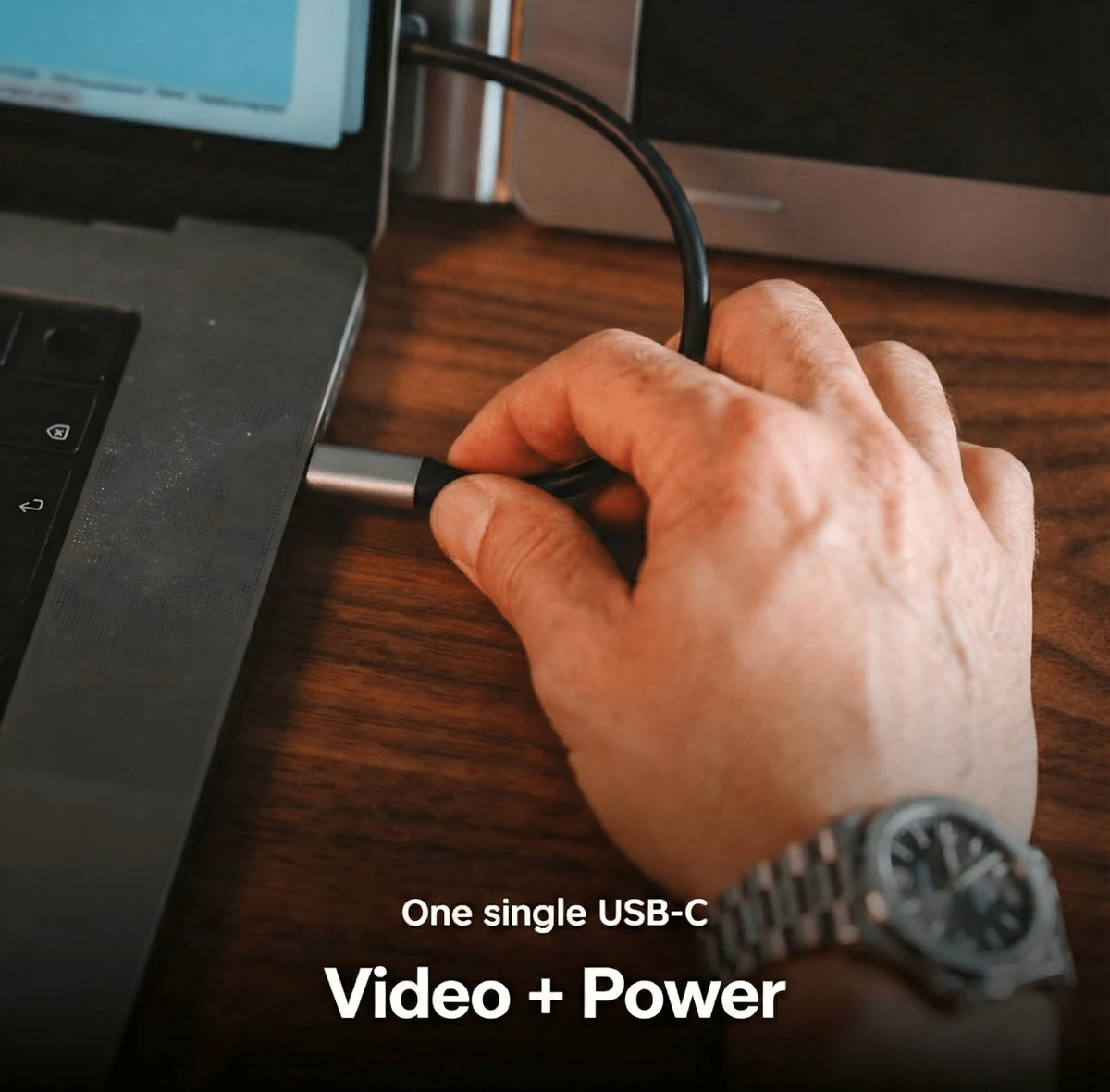
Clean Connection.Clear Setup.
Connect with the supported USB-C input and complete a quick driver setup to activate the extended displays. The result is a cleaner, more portable multi-screen workspace with fewer moving parts.
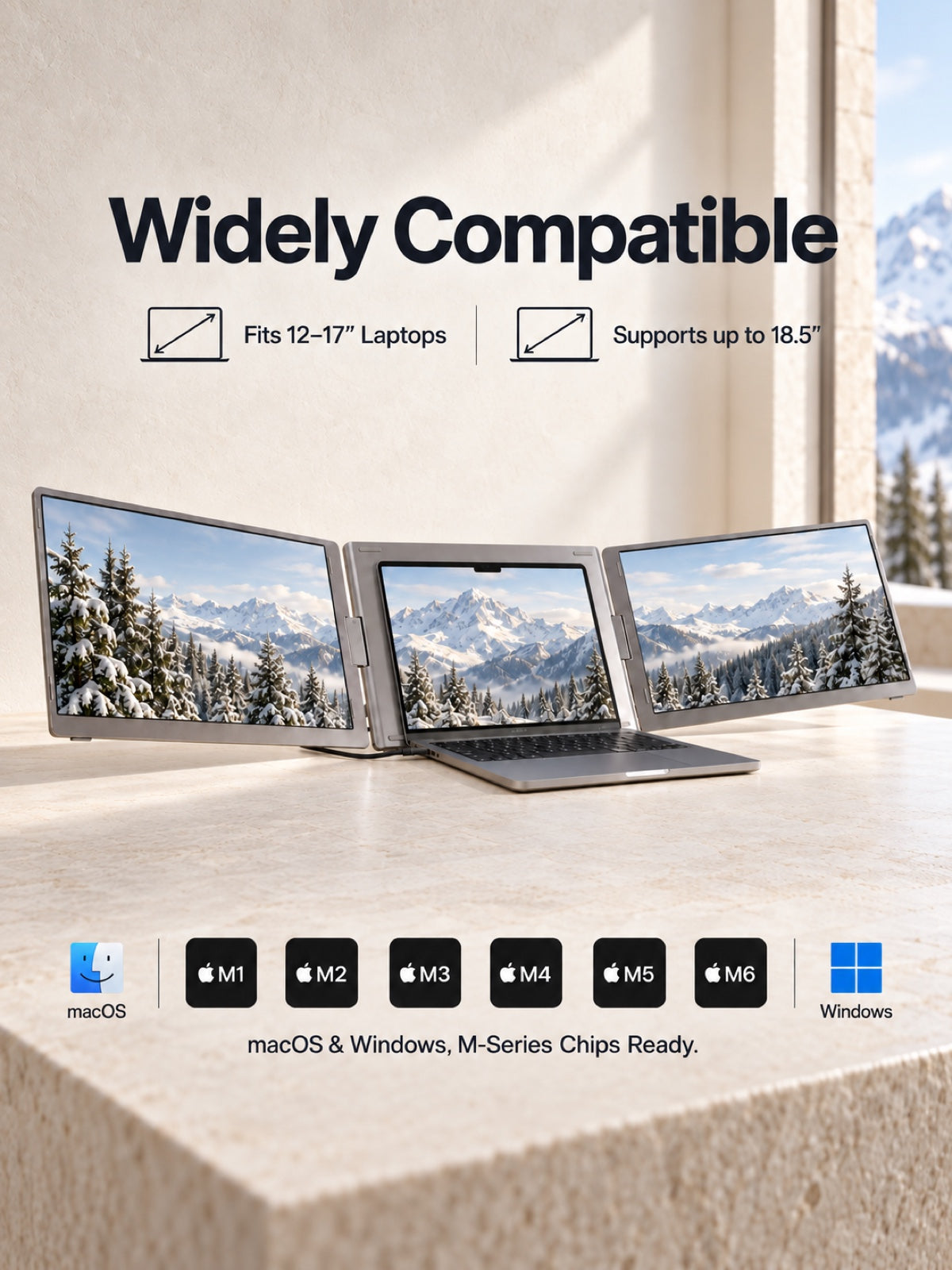
Ready for Mac and Windows.
Designed for mainstream 12-inch to 18.5-inch laptops, with support for macOS and Windows workflows through the INVZI display driver system.
Desktop Power. Backpack Ready.
Carry a three-screen workstation wherever work takes you. At about 3.9 lb with a fold-flat design, MagHub Trio Go 16 is built for offices, hotels, coworking spaces, trading desks, and client sites.
Your Mobile Command Center.
Keep live data, meetings, code, references, and tools visible at once. Built for traders, creators, developers, and remote teams who need more context without constant tab switching.
See More. Work Better.
Two 16-inch 16:10 displays give you more vertical room for documents, dashboards, timelines, and creative tools. With 1920 x 1200 resolution, IPS panels, and 100% sRGB color coverage, every screen is built for focused work.
Clean Connection.Clear Setup.
Connect with the supported USB-C input and complete a quick driver setup to activate the extended displays. The result is a cleaner, more portable multi-screen workspace with fewer moving parts.
Ready for Mac and Windows.
Designed for mainstream 12-inch to 18.5-inch laptops, with support for macOS and Windows workflows through the INVZI display driver system.
Four Steps. Full Workspace
- Extend the stand
- Unfold the screens
- Connect the included cable to your laptop
- Download and install the display driver
Designed for Real Workflows

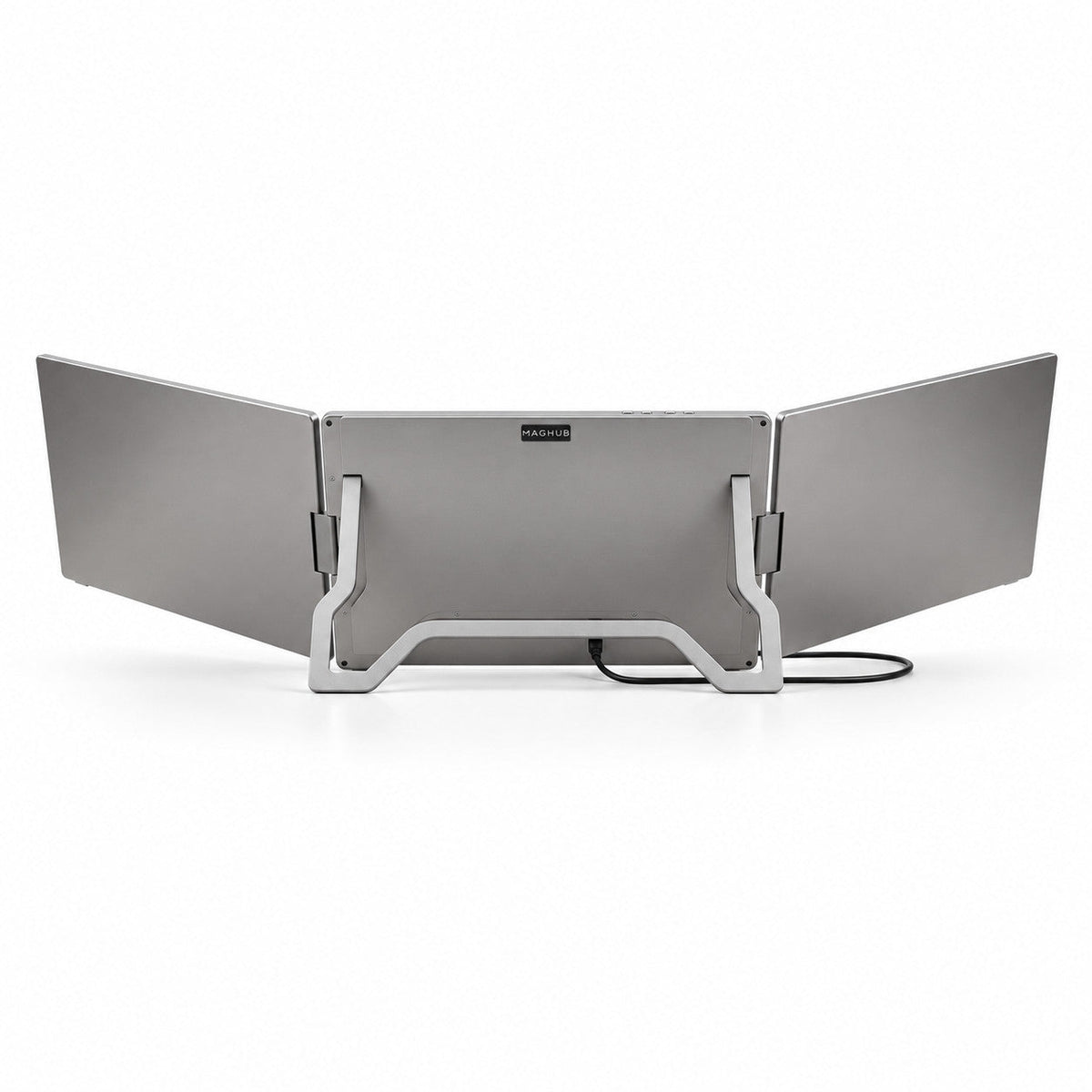
Integrated Adjustable Stand
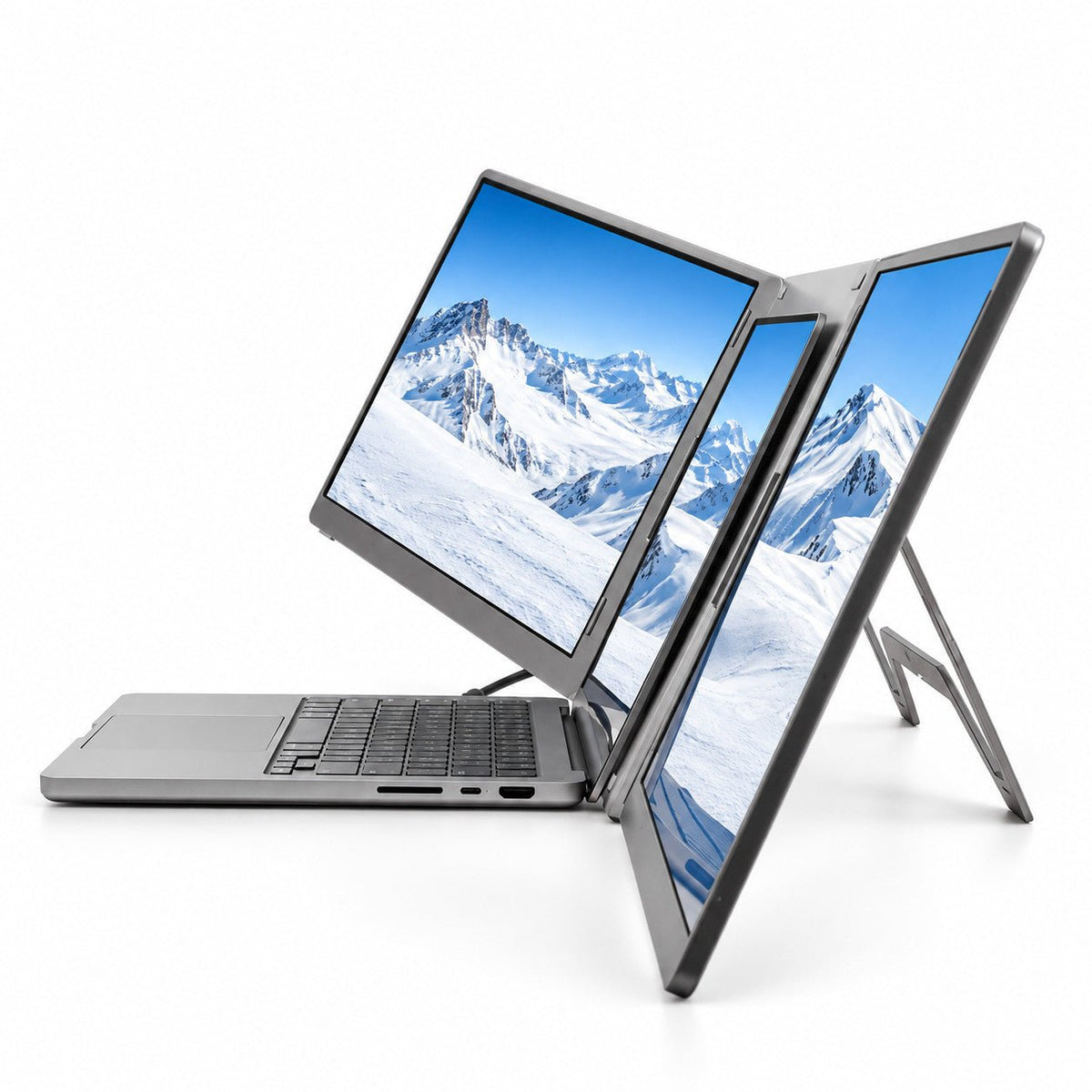
Open the built-in support and create a stable triple-screen setup on almost any desk.

Independent Screen Adjustment
Adjust the two side screens to match your viewing angle, workflow, or collaboration needs.
Fold-Flat Portability
Fold the full setup flat and carry it between home, office, hotel, and client site.

USB-C Connection
Connect to your laptop through USB-C for a cleaner desk and faster setup.
Turn One Laptop Into a Complete **Mobile Workspace.**
More Room. Sharper Detail. Better Flow.
Work across two 16" 16:10 extended displays with 1920 x 1200 resolution, IPS viewing, and 100% sRGB color coverage for documents, dashboards, creative tools, and everyday multitasking.


One Hub. All Systems. Total Compatibility.

macOS
Works seamlessly with MacBook Air, MacBook Pro, and modern Apple Silicon or Intel Mac devices.

Windows
Fully compatible with mainstream Windows laptops for flexible multi-screen productivity.

Mac mini / Compact Desktop
A clean match for compact desk setups, mini PCs, and modern desktop workflows.
Seamless Connectivity
Connect your laptop with the supported Type-C input or included USB-A cable setup, then complete the required driver installation for the two extended displays.


Designed for Every Workflow.


Built for Private Work and Shared Moments.
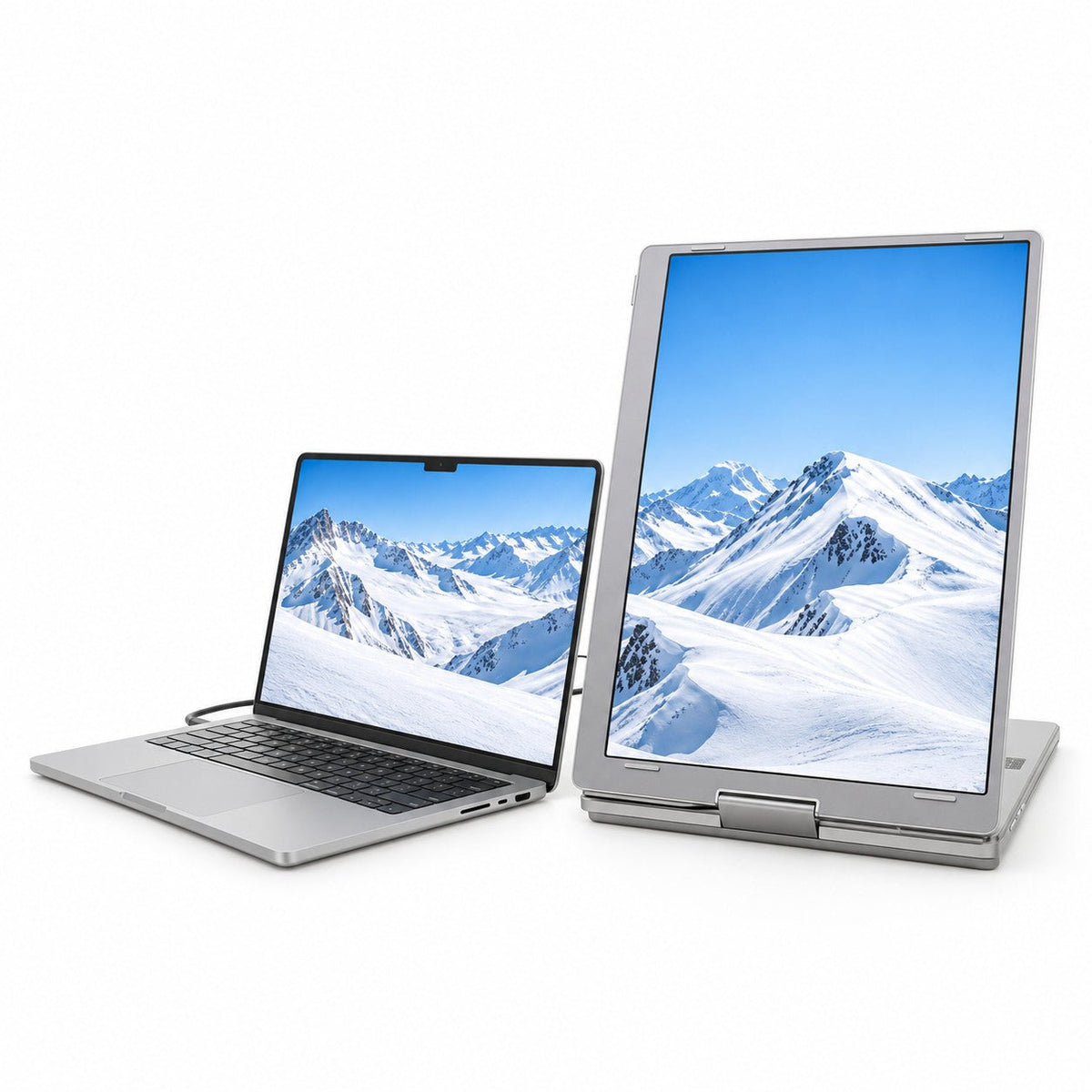
Work focused when it's yours. Flip the display when it's time to present.


Everything You Need, Included.
MagHub Trio Go 16 ships with the essential cables, driver U disk, user manual, and portable carry bag, so customers know exactly what is included before purchase.

MagHub Trio Go 16

Portable Carry Bag

USB-C to USB-C Cable

Dual USB-A to USB-C Cable

Driver U Disk

Gift box

User Manual
PRODUCT DETAILS
Built to Move. Ready to Set Up.

Technical Specifications
 Highlights

- Triple-screen workstation: laptop display + 2 extended screens
- Dual 16-inch Full HD+ displays
- 16:10 aspect ratio with 1920 × 1200 resolution
- IPS panels with wide viewing angles
- 100% sRGB color coverage
- Driver required for extended display setup
 Product Information

- Product: MagHub Trio Go 16
- Type: Portable laptop screen extender
- Laptop fit: 12"–18.5" mainstream laptops
- Device size: 388 × 244 × 29 mm
- Weight: Approx. 3.88 lb
 Display

- Screen size: 2 × 16-inch extended displays
- Panel type: IPS
- Resolution: 1920 × 1200
- Aspect ratio: 16:10
- Brightness: 250 cd/m²
- Contrast: 1000:1
- Color gamut: 100% sRGB
- Refresh rate: 60Hz
- Viewing angle: H 89° / V 89°
 Connectivity & Power

- Video input: USB-C, 1920 × 1200 at 60Hz
- Type-C 2: Power only
- Power input: DC 5V/3A
- Normal power: 15W or below
- Standby power: 4W or below
- Driver setup: Required before first use
 Compatible Operating System

- Operating systems: macOS and Windows
- Mac support: Intel, M1, M2, M3, M4, M5 series, and later
- Windows support: Windows 10, Windows 11, and above
- Laptop size: Fits 12"–17" laptops and supports up to 18.5"
 Controls & OSD Menu

- Operating temperature: 5°C to 40°C
- Operating humidity: 10% to 70%

Customers praised this portable screen extender for excellent image quality, easy setup, and improved productivity. Many noted it's "value for money" and "worth every penny." Some concerns: hinges seem delicate, third screen requires external power (adapter heats up), outdated software needs updates, and build quality could be more premium.
- From the amazing customer service to the ease of setup and quality of product - love it!
- A game changer for productivity, especially when working with multiple spreadsheets.
- Simply amazing just plug n play. Screen quality is very good and fits on the laptop easily.
Best buy for multi display setup.. value for money undoubtedly.. Hinges seem a bit delicate , would have been better if it had a bit more support on the sides.. Excellent Display quality..
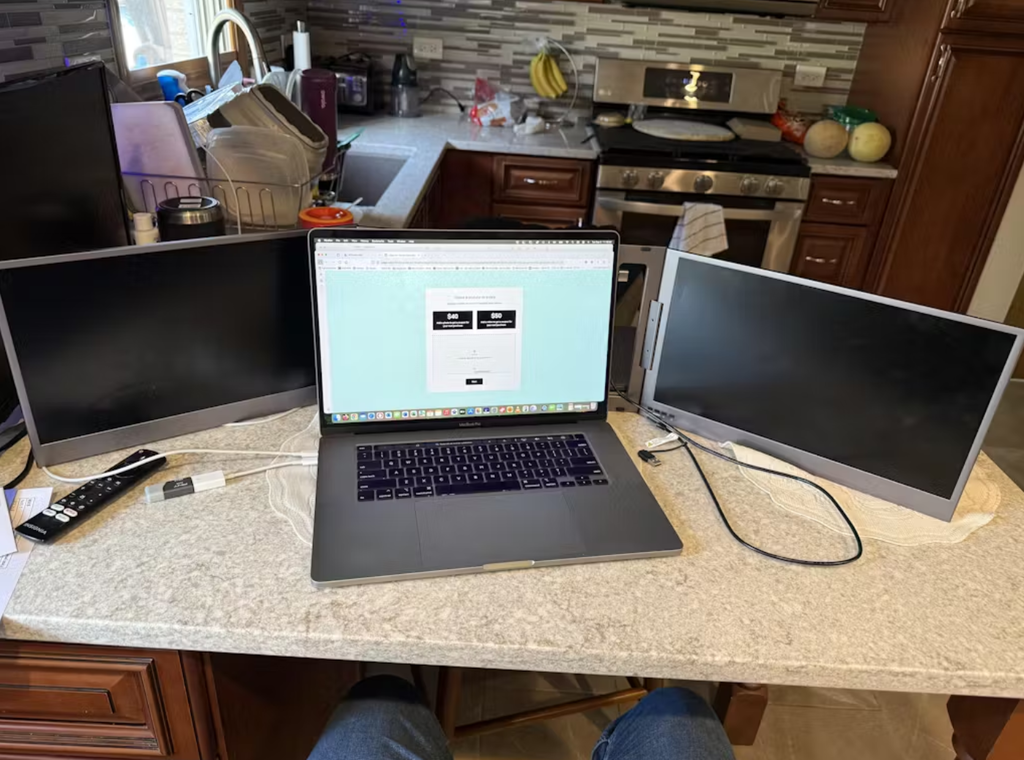
Just unboxed it today and so far so good. Good image quality, easy setup and instll.
I use the laptop for the active task and the two panels for supporting material. Once configured, the layout makes my desk work easier.
The folded unit is easier to pack than two monitors, but it is still more gear than I want to carry daily.
I like the extra space, yet this is not a zero-setup accessory. I had to install software and arrange the screens before my first work session.
The extra screens are useful, but buyers should confirm laptop fit, connection, and driver permissions before purchase.
Keeping a source document and task list in view helps me make fewer context switches. The two side panels have a clear job in my workflow.
I needed a driver-free solution for a locked-down work laptop. This model requires a driver, so it was the wrong choice for my situation.
There are no speakers in the extender. My laptop audio still works, but that limitation should be easy to spot for buyers comparing devices.
This is a two-screen extender, not a standalone computer. Once I understood the driver and desk-space requirements, I used it more effectively.
The cable options, driver USB drive, bag, and manual covered my setup. I would state more visibly that a power adapter is not included.
I wanted two more screens for a portable research desk, and that is exactly the role this extender fills in my routine.
I saw my operating system listed and assumed that settled compatibility. The driver-installation permission was the more important condition for my workplace.
The laptop size, connection, and driver requirements were worth reviewing. Doing that first made the first setup easier for me.
I needed this for a laptop on which I cannot install software. Because the display driver is required, this configuration cannot meet my work need.
I switch between personal and work laptops. The personal machine was straightforward; the managed machine needed its own driver approval.
I found the OS and laptop-size guidance useful. I would add driver permissions and available connection type to the same pre-purchase checklist.
After setting up the driver on my personal laptop, I use the two side screens for research and writing at my desk.
My company Mac blocks the required driver. The physical fit is fine, but the permission policy stops the setup I wanted.
The product supports my operating system, but my employer controls software installs. I needed an IT conversation before I could use it.
I installed the required driver on my personal Mac, then arranged the side panels in display settings. The result works for my document workflow.
On my supported Windows laptop, installing the driver and selecting Extend gave me distinct apps across all three screens.
I expected to use all three screens while sitting on a sofa. I get a much better result on a stable tabletop.
My laptop is within the stated 12 to 18.5-inch range, and the extender works for my desk routine. I would still verify the exact model before buying.
The integrated panels and stand turn my laptop into a desk setup without assembling separate displays each time.
The folded design is convenient to store, but I handle the side screens gently and make sure the stand is in place before work.
The setup is comfortable on a sturdy desk. I take the time to set the rear stand before using both panels.
I can turn the panels inward enough to keep both documents in my line of sight. That feels more natural than two flat screens far apart.
The extender fits my laptop, yet the open wings leave little space for a notebook or mouse. My table is the limiting factor.
My laptop falls within the stated size range, but I still needed to check its body shape and fit. Screen size alone is not the whole answer.
The unit folds away neatly when I finish. I still make sure the desk is clear before opening the side screens.
The rear support keeps the three-screen arrangement stable on my desk. I can angle the side panels toward my chair.
Questions Before You Buy?
Here are the essentials about compatibility, setup, power, and what's included.